@
sales@utplindia.in
+91 7046223333 , 9427301436
www.utplindia.in
www
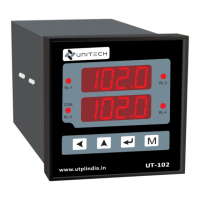
UT-102
UNIVERSAL PROCESS INDICATOR & CONTROLLER
9
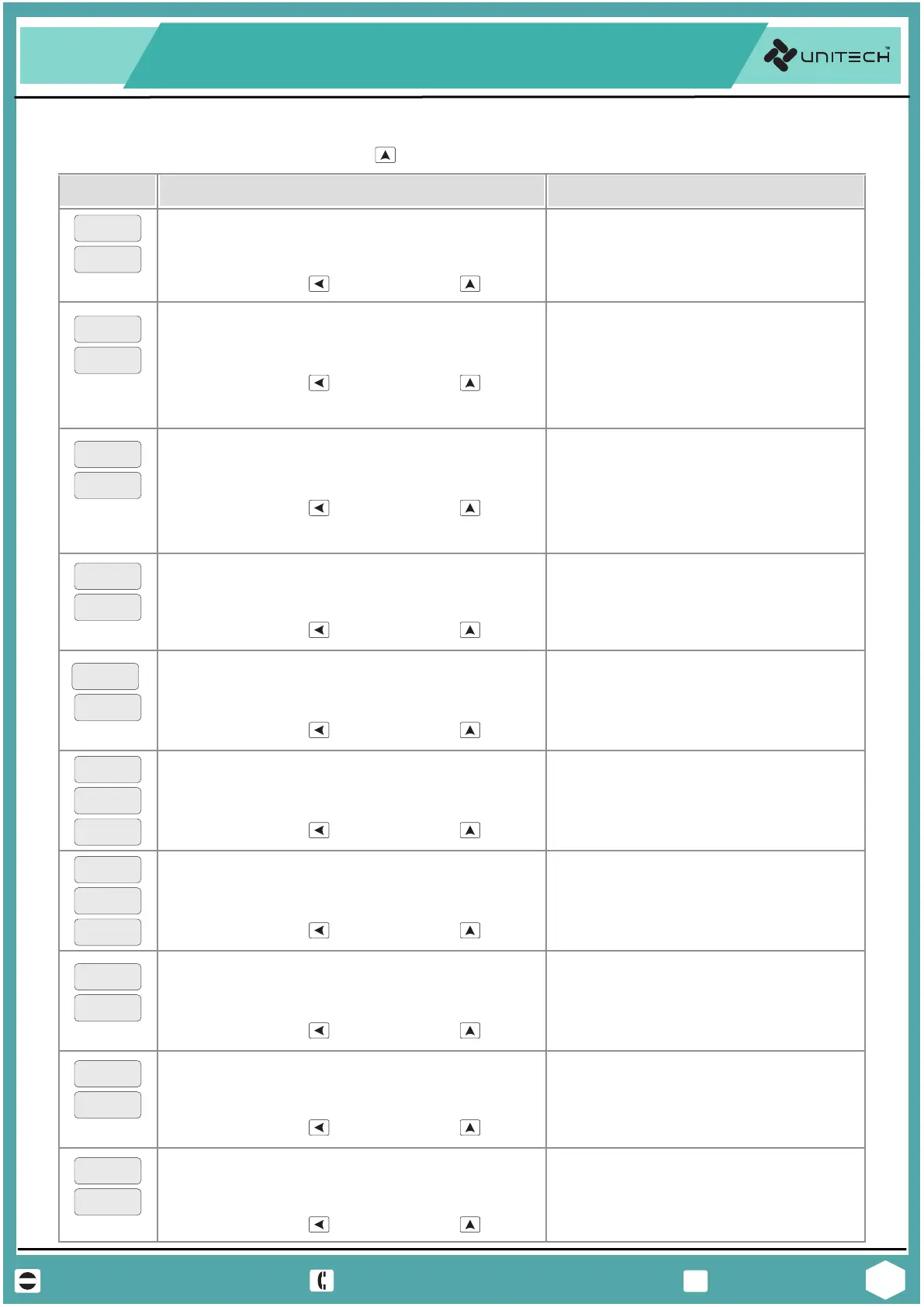
‘Setup Mode’ Mode will shown by pressing key, after Conf Mode display.
4.2 Setup Mode
sp3
sp4
sp2
Hys3
Hys4
Hys2
Range / Values
Parameter
pass
0000
SETUP MODE PASSWORD
Password for Setup Mode Parameters
Display
Scroll the digit by key, Increase by key.
Range : Values between 0000 to 9999
Default Value : 0000
ZERO
000.0
ZERO or LOW DISPLAY VALUE [LINEAR INPUT]
Display value at Low Input applied.
NOTE : Applicable for Analog Linear input only.
Scroll the digit by key, Increase by key.
Range : Values between 1999 to 9999
Default Value : 000.0
-
Scroll the digit by key, Increase by key.
Range : Values between 1999 to 9999
Default Value : 100.0
-
span
100.0
SPAN or HIGH DISPLAY VALUE [LINEAR INPUT]
Display value at High Input applied.
NOTE : Applicable for Analog Linear input only.
Scroll the digit by key, Increase by key.
Range : Values between 199.9 to 999.9
Default Value : 030.0
-
sp1
030.0
ALARM SET POINT # 1
Activation value for Alarm Relay-1
Scroll the digit by key, Increase by key.
Range : Values between 199.9 to 999.9
Default Value : 000.2
-
Hys1
000.2
HYSTERESIS ALARM # 1
Value Diff. between On and Off of Relay-1
Scroll the digit by key, Increase by key.
Range : Values between 199.9 to 999.9
Default Value : As per User’s set Reqd.
-
ALARM SET POINT # 2, 3 & 4
Activation value for Alarm Relay-2, 3 & 4
Scroll the digit by key, Increase by key.
Range : Values between 199.9 to 999.9
Default Value : 000.2
-
HYSTERESIS ALARM # 2, 3 & 4
Value Diff. between On and Off of Relay-2, 3 & 4
(According to Decimal point)
(According to Decimal point)
(According to Decimal point)
(According to Decimal point)
(According to Decimal point)
(According to Decimal point)
Scroll the digit by key, Increase by key.
Range : Values between 199.9 to 999.9
Default Value : 000.0
-
ofst
000.0
OFFSET TO PROCESS VALUE
This parameter Increase OR Decrease PV Display
(According to Decimal point)
Scroll the digit by key, Increase by key.
Range : Values between 199.9 to 999.9
Default Value : 000.0
-
op-L
000.0
OUTPUT LOW [ANALOG OUTPUT]
Low Analog Re-transmission Output at this PV.
(According to Decimal point)
Scroll the digit by key, Increase by key.
Range : Values between 199.9 to 999.9
Default Value : 100.0
-
op-H
100.0
OUTPUT HIGH [ANALOG OUTPUT]
High Analog Re-transmission Output at this PV.
(According to Decimal point)


 To Next Page