@
sales@utplindia.in
+91 7046223333 , 9427301436
www.utplindia.in
www
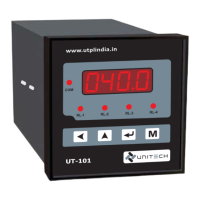
UT-102
UNIVERSAL PROCESS INDICATOR & CONTROLLER
7
‘Configuration Mode’ will shown by pressing & key simultaneously.
4.1 Configuration Mode
4. OPERATIONAL MODES
Range / Values
Parameter
pass
0000
CONFIGURATION MODE PASSWORD
Password for Config. Mode Parameters
Display
: Special Input (RH etc.)
: PT-100 (RTD)
: Linear 1 - 5 V DC
: Linear 0 - 20 mA DC
: Linear 4 - 20 mA DC
T. TC
S. TC
R. TC
J. TC
: ‘T’ Type Thermo-Couple
: ‘S’ Type Thermo-Couple
: ‘R’ Type Thermo-Couple
: ‘K’ Type Thermo-Couple
: ‘J’ Type Thermo-Couple
: Linear 0.5 - 2.5 V DC
: Linear 0 - 10 V DC
: CU-53 COPPER SENSOR
E. TC
: ‘E’ Type Thermo-Couple
Scroll the digit by key, Increase by key.
Range : Values between 0000 to 9999
Default Input : Pt-1 , It can be change as reqd.
1nP
pt-1
INPUT TYPE
Selection of the applied Input.
Change the type Up by key, Down by key.
Range : Input Type is as follows:
. TC
4
spCL
pt-1
1-5v
0-20
4-20
2.5v
10v
CU53
Default Value : 0000
tsp1
L on
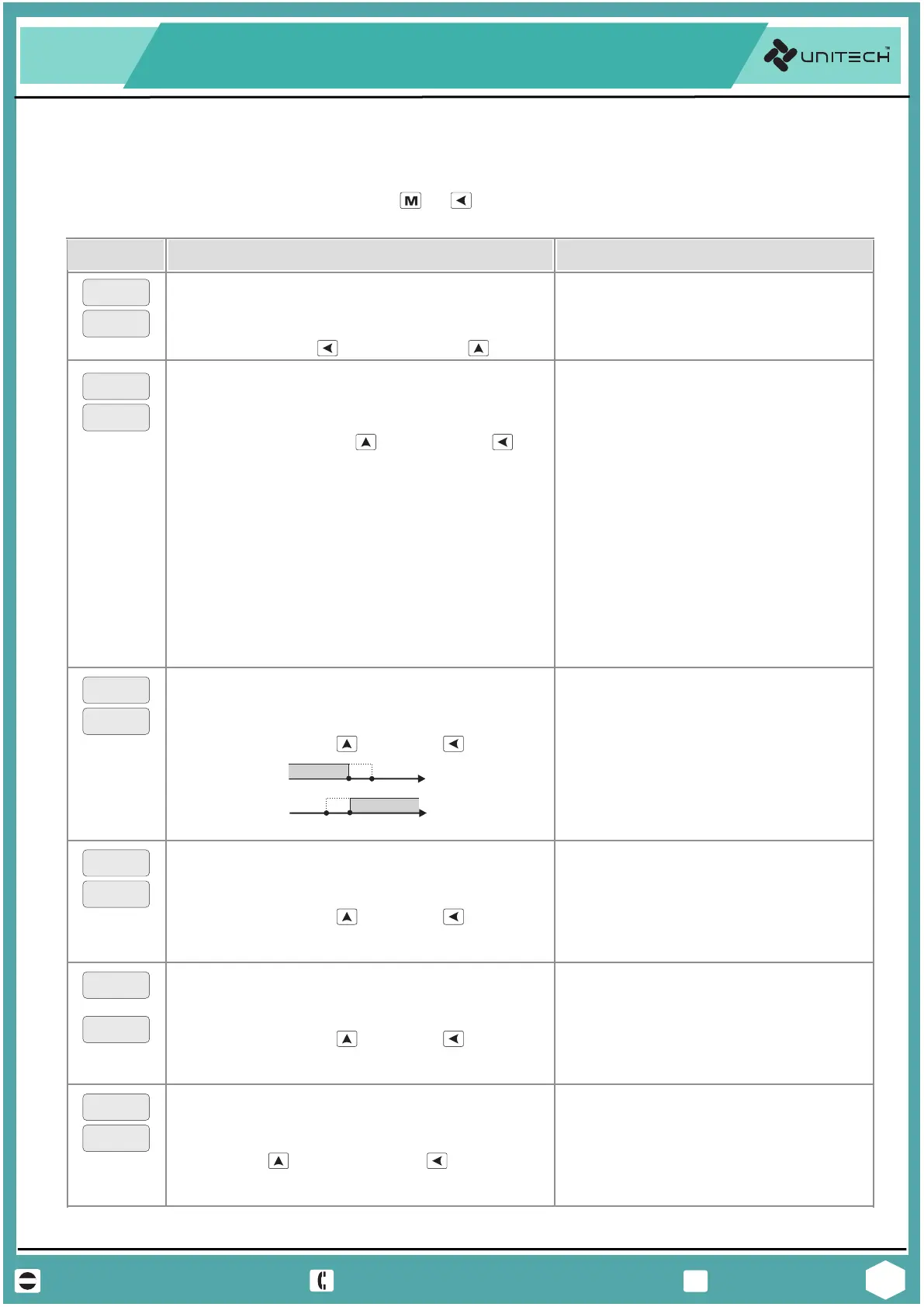
ALARM 1 RELAY ACTION
Alarm Relay activation direction.
Values :
Default Value : L on
: No decimal (1234)
0000
: Active in High
H oN
ON
OFF
PV
SV
ON
OFF
PV
SV
L ON :
: Active in Low
L oN
H ON :
: One decimal (123.4)
0001
: Two decimal (12.34)
0002
: Three decimal(1.234)
0003
SV-Hyst
SV+Hyst
Change the value by key, or by key.
tsp2
L on
ALARM 2 RELAY ACTION
Alarm Relay activation direction.
Values :
Default Value : L on
: Active in High
H oN
: Active in Low
L oN
Active same as above
Increase by key, Decrease by key.
dp
0001
DECIMAL POINT [LINEAR INPUT]
Decimal Point resolution for display value.
Values :
Default Value : 0001
NOTE : Applicable for Analog Linear input only.
Change the value by key, or by key.
tsp3
tsp4
ALARM 3 & 4 RELAY ACTION
Alarm Relay activation direction.
Values :
Default Value : L on
: Active in High
H oN
: Active in Low
L oN
Active same as above
Change the value by key, or by key.
&


 To Next Page