4.2 Menu Keys
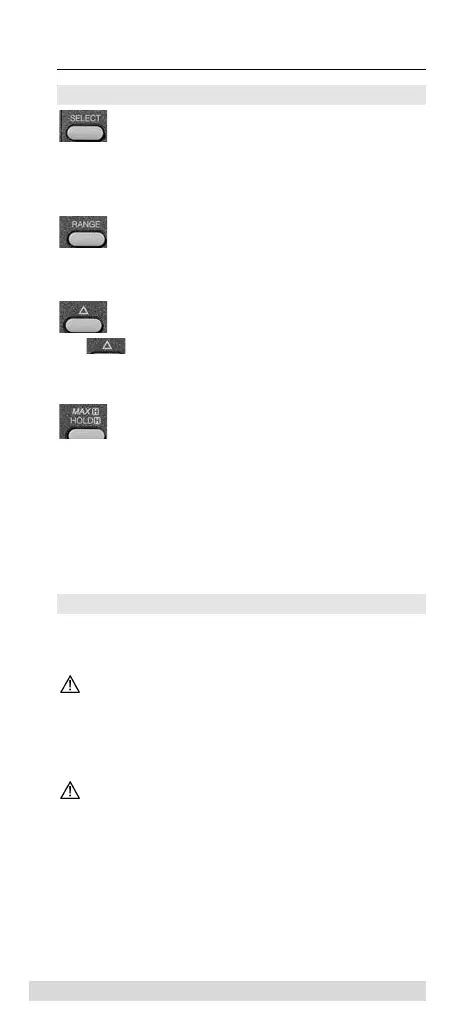
Measurement ranges marked in yellow at measurement
function selection dial can be selected by pressing the
SELECT key.
The Range key is used to select between automatic and
manual measurement range setting.
The key is used to change to relative value function.
Here, the display can be set to zero in order to determine
the relative value of measurement data.
If during the measurement process, the display is difficult
to view or is fluctuating, the measurement data can be
frozen by pressing the Hold key. If the Hold/MAX key is
pressed longer than one second, the maximum measure-
ment value is recorded and displayed in the event of every
new Maximum.
5.0 Carrying out Measurements
General information regarding the performance of meas-
urements:
Measurements in dangerous proximity of electrical
systems are only to be carried out in accordance with
the instructions of a responsible electrical technicians,
and never alone.
Only hold test leads and test probes at the handles
provided. It must be avoided to directly touch the test
probes.
34
Carrying out Measurements



 To Next Page