Current Measurement A
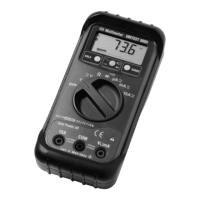
" Select measurement range A using measurement
function selection dial.
" Connect the test lead to the COM socket and the red
test lead to the A socket.
When connecting the test lead to the A socket, the
multimeter automatically switches to measurement
range A.
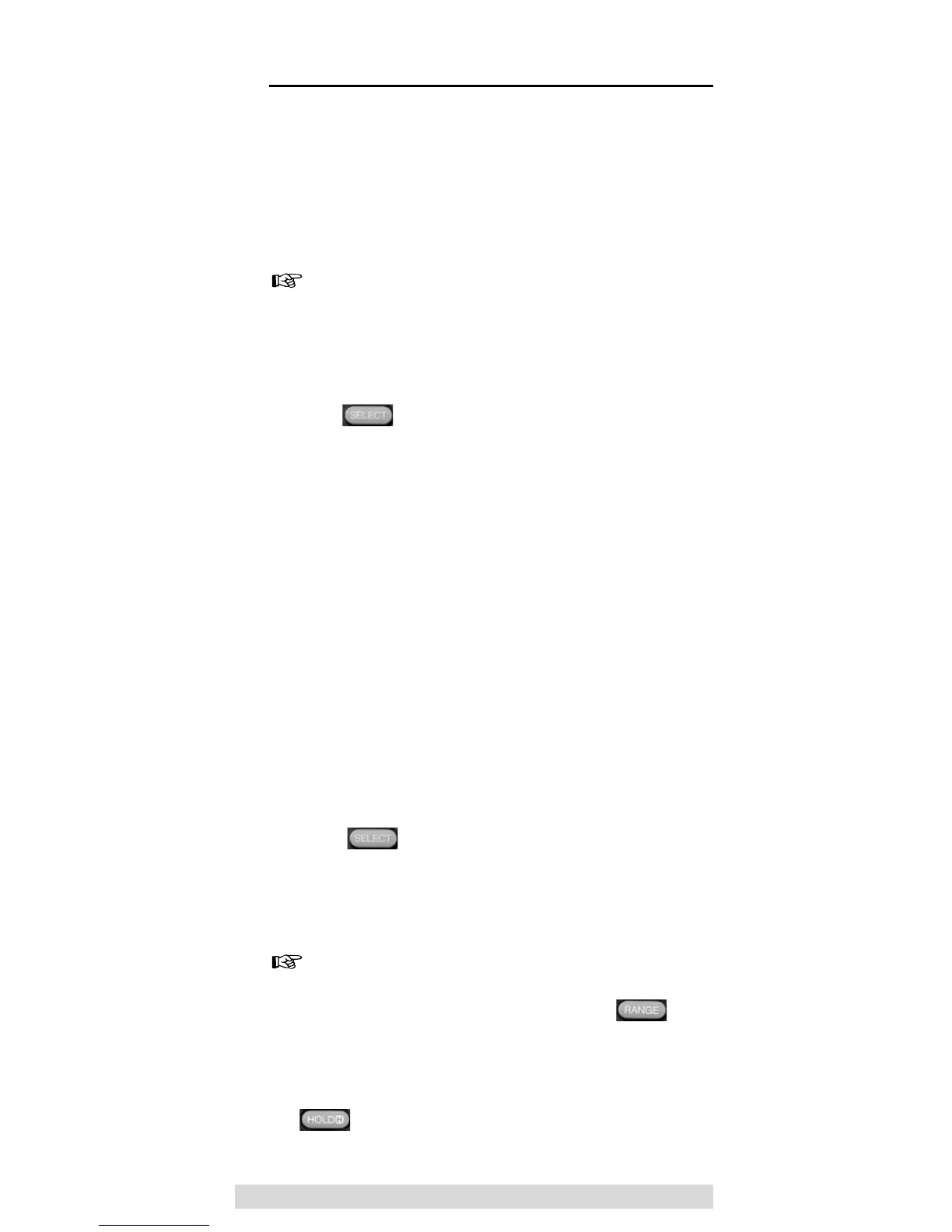
" Select the type of current to be expected pressing
the key.
" Connect test leads to UUT.
" Read the measurement result displayed.
Current Measurement mA and µA
" Select either measurement range mA or mA, de-
pending on the current value to be expected, using
the measurement function selection dial. If the value
to be measured is unknown, start with the highest
measurement range.
" Connect the black test lead to the COM socket and
the red test lead to the mA/µA socket.
" Select the type of current to be expected pressing
the key.
" Connect test leads to UUT.
" Read the measurement displayed.
The multimeter automatically selects the most appro-
priate measurement range (auto ranging) For manual
measurement range selection, press the key.
If the display is not visible or fluctuating during the meas-
urement, the measurement value can be frozen by pressing
the key.
60
Current Measurement


 To Next Page