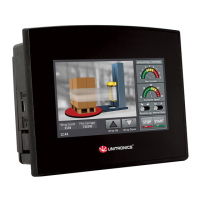
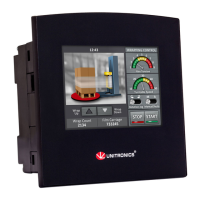
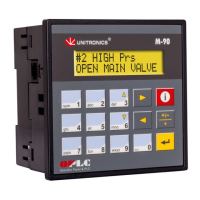
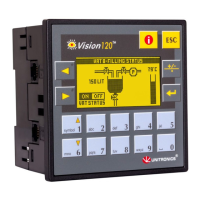
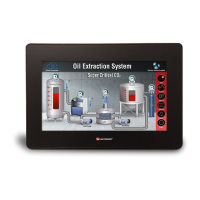
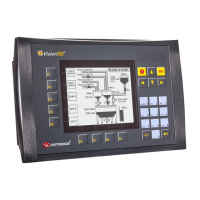
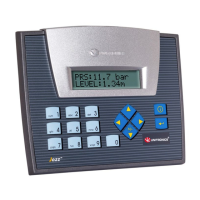
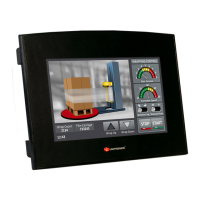
The pinouts below show the PLC port signals.
Before performing these actions, touch a grounded object to discharge any electrostatic charge.
Avoid touching the PCB board directly. Hold the PCB board by its connectors.
1. Turn off the power supply, disconnects, and dismounts the controller.
2. The back cover of the controller comprises 4 screws, located in the corners.
Remove the screws, and pull off the back cover.
The I/O board of the controller is now
exposed, enabling you to change
I/O settings (module dependent) according to
the jumpers setting above.
Note: Photo is for illustration purposes only.
(Using SM70)
Replace the back cover of the controller and fasten the corner screws.
Note that you must replace the back cover securely before powering up the controller.


 To Next Page
 Loading...