1. Make a panel cut-out of the appropriate size:
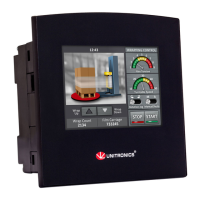
SM35: 92x92mm (3.622”x3.622”).
SM43: 122.5x91.5mm (4.82”x3.6”).
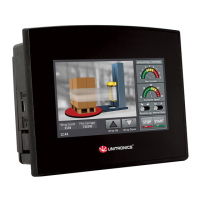
SM70: 193x125mm (7.59”x4.92”).
2. Slide the controller into the cut-out, ensuring that the rubber seal is in place.
3. Push the mounting brackets into their slots on the sides of the panel as shown in the figure below.
4. Tighten the bracket’s screws against the panel. Hold the bracket securely against the unit
while tightening the screw.
5. When properly mounted, the controller is squarely situated in the panel cut-out as shown in
the accompanying figures.





 To Next Page