www.urcsupport.com
6
To disable backlighting, do the following:
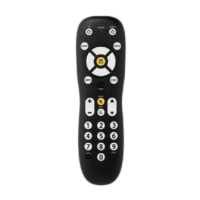
Congratulations! You can now use your Polaris
Remote Control to operate the most essential
functions of your home entertainment system.
To learn more about this remote control's
convenient features, please refer to the rest of
this User Guide, starting with the section,
“Features and Functions” on page 8.
1.
Quickly press SETUP twice. Keys no
longer are lit when you press them.
The selected device key (either TV or
SAT) still blinks once when you press a
key.
StarChoicePolaris Remote Rev 1 FRA.fm Page 6 Monday, January 8, 2007 4:57 PM






 To Next Page