Page | 3
Table of Contents
Quick Set-up ..............................1
Keypad Layout & Button Functions..
................................................2
Getting Started – Overview
• Battery Installation..................5
• Activation Overview ..............5
• Using Component Buttons ......6
• Learning Capability................6
• Low Battery Warning..............6
• Couch Mode ........................6
Get Started with the Basics ........7
• Quick Set-Up ........................8
• Three-Digit Set-up .............9-10
• Auto-Search Set-up .........11-12
• Set-up Using the
Learning Method..............13-15
Activating Optional
Advanced Features...............16-17
• MacroPower™ Total System
On/Off ............................18
• “My Favorites”.................19-22
Activating Push Throughs ..........22
• SimpleSound™ Total System
Volume Control ....................23
• Channel Control
Punch Through ....................24
• Transport Control
Punch Through ....................25
• OSD (On-Screen Display)
Control Punch Through..........26

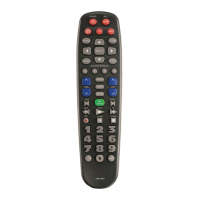

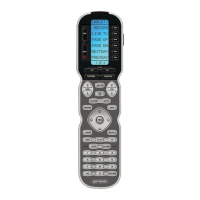


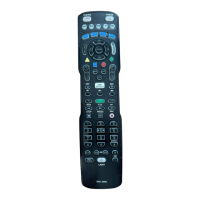

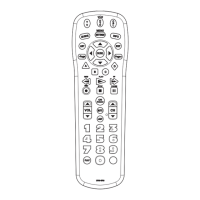



 To Next Page