22
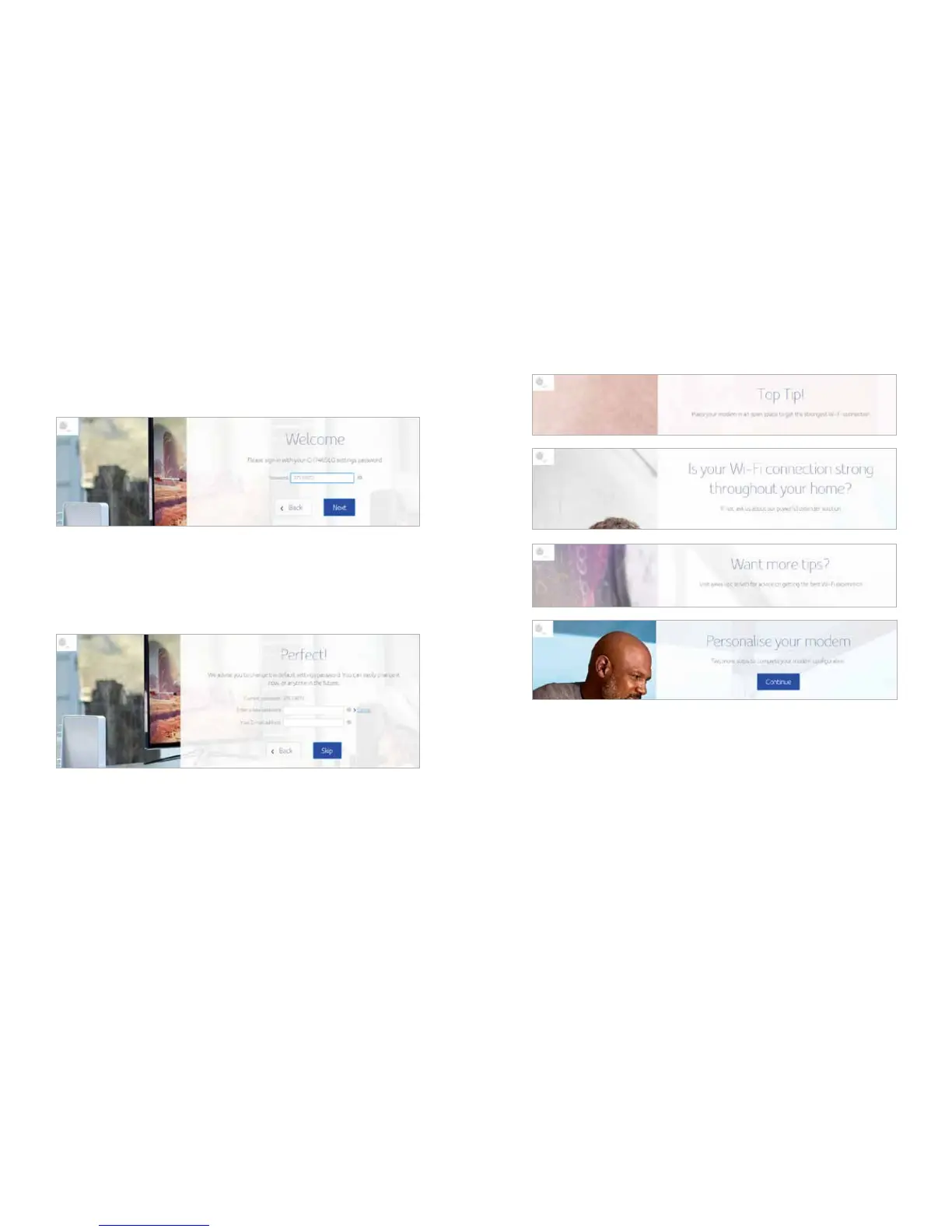
Log in
In order to login Connect Box WI-FI Modem router, type the password which is located
in the product label on the bottom of the WI-FI modem router.
Change password
To change your default password, click change. Enter your new password & a valid email
address that is used to recover your password. If you don’t want to change the default
password click skip.
To prevent unauthorized configuration, change the default password immediately when
you first configure the Connect Box Wireless Cable Modem Gateway.
The following screens will appear after the above process.
Press continue


 To Next Page