34
Security
The Connect Box security section allows you to view and configure Firewall, MAC Filte-
ring, IP and Port Filtering, Port Forwarding, Port Triggering and DMZ. You can click any
security submenu option to view or change the configuration information for that option.
Firewall
This page is used to configure Firewall Protection level and display all allowed services.
WPS
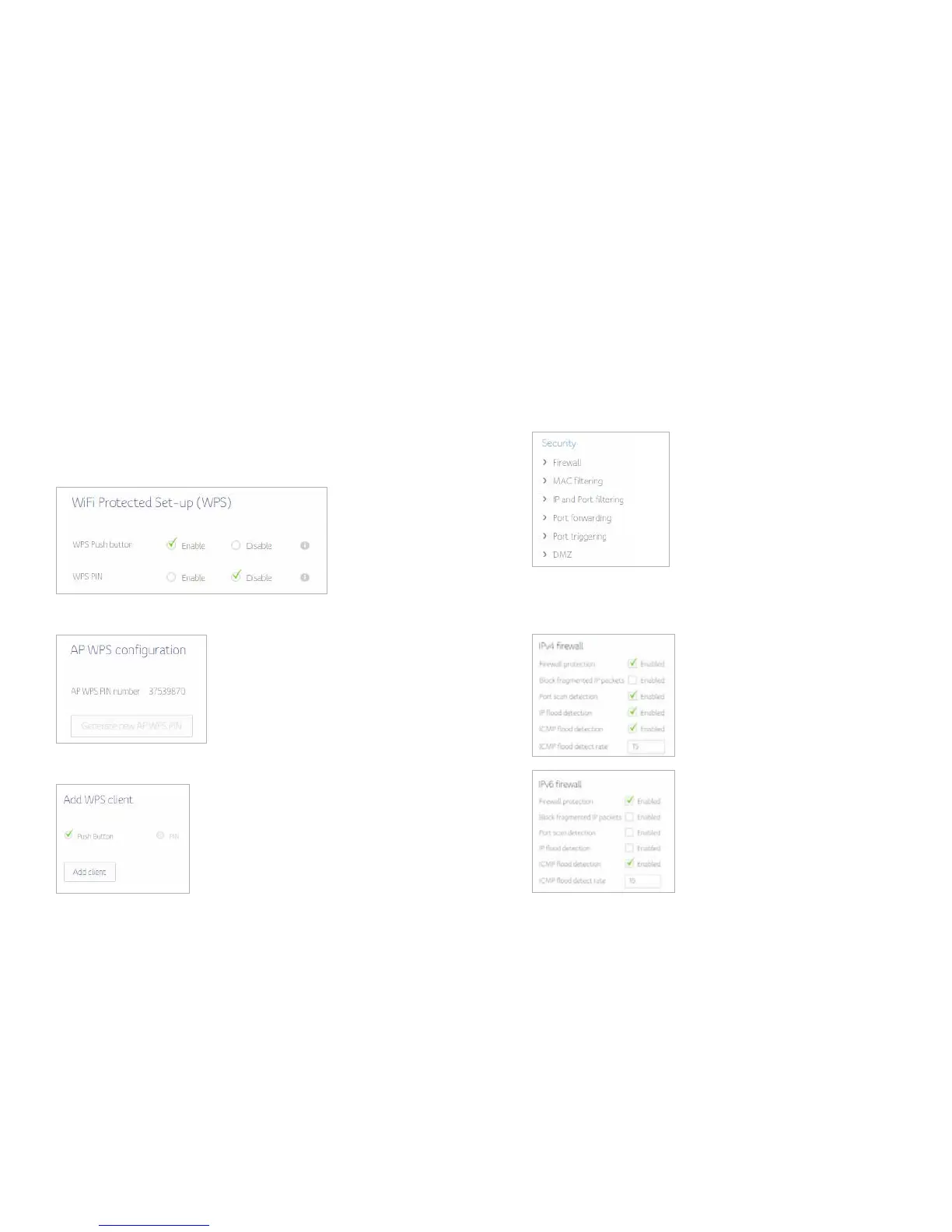
Connect Box provide WPS (Wi-Fi Protected Setup) function, with it enable will support
WPS clients to join the network very easily. It is a standard for easy and secure establish-
ment of a wireless network. With WPS you can setup and protect your wireless network
in just a few easy steps.
We suggest users to press Add Client button to start WPS directly. By default, that will
be PBC (Push Button Configuration) and easy for users.
To generate WPS Pin number press Generate new AP WPS PIN
Choose the method to add WPS client


 To Next Page