42
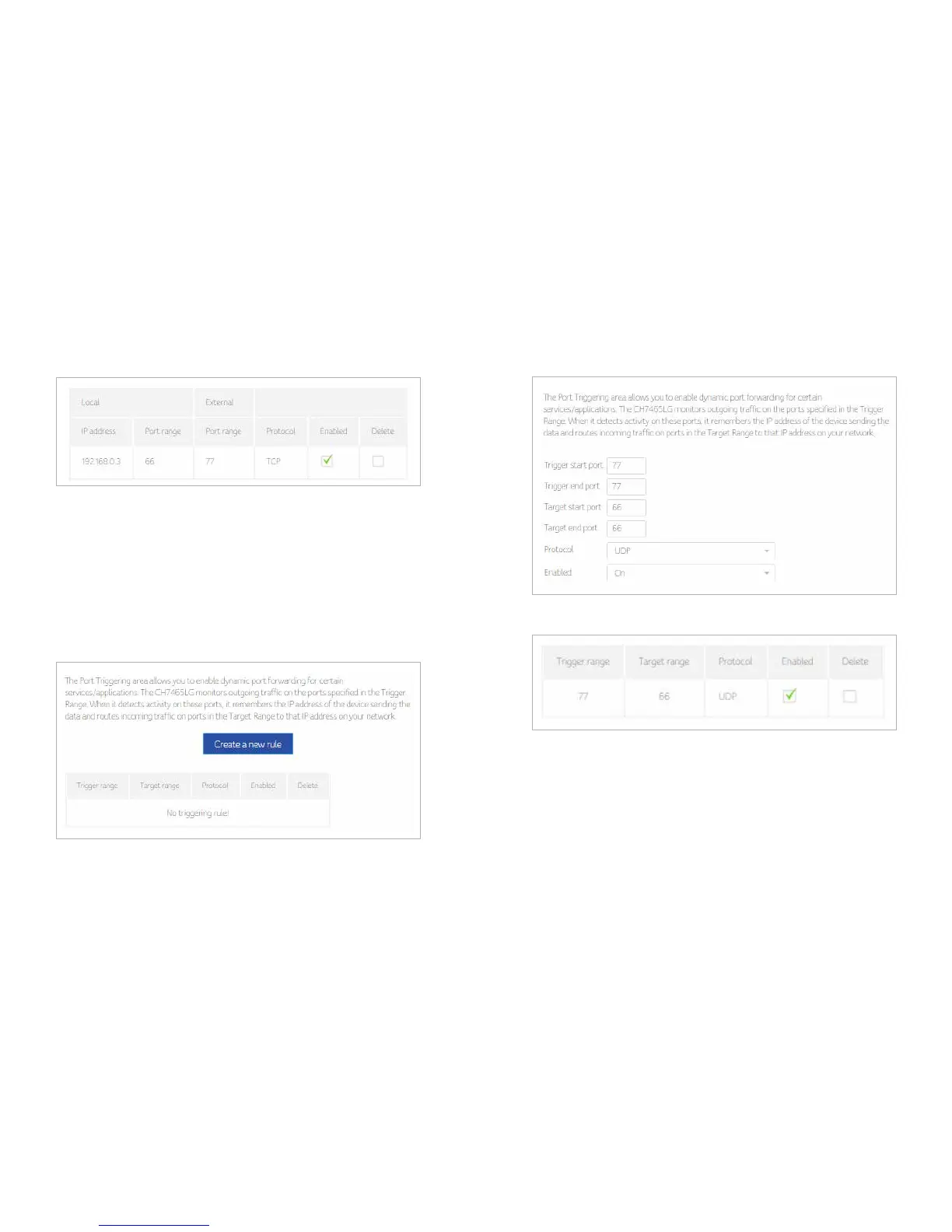
3. One rule is created. And also, you can delete the existed rules.
Port-Triggering
Port triggering function is a conditional port forwarding feature. When this device
detects outbound traffic on a specific port (triggered ports), it will set up the port
forwarding rules temporarily on the port ranges you specify to allow inbound traffic.
This is supposed to increase the support for Internet gaming, video conferencing,
and Internet telephony due to these applications require multiple connections.
1. Press Create rule button to create a new rule
2. Fill in needed information and then press apply button.
3. One Rule is created and also you can delete the existed rule.


 To Next Page