46
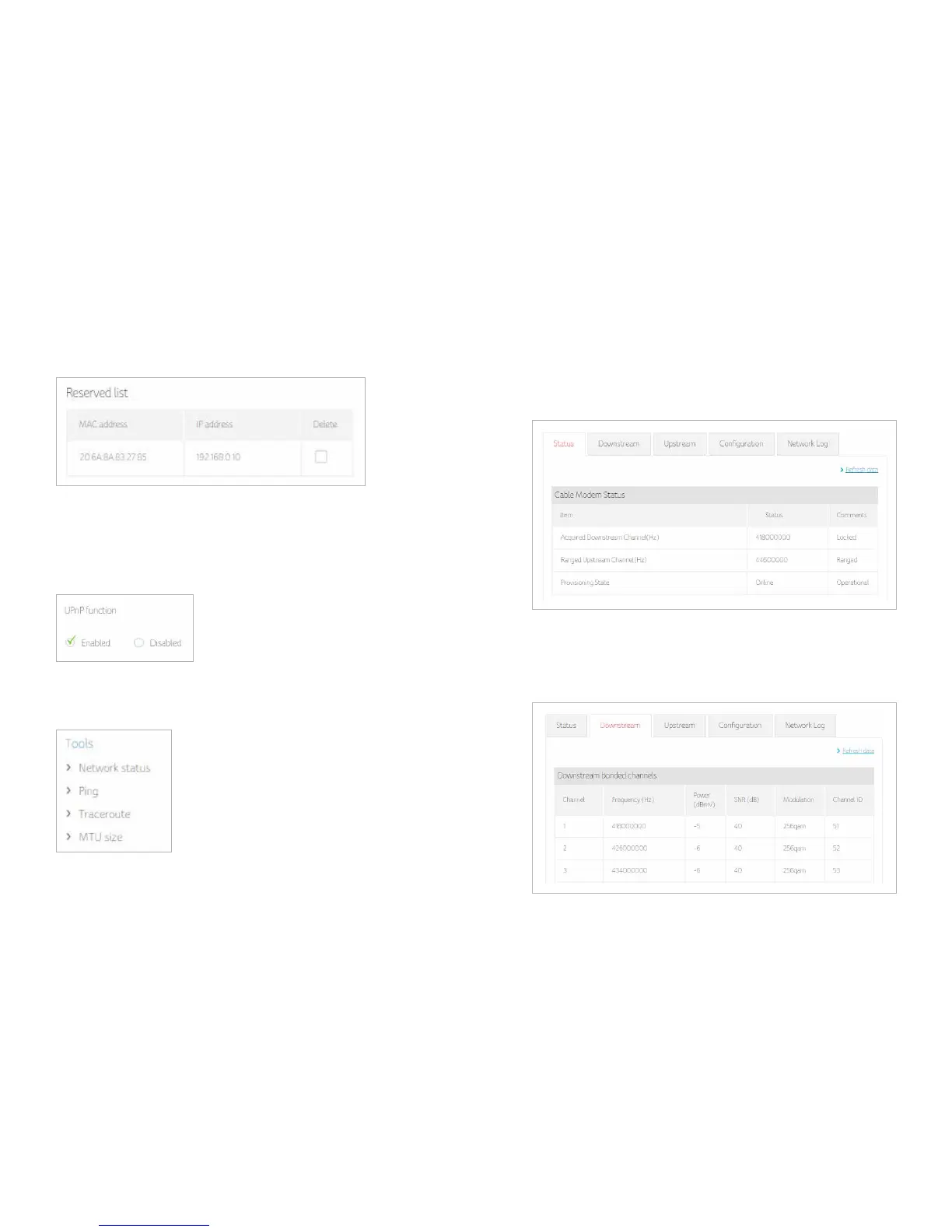
Displays the device reserved list
UPNP
Select enable to enable the UPnP agent in the cable modem. If you are running an
application that requires UPnP, check this box.
Tools
Status
The Cable modem status page is a read-only screen that shows your cable modem
upstream and downstream channel status.
Downstream
The Downstream bonded channels page is a read-only screen that shows your cable
modem downstream bonded channel status


 To Next Page