Table of contents
Chapter 01 Preparations
Checking the package contents
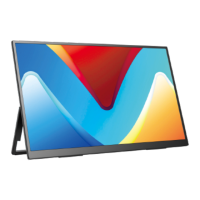
Monitor introduction
Product Appearance & Interface Function Introduction
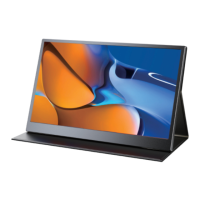
Installing the stand case
Welcome!
TYPE-C signal transfer
Supported Devices & Models(Type-C )
HDMI signal transfer
Chapter 03 Connecting
Chapter 02 Specications
Chapter 04 Setting Up(Windows10)
1.Extend Mode /Duplicate Mode/Display Mode
1-1.Way1: Set on the device’Display Settings
1-2.Way2: Set via Windows key + Pkeyboard shortcut
2.Rotate the Screen
On-Screen Display Menu Introduction
BRIGHTNESS
IMAGE
COLOR TEMP.
OSD SETTING
RESET
MISC.
Chapter 05 Screen Adjustment
Chapter 06 Q&A
Chapter 07 Service Support
Chapter 01
Preparations
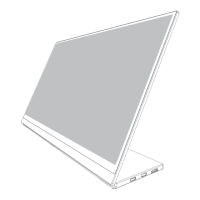
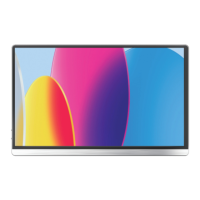
Portable Monitor
Power Adapter
Smart Cover
Note:
•If any of the above items is damaged or missing, please
contact us immediately.
(help@uperfectmonitor.com)
•The appearance of the components may dier from the images shown.
Checking the Package Contents
PDS-1233-M156J03
In order to ensure your safe use of this product, please read this manual
carefully before using this product and keep it properly.
User Manual
15.6 Inch Portable Monitor
Email: support@uperfectmonitor.com
Email: help@uperfectmonitor.com Email: help@uperfectmonitor.com
Standard HDMI Cable Type-C to Type-C Cable User GuideUSB A-C Cable



 To Next Page