Need help?
Do you have a question about the UPERFECT UXbox X2 and is the answer not in the manual?
Brief greeting and introduction to the user manual.
Lists all items included in the monitor package for verification.
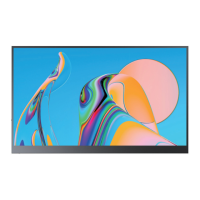
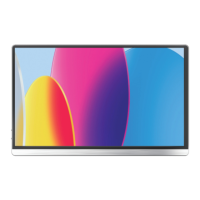
Provides an overview and visual explanation of the portable monitor.
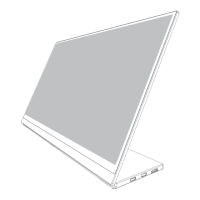
Details the different ports and buttons on the monitor for usability.
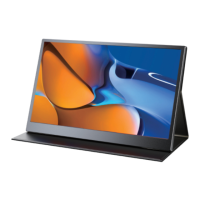
Step-by-step guide on how to attach and use the monitor's stand case.
Instructions on how to connect the monitor using Type-C ports for signal and power.
Lists compatible laptops and mobile phones for Type-C connectivity.
Guide for connecting the monitor via Mini HDMI for display output.
How to configure display modes (extend, duplicate) on Windows 10.
Alternative method for setting display modes using keyboard shortcuts.
Instructions on how to change the monitor's screen orientation.
Explains how to navigate and use the monitor's OSD menu for settings.
Details how to use the pulley button to adjust various settings like brightness and volume.
How to adjust monitor brightness and color temperature via OSD.
Addresses issues like splash screens or spots, often due to insufficient voltage.
Solutions for when the display shows no signal or enters power saving mode.
Explains why some Google phones may not connect and how to resolve it.
Helps resolve issues when connecting cameras to the monitor.
Provides solutions for the monitor constantly restarting, often power-related.
Details warranty, return policy, and contact information for support.

 To Next Page
 General