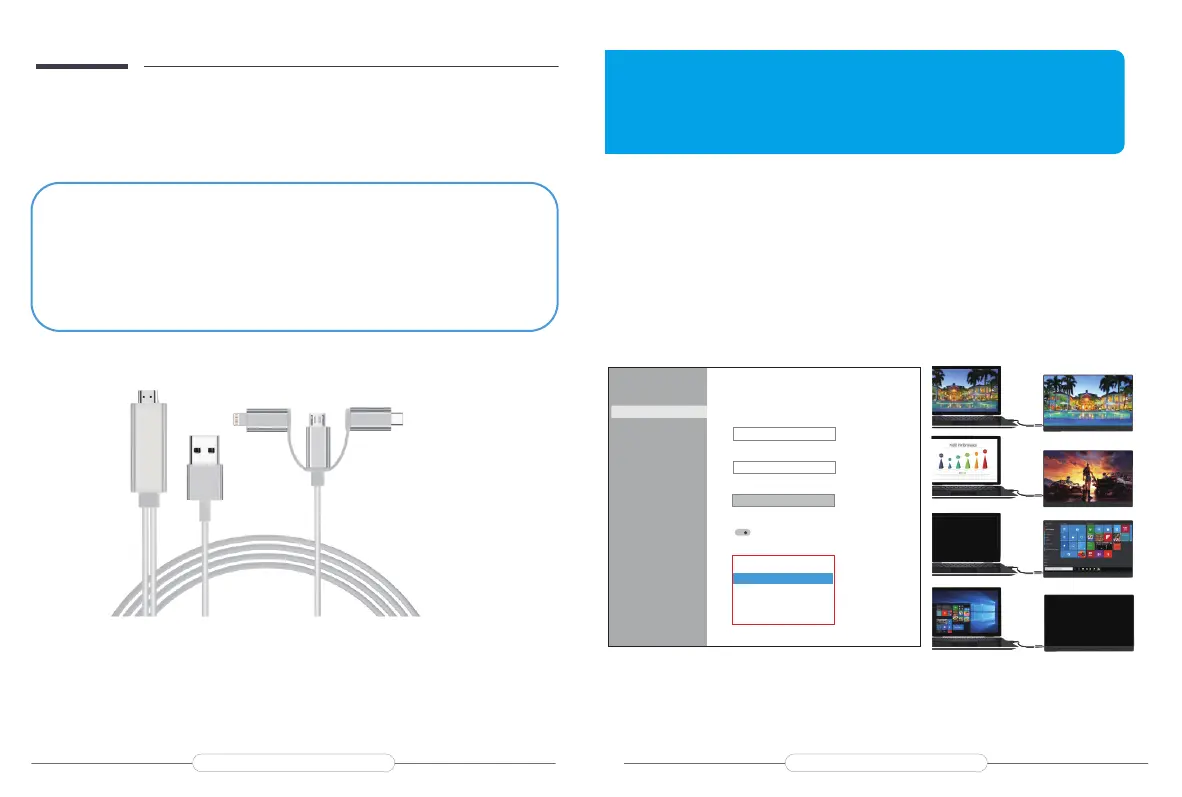
Note: If the Type C of your laptop/phone is not a full-featured Type C port, or your phone is
with micro USB port, lightning port, for example Google Pixel 3, you need to buy the adapter
as below. Any questions you can feel free to contact us.
Extend Mode /Duplicate Mode/Display Mode
Way1: Set on the device’Display Settings
A: Verify that your cables are connected properly to the new monitors.
B: Right-click anywhere on your desktop and select Display settings to open the Display page.
C: Scroll down to Multiple displays, then select an option from the drop-down list to determine
how your desktop will display across your screens. For the largest work area, select Extend
desktop.
Note: If you cannot see the additional monitor(s) listed, click Detect. If does
not work, try restarting your computer and do steps again.
Settings
Home
Find a settingSystem
Display
Sound
Notications & actions
Focus assist
Power & sleep
Storage
Tablet mode
Multitasking
Projecting to this PC
Shared experiences
Clipboard
Remote Desktop
Display
Sign out now
Change the size of text,apps,and other items
125%
Andvanced scaling settingsResolution
1920*1080
Orientation
Landscape
Rotation lock
on
Multipe displays
Duplicate these displays
Extend these displays
show only on 1
show only on 2
Note: Please conrm whether the Type C port of your phone supports audio and video signal
transmission (USB 3.1).
Chapter 05
Setting Up(Windows10)
Duplicate Mode
Dxtend Mode
Show monitor
only on 1
Show desktop
only on 2
Email: help@uperfectmonitor.com Email: help@uperfectmonitor.com


 To Next Page