Page 1
MX-450 OWNERS MANUAL
Congratulations!
You’ve purchased a unique synthesis of hardware and software engineering,
the Complete Control MX-450. The MX-450 achieves a magnificent combina-
tion of power and flexibility, simplifying and automating operation of even the
most complex system.
User Configurable Screen and Button Lighting
A built in pick up sensor can be set to light the screen and/or the buttons
automatically. Additionally, a dedicated LIGHT button enables the user to
backlight the buttons if the pick up sensor is turned off.
Fast Professional Setup
The MX-450 sets up quickly via on screen setup. Your installer simply
configures the remote for you using the MX-450 and his/her intimate
knowledge of how your system is configured and operated to completely
automate all operation and replace all of your remote controls with the
MX-450.
Backlit Color LCD Screen Buttons
When you pick up the MX-450, it automatically lights up the color LCD
screen which labels the six buttons to either side of the screeen. These
button labels change based on what you are watching or listening to.
Thus, if you have selected Watch TV, you will see a list of buttons that
are useful to that activity, while if you select Watch DVD, the buttons
will control the DVD.
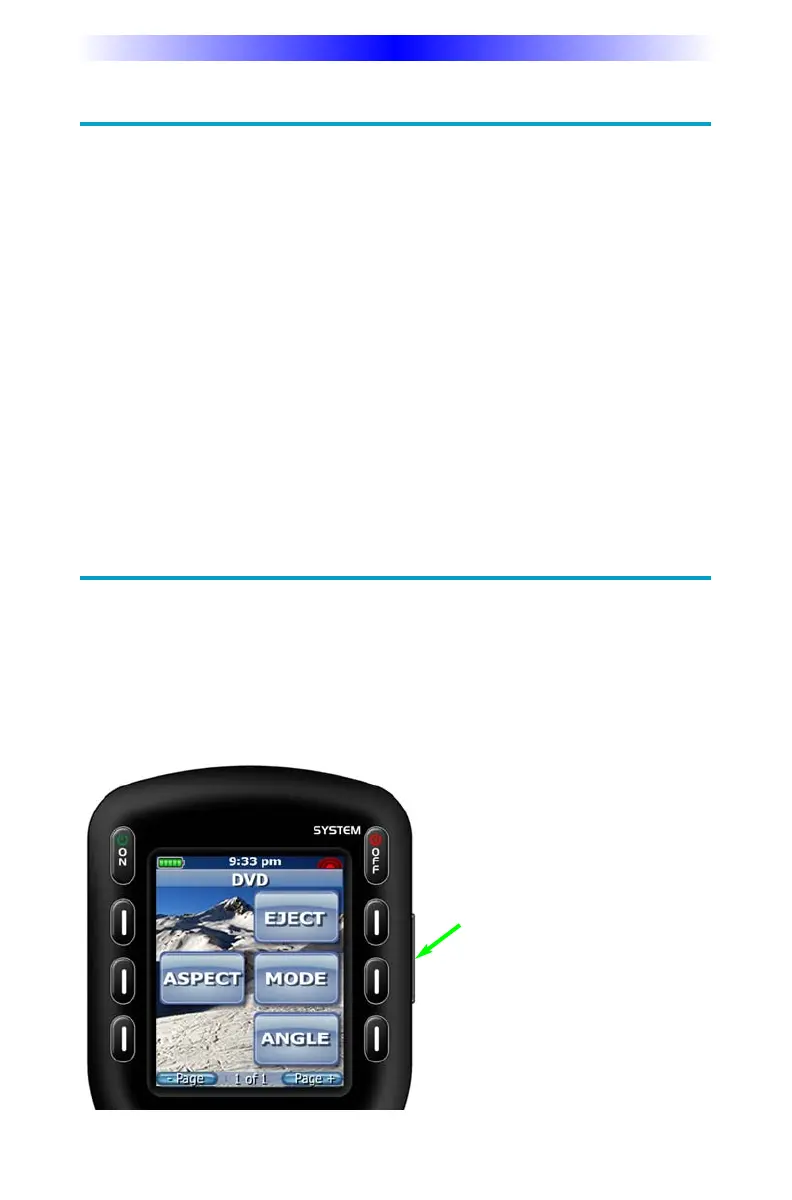
LIGHT Button
Press the Light button on the
side of the MX-450 to back-
light all of the buttons.



 To Next Page