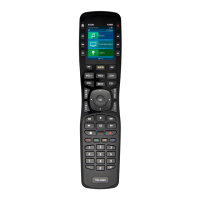
MX-890 COLOR LCD SCREEN
Page 5
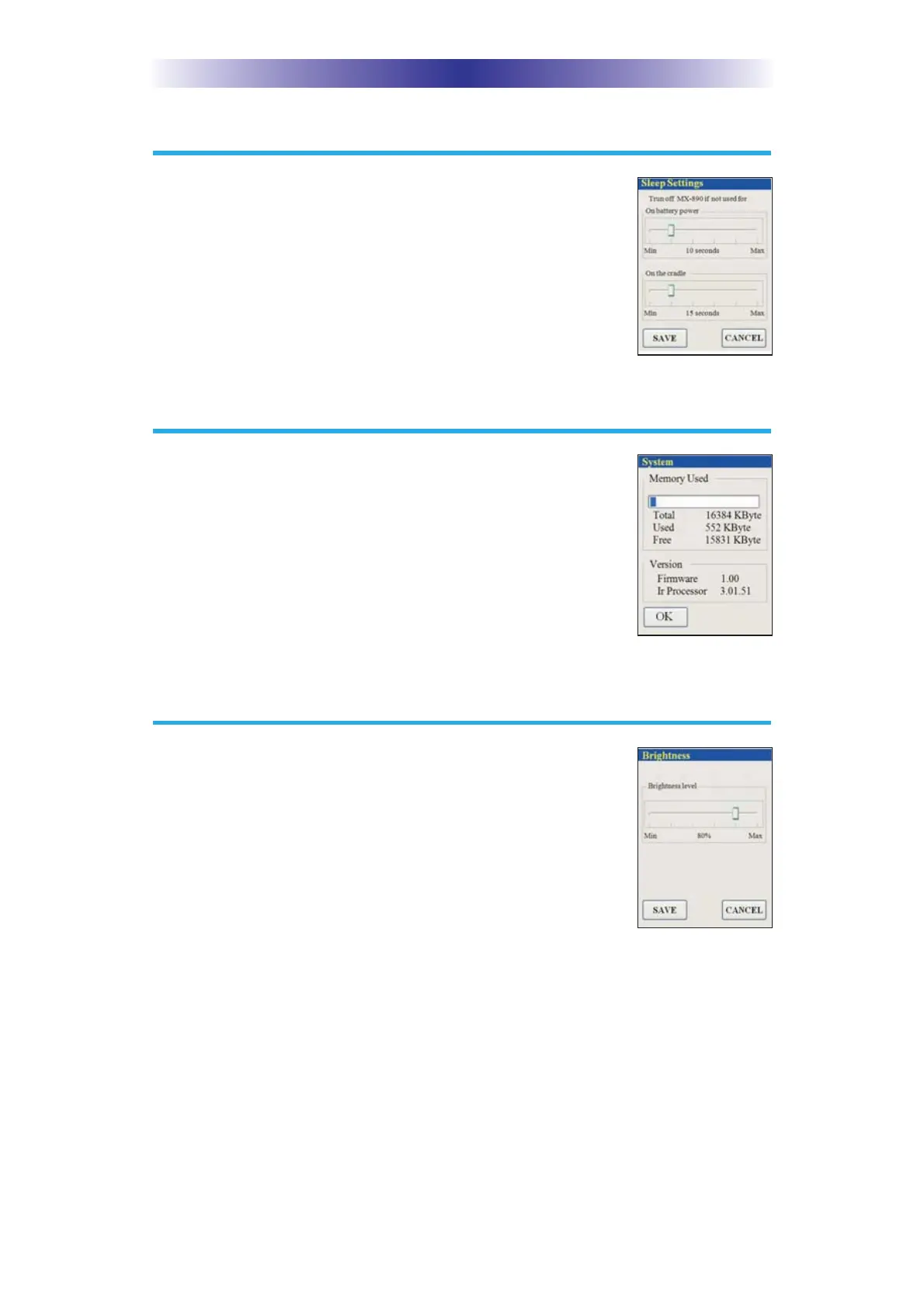
Sleep Settings
Conserve energy by configuring the MX-890 to
fall a sleep after a specified amount of time. Select
an amount of time by pressing the left or right hard
buttons, to adjust the slide bar.
System
The System Information screen displays data about
your MX-890's operating system, memory etc.
Brightness
Adjust the screen brightness by pressing the left or
right hard buttons to move the slider. Min (minimum)
is the dimmest setting and Max (maximum) is the
brightest setting.



 To Next Page