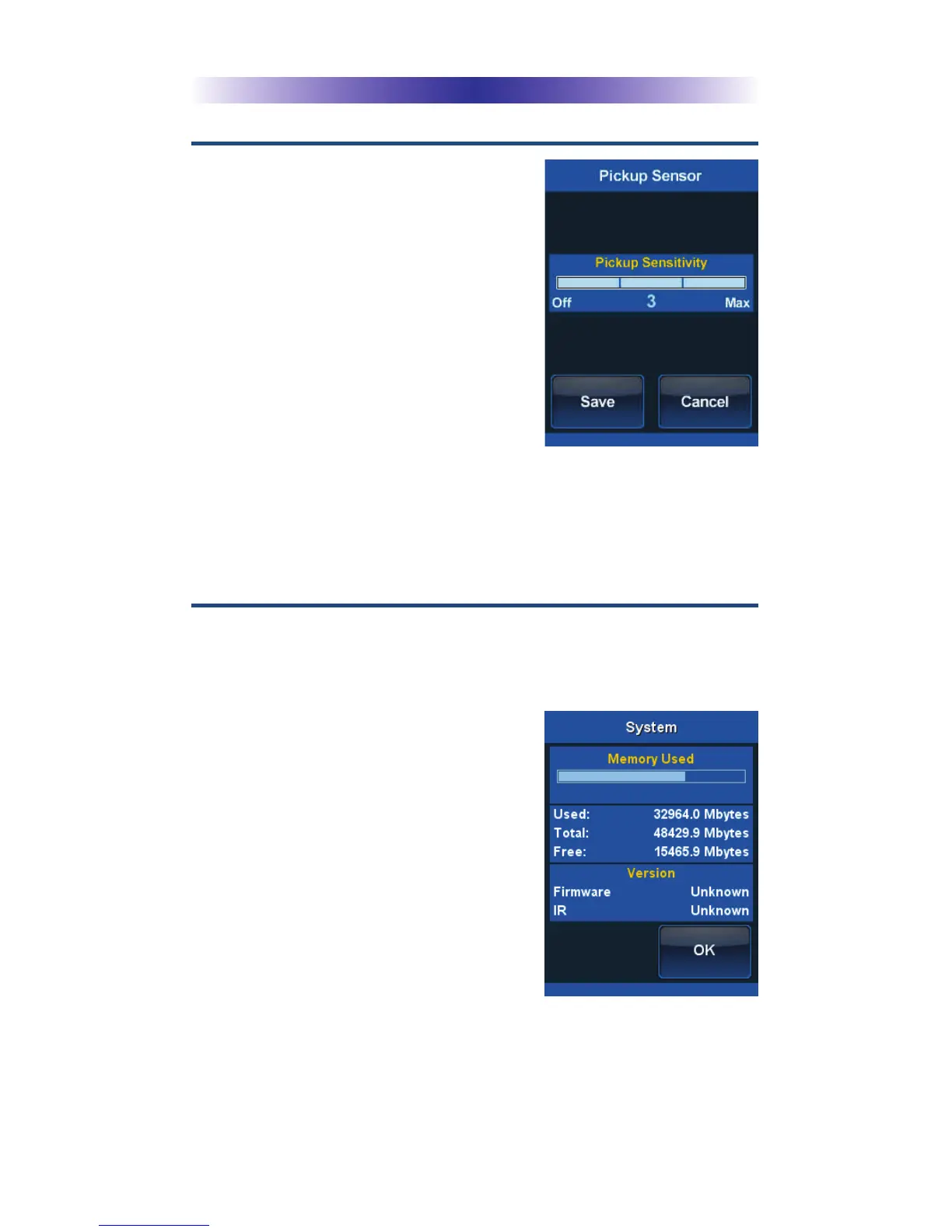
Pickup
You can set your MX-990 to turn on
when the remote is picked up. Select
a level of sensitivity between 0 and 3
(0 being off and 3 being the most
sensitive). The more sensitive the
setting, the less movement is needed
to wake the remote.
Once the pickup is adjusted, press
the Save button. Pressing the Cancel
button reverts to the remote’s last
saved setting.
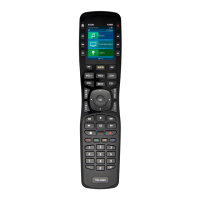
System
The System Information screen displays data about your
MX-990's Operating System, Memory etc.
When finished viewing this section
press the OK button to return to the
Settings Menu or the Main button to
exit to the Main Menu.
Page 10
MX-990 Universal Remote



 To Next Page