1.5 Buzzer, vibration status
Start-up sound + no vibration
One long buzz + vibration
One short buzz + vibration
Two short buzz + no vibration
The battery is set successfully, the Bluetooth is
connected successfully, and the Bluetooth is
disconnected
One long buzz + no vibration
Four short beeps + vibration
Alarming/Scanning when Bluetooth is not
connected
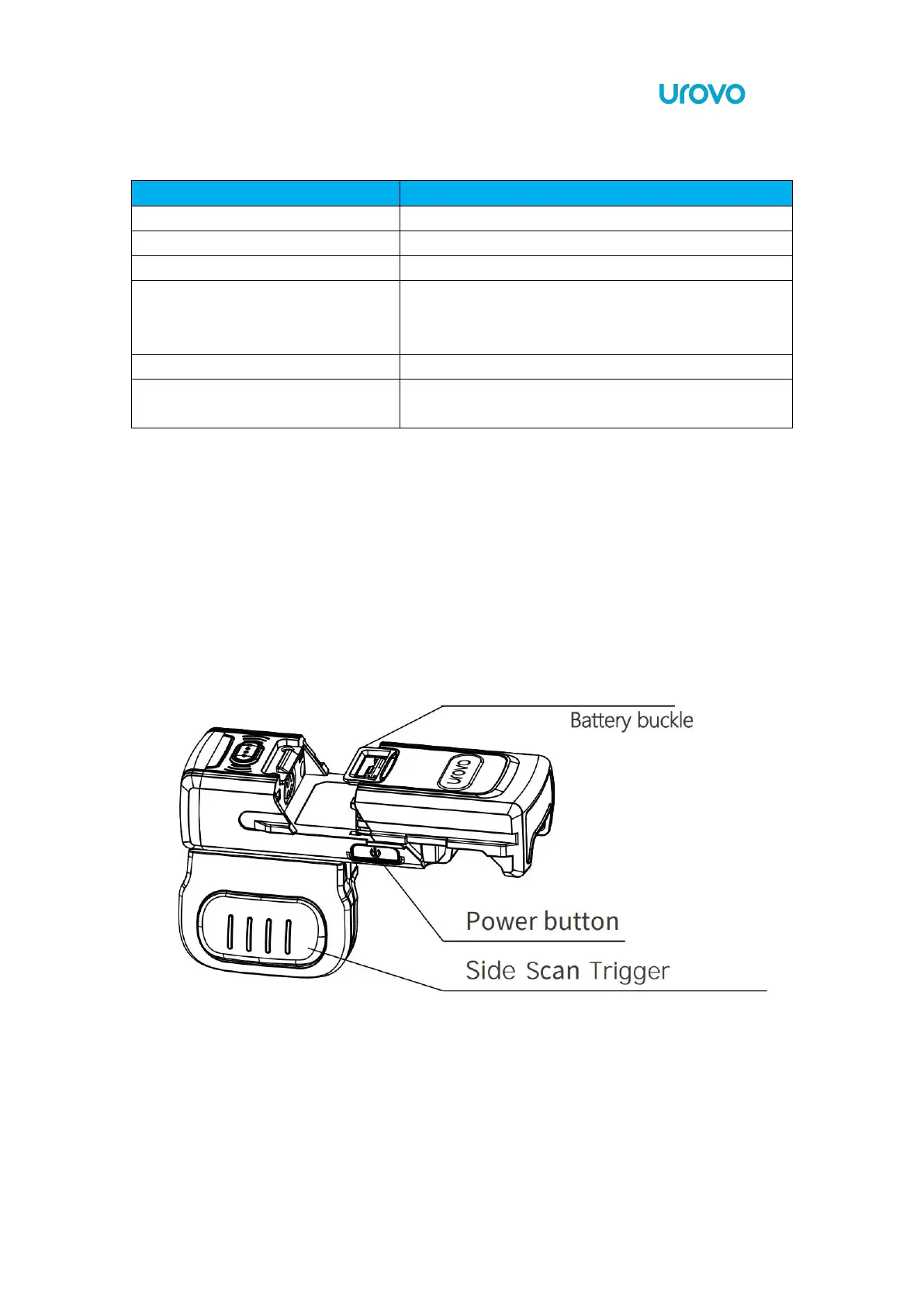
1.6 Battery installation instructions
Align the battery with the top of the SR5600 and insert it into the battery compartment.
Slide the battery all the way into the SR5600 locking slot to ensure that the battery matches
with SR5600.


 To Next Page