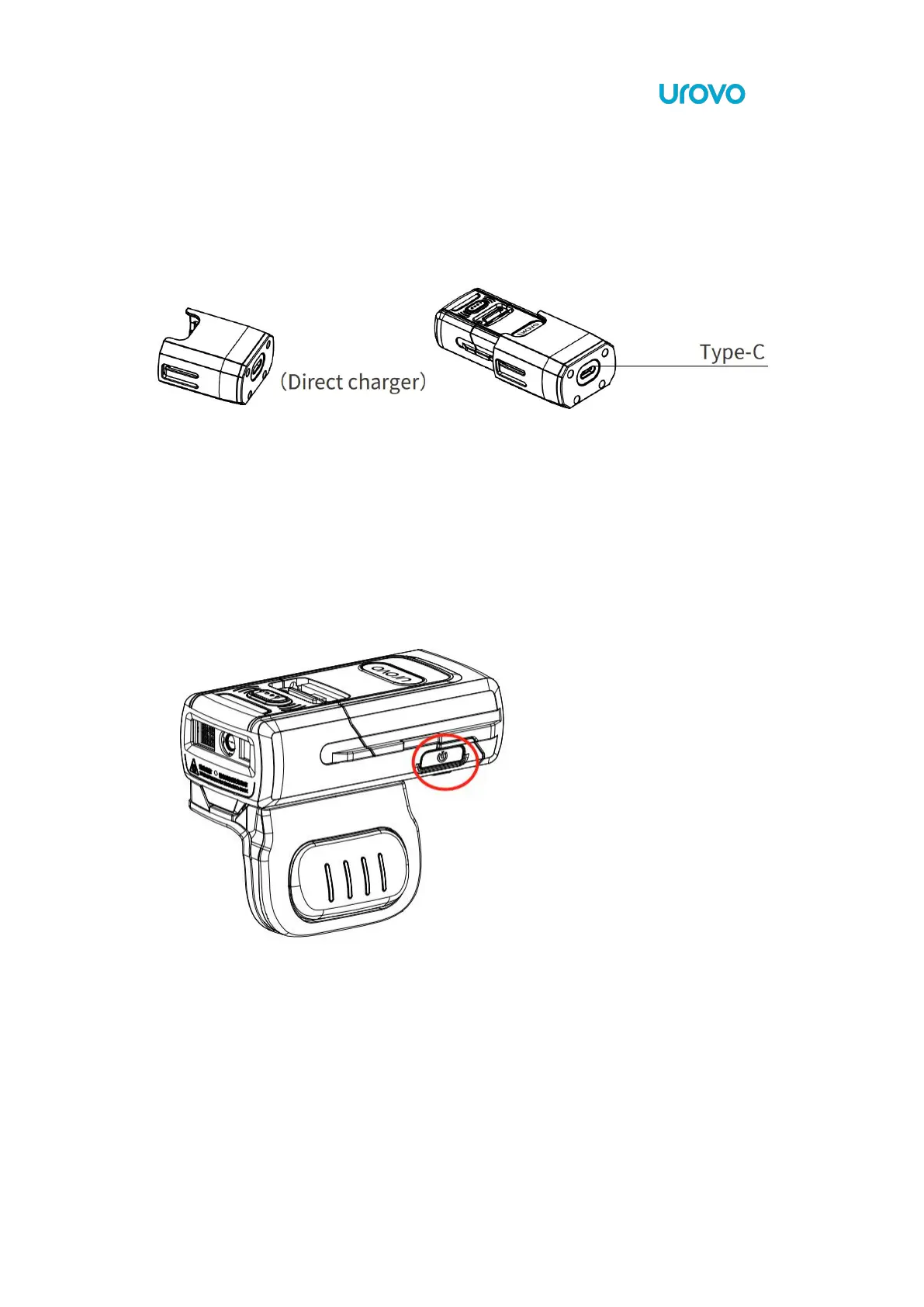
1.8 Direct Charger installation instructions
Insert the bottom of the SR5600 into the charger until it clips into place. Connect the Type-C
interface at the end of the charger with the USB cable and Power adaptor. Normal charging
starts when the indicator light indicates that the red light is always on.
1.8.1 Powering ON/OFF
Long-press the power button for 2 second to boot, for 3 second to turn off.



 To Next Page