English
9
5. Confirm the pop-up message to start the update.
The firmware update begins. It may take several minutes to complete.
6. Once the update is done, your uShare™ Mini NAS Adapter will reboot.
Factory Defaults
Click the Reset button to restore factory default settings. SAMBA/WebDAV account setting will still remain in the
uShare™ Mini NAS Adapter. All other system settings will go back to factory default.
System Reboot
This can be used to manually restart the network drive after a firmware update, or if you having problems with your
uShare™ Mini NAS Adapter. Click Reboot to restart the uShare™ Mini NAS Adapter.
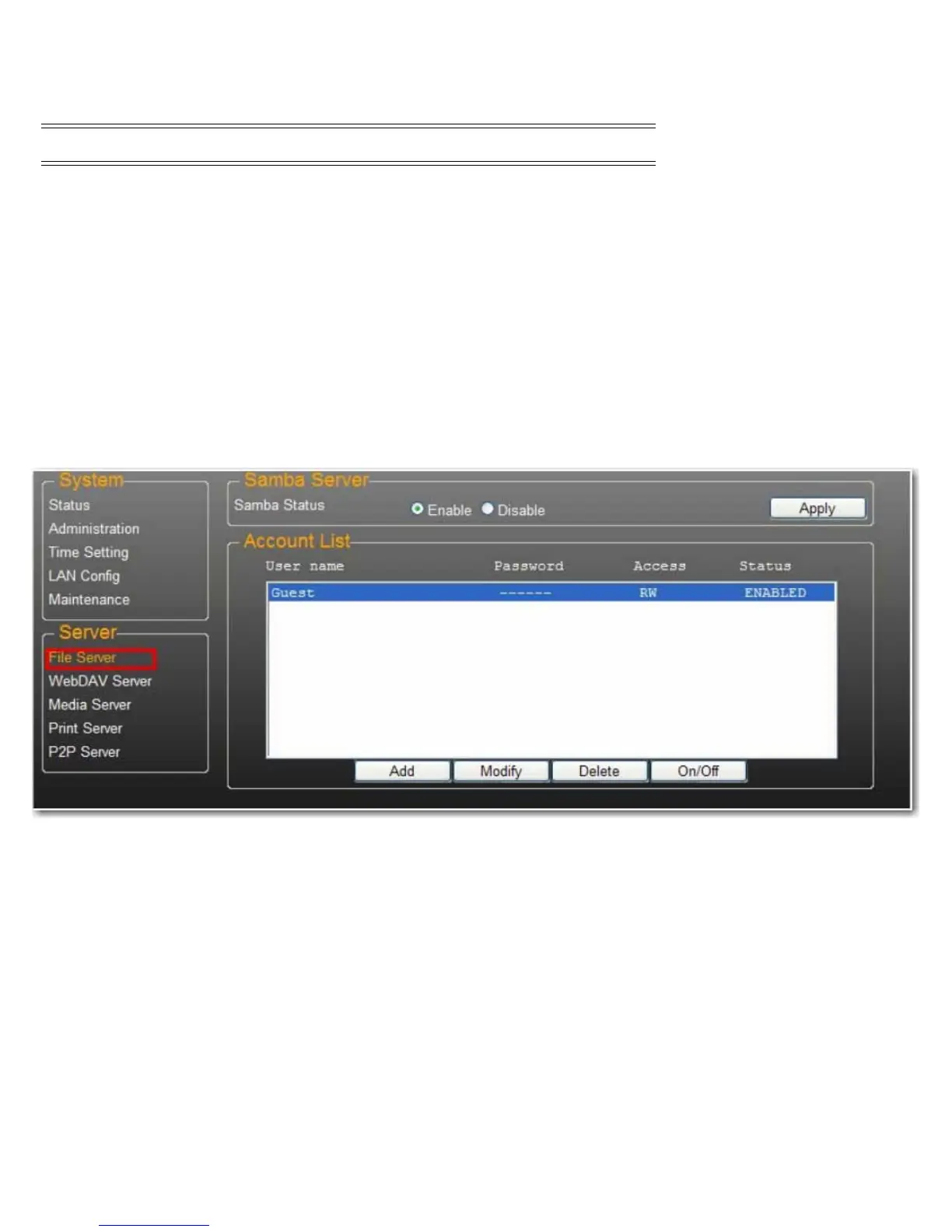
SAMBA File Server (SMB)
SMB server allows you to share data or files through LAN environment. A default “Guest” account is created and the
“Public” folder is accessible to the guest account by default.
Note:To avoid language support issues, use only standard English characters to create/share folders.
Caution: Do not power off or unplug the uShare™ Mini NAS Adapter during firmware update.



 To Next Page