English
23
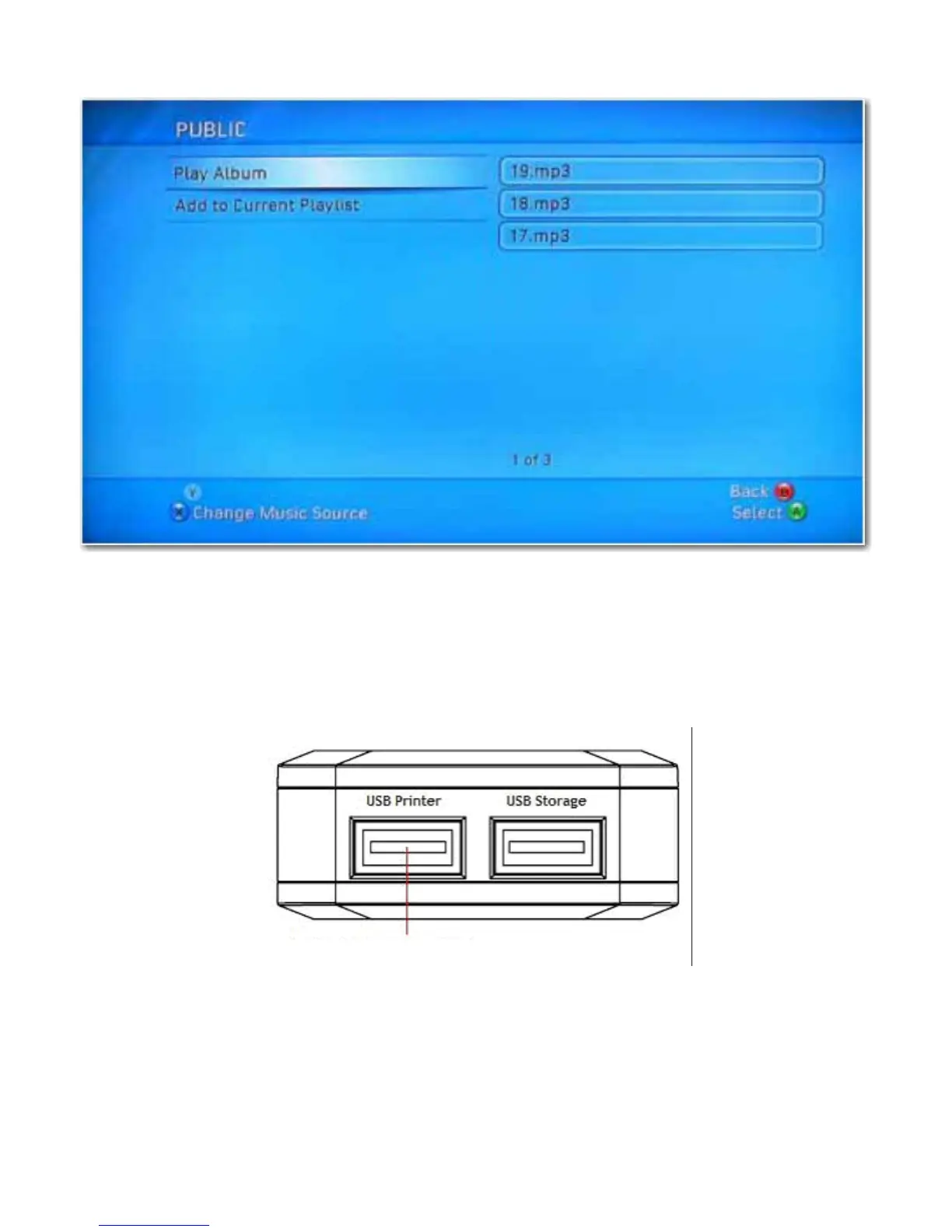
Inside the shared folder, you can access your shared multimedia files.
Printer Server (Windows 7, Windows Vista and XP)
Note:You need to know the IP address of your uShare™ Mini NAS Adapter to use the adapter as a printer server. To
search for the IP address of your uShare™ Mini NAS Adapter, open a web browser and enter storage in the
address bar to locate your uShare™ Mini NAS Adapter and see the IP address.
1. Connect your USB printer to USB printer port on the uShare™ Mini NAS Adapter.
2. Install the printer driver on your computer(s). To use a printer attached to the uShare™ Mini NAS Adapter, the
printer drivers need to be installed locally on computer(s).



 To Next Page