English
29
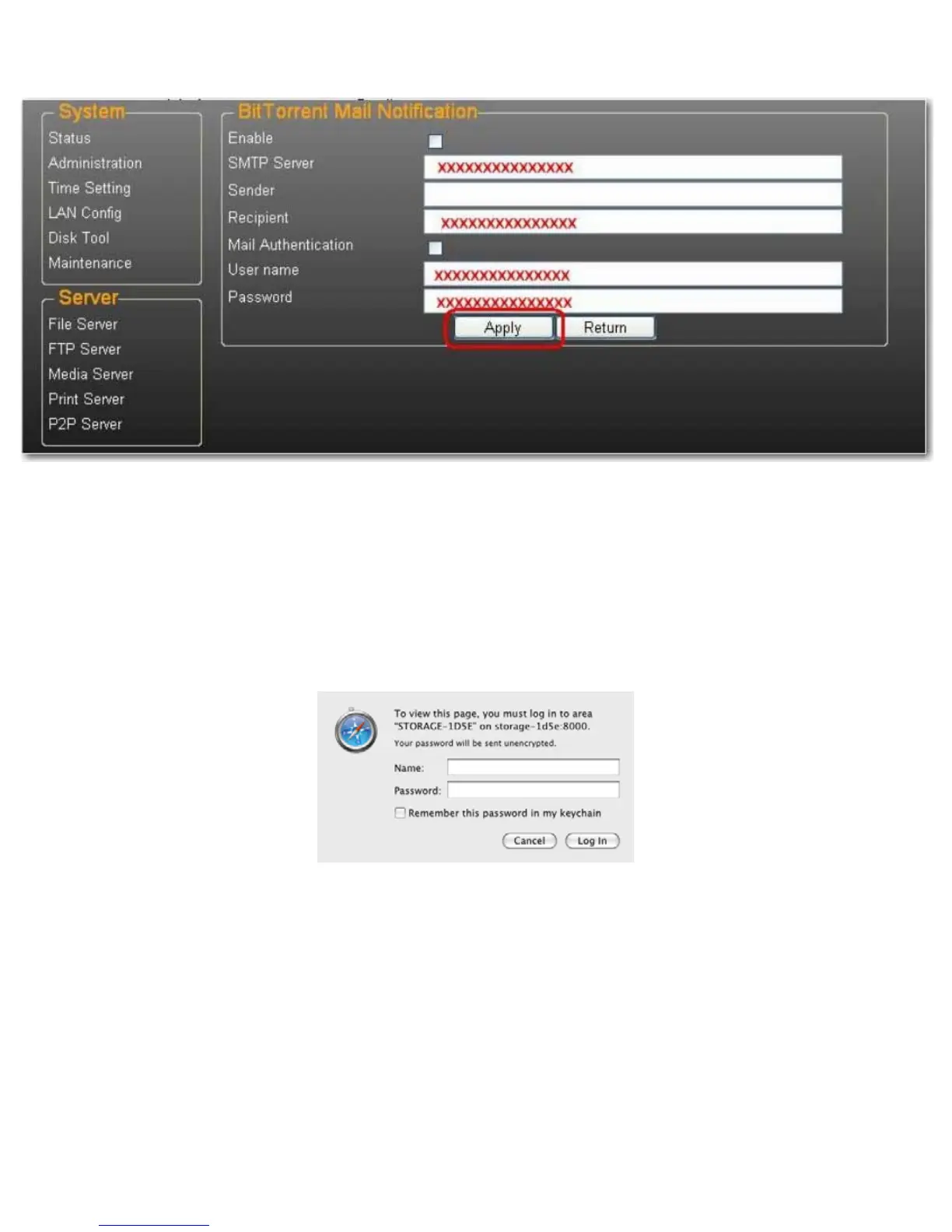
2. Select Enable.
3. Enter your SMTP Server, Recipient e-mail address, SMTP User name and Password.
4. Click Apply to save your settings.
Mac Installation (Mac 10.5.4 and above)
1. Open your browser and enter the host name or IP address of the uShare™ Mini NAS Adapter.
Example: Enter http://storage-1d5e (host name) or http://192.168.1.121 (IP address)
2. The Default user name and password is admin. Click Login to open the configuration page to set up your uShare™
Mini NAS Adapter.



 To Next Page