EasyManua.ls Logo

USAutomatic PATRIOT II - User Manual

Default Icon
72 pages
Print Icon
To Next Page IconTo Next Page
Loading...
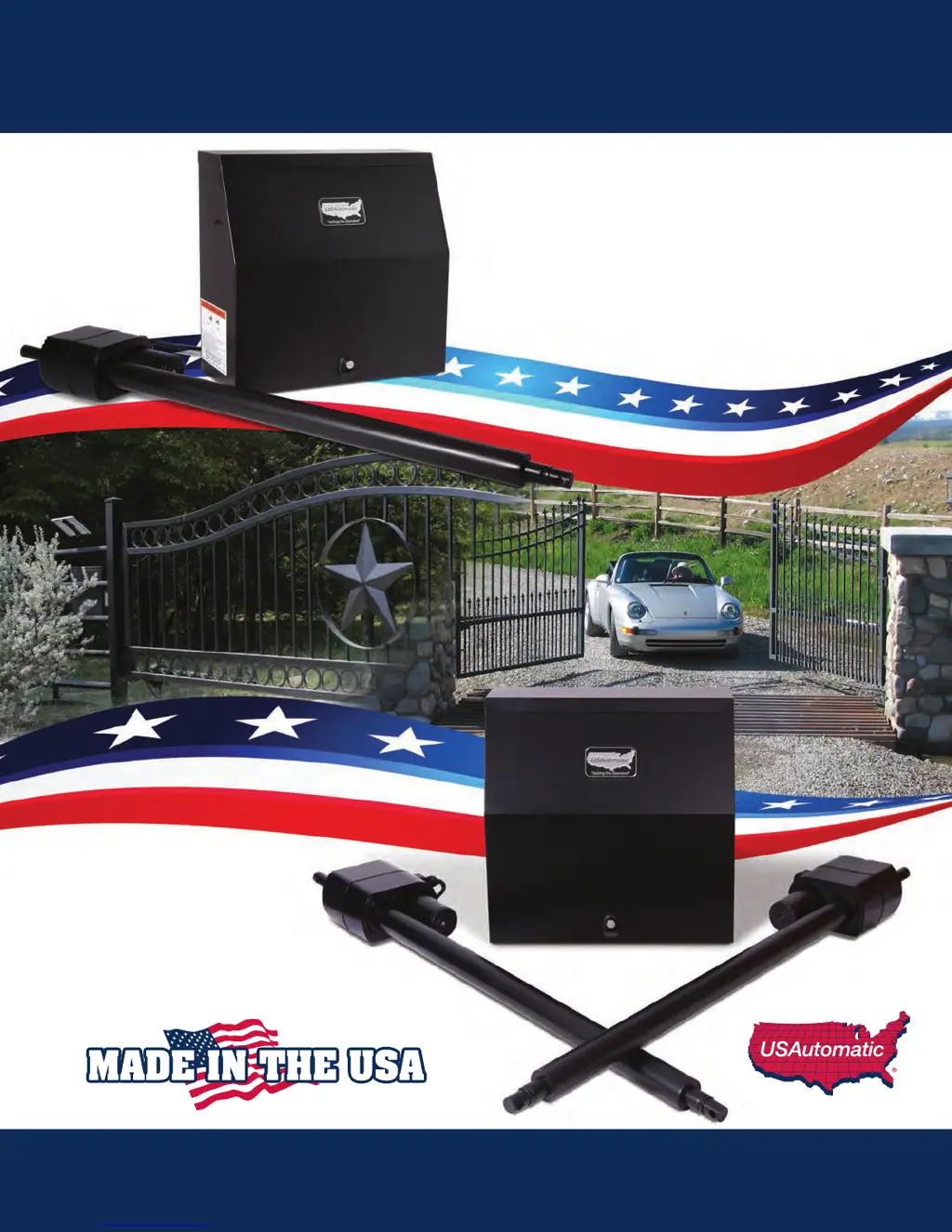
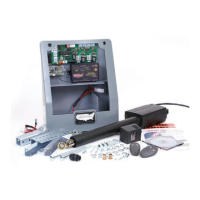
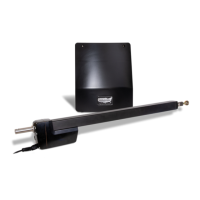
Heavy Duty Battery Powered Solar or AC Charged
PATRIOT I
Single Swing Gate Operator
PATRIOT II
Dual Swing Gate Operator
Installation/Owners Manual

Table of Contents

Other manuals for USAutomatic PATRIOT II

Questions and Answers

  • J
    Joseph HowellSep 7, 2025
    Why won't the battery in my USAutomatic PATRIOT II Gate Opener stay charged?
    • I
      igarciaSep 7, 2025
      The most common reason for a battery not staying charged in your USAutomatic Gate Opener is a bad battery. It's highly recommended to have the battery load tested at a battery store to confirm its condition. If the battery passes the load test, other factors to consider include the system design, installation, or potential charging issues with the system's charger or charge controller. Ensure that the solar panel is correctly oriented, facing South to Southwest, and is not shaded. Also, be sure that the accessories connected to the system aren't consuming more energy than the charging system can supply.
  • J
    Jennifer KnappSep 6, 2025
    Why does my USAutomatic PATRIOT II Gate Opener only operate when the “LED INDICATOR” is pressed?
    • C
      Christian RichardsonSep 6, 2025
      If your USAutomatic Gate Opener only operates when the “LED INDICATOR” is pressed, this can be due to an accessory wiring problem or a bad control board. This problem can be intermittent. If the gate fails to operate when the J2 connector is disconnected then the control board is most likely the problem. Please contact the factory for further troubleshooting options.
  • T
    Tiffany SmithSep 5, 2025
    What does it mean if the “External Power or Solar Power Light & Detection Light are ON on my USAutomatic Gate Opener's charger / charge controller?
    • C
      Corey NortonSep 6, 2025
      If the “External Power or Solar Power Light & Detection Light are ON on your USAutomatic Gate Opener's charger or charge controller, this indicates that the battery is not connected to the charger / charge controller. Verify that the 2 wire harness going to the battery is connected to the battery and also connected to the charger / charge controller.
  • L
    lopezangelaAug 23, 2025
    Why does pressing the reset button operate my USAutomatic gate?
    • D
      Deanna PenaAug 23, 2025
      If pressing the “RESET” button alone causes your USAutomatic gate to operate, it may indicate a bad receiver. If the LED comes on, the receiver relay is likely stuck closed and needs repair or replacement. Contact the factory for further troubleshooting.
  • D
    Douglas ThomasSep 4, 2025
    Why won't my USAutomatic PATRIOT II battery stay charged?
    • N
      nunezsharonSep 4, 2025
      The most common reason a USAutomatic Gate Opener battery (AC or Solar Charged) won't stay charged is because the battery is bad. It is highly recommended that the battery be load tested at a battery store to verify that it is good.
  • G
    gonzalesrussellSep 3, 2025
    Why USAutomatic gate opens but won't close using transmitter?
    • M
      Melissa JenkinsSep 3, 2025
      If your USAutomatic gate opens using the transmitter but won't close (Low Current Receiver only), the P2 relay may be programmed to latch mode. Refer to page 21 to reset the receiver P2 relay to momentary mode. Also, return to troubleshooting section 4 and perform steps 1-6.
  • J
    Jackie SharpSep 2, 2025
    Why USAutomatic gate only works when 'LED INDICATOR' is pressed?
    • W
      wandarichardsonSep 2, 2025
      If your USAutomatic gate only operates when the “LED INDICATOR” is pressed, verify all wiring on the accessories connected to the J2 connector. If the issue persists, the control board is most likely the problem, and you should contact the factory for further troubleshooting options.
  • W
    William ThompsonSep 1, 2025
    How to fix Oracle Remote/Transmitter not operating USAutomatic gate?
    • E
      Eric MilesSep 1, 2025
      If your Oracle Remote/Transmitter will not operate the gate, verify the wiring from the DFGCU receiver to J5 is not damaged. Replace the batteries in the remote/transmitter if necessary. If problems persist, call the factory for help.
  • J
    Jessica MackSep 1, 2025
    Why does my USAutomatic dual gate reverse direction immediately?
    • K
      Kara CummingsSep 1, 2025
      If your USAutomatic dual gate opens or closes correctly, then immediately reverses direction, the cause may be incorrect limit switch adjustment. Refer to problem 6, steps 1 through 5 for instructions.
  • J
    John GarzaAug 31, 2025
    Why does my USAutomatic single gate reverse direction immediately?
    • T
      Tiffany ScottAug 31, 2025
      If your USAutomatic single gate opens or closes correctly and then immediately reverses direction, it could be due to incorrect limit switch adjustment. Locate the limit switch adjustment screws to determine which one needs adjustment. Press and hold the “LED Indicator” and observe which LED lights come on, then adjust the limit switch accordingly.

Summary

Introduction and Safety First

Product Overview and Battery Requirements

Introduces the Patriot gate operator series and specifies battery type.

Installation Safety Guidelines

Details crucial safety precautions for gate operator installation.

Gate Design and Preparation Essentials

Covers gate qualifications, design, and tool requirements.

Parts, Hardware, and Accessories

Component and Hardware Inventory

Lists all parts and hardware included with operators.

System Accessories Guide

Describes optional accessories like keypads, locks, and sensors.

Step-by-Step Installation Guide

Site Review and Opening Method Determination

Planning the installation location and gate swing direction.

Actuator Mounting and Tube Installation

Covers various mounting methods for actuator brackets and tubes.

Control Box, Board, and Accessory Installation

Installing the main control components and accessories.

Wiring, Battery, and Charger Setup

Connecting power sources and the battery.

Control Board Configuration and Settings

Setting dipswitches, limits, and features.

Final Installation Checks and Safety Signs

Performing final steps like safety signs and manual release.

Operation, Maintenance, and Troubleshooting

Entrapment Zones and Periodic Maintenance

Identifying safety zones and service schedule.

Troubleshooting Common Issues

Overview of problems and solutions.

Detailed Symptom-Based Troubleshooting

Step-by-step solutions for specific gate problems.

Appendix and Warranty

Appendix: Solar Systems and Accessories

Information on solar performance and extensions.

Limited Warranty Information

Details on product warranty coverage and claims.

USAutomatic PATRIOT II Specifications

General IconGeneral
Power Supply120VAC or 240VAC
Motor TypeDC motor
Gate Weight Capacityup to 1000 lbs
Gate Length Capacityup to 20 feet
Remote ControlYes
Warranty5 year residential / 3 year commercial
Safety FeaturesObstruction Detection
Remote Control Type433 MHz

Related product manuals