EasyManua.ls Logo

USAutomatic Ranger HD - User Manual

USAutomatic Ranger HD
60 pages
Print Icon
To Next Page IconTo Next Page
Loading...
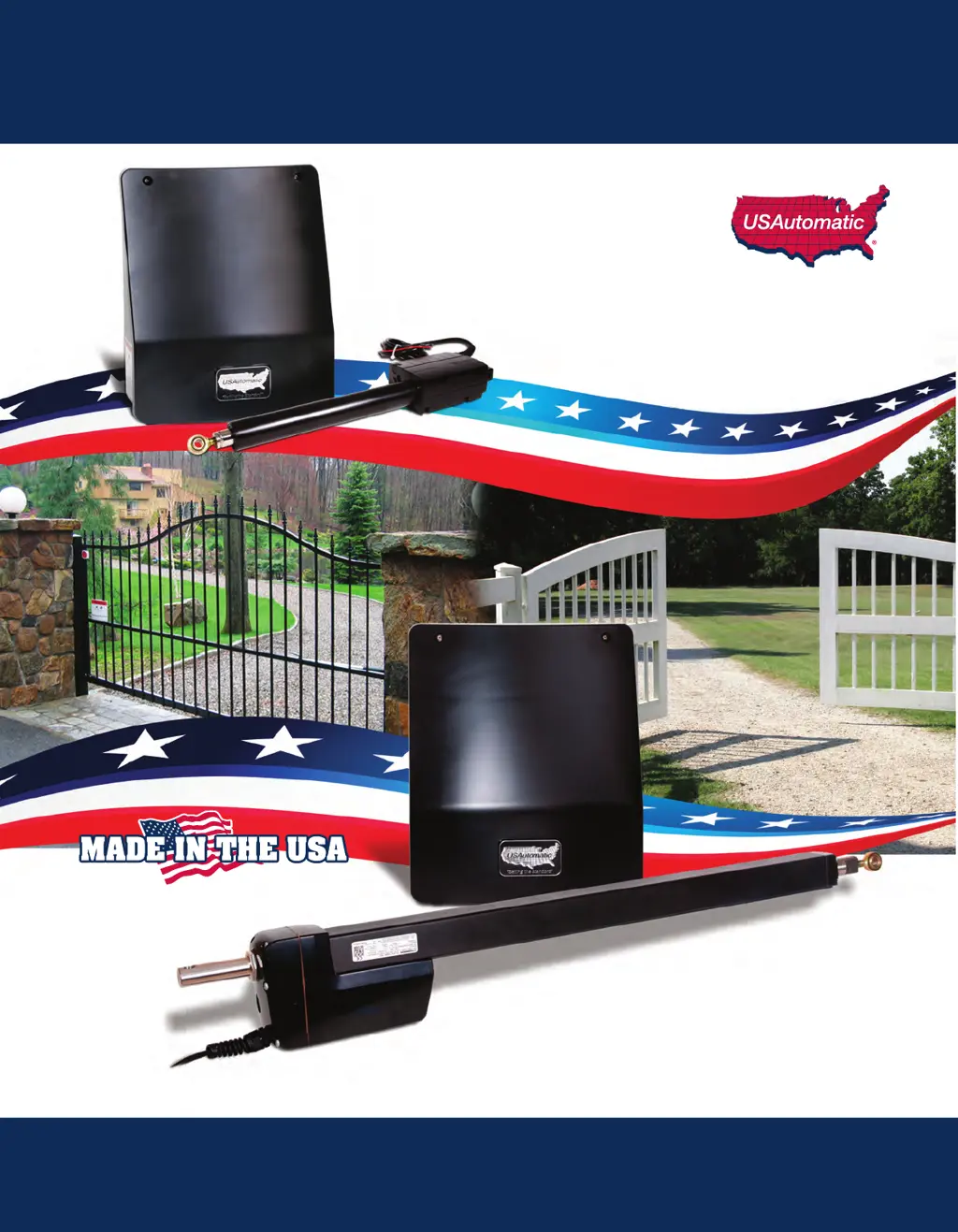
Heavy Duty Battery Powered Solar or AC Charged
Ranger
®
Swing Gate Operators
16 Inch Stroke
Ranger
®
HD
Swing Gate Operator
24 Inch Stroke
Installation/Owners Manual
www.USAutomaticGateOpeners.com | (800) 878-7829 | Sales@USAutomaticGateOpeners.com

Table of Contents

Questions and Answers

  • F
    Frank AndersonAug 3, 2025
    What to do if pressing the 'RESET' button causes my USAutomatic Ranger HD to operate?
    • K
      Kelly WilsonAug 3, 2025
      If pressing the 'RESET' button causes the gate to operate, first locate the 'LED Indicator' push button on the Ranger control board and the 'Push Button Input' LED below the J2 terminal plug. Press the 'LED Indicator' button and observe the 'Push Button Input' LED. If the LED lights up, the receiver relay is stuck closed and needs repair or replacement.
  • D
    David WhiteAug 8, 2025
    Why won't my USAutomatic Gate Opener battery stay charged?
    • B
      Bruce ClineAug 8, 2025
      A battery that won't stay charged could be due to several reasons. First, have the battery load tested at a battery store to ensure it's in good condition. If the battery is good, consider checking the system design, installation, or if there are charging problems with the battery controller. Ensure the solar panel faces South to Southwest and isn't shaded. Also, accessories connected to the system might be using more energy than the charging system provides. If using AC power, check the transformer output with a voltmeter; it should read about 20 VDC, and replace it with USAutomatic part # 520009 if incorrect. Finally, measure the DC voltage from the solar panel, which should typically be about 19 to 22 VDC in direct sunlight.
  • K
    kellymillsAug 17, 2025
    What to do if my USAutomatic Ranger HD Gate Opener opens with the transmitter but won't close?
    • D
      Daniel DixonAug 17, 2025
      If your gate opens with the transmitter but won't close, the LCR receiver's P2 relay may be programmed to latch mode. Resetting receiver P2 relay to momentary mode may solve the issue.
  • T
    Thomas CurtisAug 28, 2025
    Why does the 20 amp fuse blow when connecting the wiring harness to the battery of my USAutomatic Ranger HD Gate Opener?
    • T
      Tracy WrightAug 28, 2025
      A possible short in the wiring harness may cause the 20 amp fuse to blow when the harness is connected to the battery.
  • L
    leethomasNov 12, 2025
    What to do if my USAutomatic Ranger HD Gate Opener transmitter won't operate the gate?
    • A
      Andrea MillerNov 12, 2025
      If your transmitter isn't operating the gate, first open the control box and find the Ranger control board. Locate the 'LED Indicator' push button and the 'Push Button Input' LED under J2 Terminal 3. Push and hold the 'LED indicator' button, then press the transmitter button and watch the 'Push Button Input' LED. It should light up while the transmitter button is pressed. If the 'Push Button Input' LED doesn't light up, ensure the white receiver connector on the control board is securely connected, replace the transmitter battery, and confirm the transmitter is programmed to operate the receiver. If the 'Push Button Input' LED does light up but the gate doesn't operate, find the 'Open/Close Command' button on the Ranger control board and press it to see if the gate operates. If it still do...
  • M
    Michael SandersNov 22, 2025
    What to do if the photo-eye on my USAutomatic Gate Opener won't reverse the gate or hold it open?
    • P
      paul84Nov 22, 2025
      If the photo-eye isn't reversing the gate or holding it open, begin by checking the accessory wiring. The accessory needs +12 VDC power wired to J2 terminal 5 on the Ranger control board, and ground wired to the battery or J2 terminal 2 or 7. Connect the common ground to the battery or J2 terminal 2 or 7, and the N/O connection to J2 terminal 11 'Safety Loop / Reversing Edge Input'. To check if the accessory is working, locate the 'LED Indicator' push button and the 'Safety Loop / Reversing Edge Input' LED. Press and hold the 'LED indicator' button and observe the 'Safety Loop / Reversing Edge Input' LED while activating the accessory (breaking the photo-eye beam). The LED should light up when activated. If it doesn't, check the wiring on the J2 connector and its connection to the Ranger c...

Summary

RANGER Series AUTOMATIC GATE OPERATORS

Class I Residential Gate Operator Definition

Defines Class I gate operator for single-family residences.

Class II Commercial Gate Operator Definition

Defines Class II gate operator for commercial/public locations.

Class III Industrial Gate Operator Definition

Defines Class III gate operator for industrial locations.

Class IV Restricted Gate Operator Definition

Defines Class IV gate operator for guarded/restricted locations.

Solar Friendly Design Benefits

Explains solar-friendly design and benefits.

Battery Requirements and Installation

Details recommended battery type and installation caution.

Entrapment Devices Required and Approved for Operation

Type B1 Non-Contact Sensor Details

Defines Type B1 sensor as photoelectric with N/C contact.

Type B2 Contact Sensor Details

Defines Type B2 sensor as contact edge with 10K resistor.

Type D Actuating Device Details

Defines Type D as constant pressure device.

Approved Wired Contact Edge Devices

Lists approved wired contact edge devices.

Approved Wireless Contact Edge Devices

Lists approved wireless contact edge devices.

Approved Non-Contact Sensors (Type B1)

Lists approved non-contact sensors.

ENTRAPMENT ZONES

Entrapment Zone A: Leading Edge Safety

Defines Zone A entrapment area and recommended device.

Entrapment Zone B: Immovable Object Safety

Defines Zone B entrapment area and recommended device.

Entrapment Zone C: Hinge Point Safety

Defines Zone C entrapment area and recommended device.

Entrapment Zone D: Gate Bottom Edge Safety

Defines Zone D entrapment area and recommended device.

IMPORTANT SAFETY INSTRUCTIONS

SAFETY INSTALLATION INFORMATION

Installing Non-Contact Sensors (Type B1)

Installation guidelines for Type B1 photo eyes.

Installing Contact Sensors (Type B2)

Installation guidelines for Type B2 contact edges.

Installing Constant Pressure Devices (Type D)

Installation guidelines for Type D constant pressure devices.

PARTS INVENTORY

Control Board and Cabinet Components

Lists components included with the cabinet and control board.

2 Button Transmitter Part

Details the 2-button transmitter part.

Solar Panel Kit Part

Details the solar panel kit part.

Safety Signs Part

Details the safety signs part.

Photo Eyes Part

Details the photo eyes part.

DC Adapter Part

Details the DC adapter part.

Ranger HD Actuator Part

Details the Ranger HD actuator part.

Pro80 Ranger Actuator Part

Details the Pro80 Ranger actuator part.

Dual Gate Extension Cable Part

Details the dual gate actuator extension cable.

4 Button Transmitter Part

Details the 4-button transmitter part.

Push to Operate Button Part

Details the push-to-operate button part.

Plastic Wireless Keypad Part

Details the plastic wireless keypad part.

Metal Wireless Keypad Part

Details the metal wireless keypad part.

12;24 Vdc Receiver Part

Details the 12/24 Vdc receiver part.

Electric Gate Lock Part

Details the electric gate lock part.

7 Day Timer Part

Details the 7-day timer part.

Exit Sensor Part

Details the exit sensor part.

Photo Eye Part

Details the photo eye part.

Metal Photo Eye Part

Details the metal photo eye part.

HARDWARE INVENTORY

Support Bracket Hardware

Details the support bracket part.

Mounting Tube Hardware

Details the mounting tube part.

Gate Bracket Hardware

Details the gate bracket part.

Manual Release Pin Hardware

Details the manual release pin part.

Manual Release Pin Clip Hardware

Details the manual release pin clip part.

Nylon Washers Hardware

Details the nylon washers part.

Warning Label Hardware

Details the warning label part.

Bronze Bushing Hardware

Details the bronze bushing part.

3;8 Bolt Hardware

Details the 3/8" bolt part.

3;8 SAE Flat Washers Hardware

Details the 3/8" SAE flat washers part.

3;8 Lock Nuts Hardware

Details the 3/8" lock nuts part.

Threaded Cable Strain Relief Conn. Hardware

Details the threaded cable strain relief connector.

#12 Self Tapping Hex Screw Hardware

Details the #12 self tapping hex screw part.

GENERAL TOOL REQUIREMENTS

ACTUATOR DIMENSIONS

Ranger HD Actuator Dimensions

Provides dimensional specifications for the Ranger HD actuator.

Pro 80 Actuator Dimensions

Provides dimensional specifications for the Pro 80 actuator.

BOX DIMENSIONS

GATE QUALIFICATIONS AND APPLICATIONS

PROPER GATE DESIGN

Mounting Site Review

Determine Opening Method

Determine Horizontal Mounting Location

Mounting Brackets - PULL TO OPEN

Mounting Brackets - PUSH TO OPEN

Mounting Brackets - COLUMNS

Mount Support Bracket

Install Actuator Mounting Tube - PULL TO OPEN

Install Actuator Mounting Tube - PUSH TO OPEN

Install Linear Actuator to Mounting Bracket

Install Gate Bracket to Linear Actuator

Install Gate Bracket to Gate

Install Control Box and Actuator Cable

Splicing Actuator Cable; Dual Gate System

Installing Monitored Entrapment Protection Devices

Monitored Photo Eye (Type B1) Installation

Wiring and dipswitch settings for Type B1 photo eyes.

Monitored Contact Edge (Type B2) Installation

Wiring for Type B2 monitored contact edge devices.

Constant Pressure (Type D) Installation

Wiring for Type D constant pressure operation.

Install Wiring Harness and Battery

Install Battery Controller Power Source

AC Charged System Installation

Details installation for AC powered systems.

Solar Charged System Installation

Connect Power Source to Battery Controller

Install Safety Signs

Connect Linear Actuator Cable to Control Board

Photo Eye Alignment

Operating Gate for the First time

Limit Adjustments

PWM Adaptive Soft Start; Stop Speed Control

Sensitivity, Entrapment Alarm & Auto Close Settings

Verifying Inherent Entrapment Protection (Type A)

Verifying Monitored Photo Eye (Type B1)

Verifying Monitored Contact Edge (Type B2)

Verifying Constant Pressure (Type D) Operation

Ranger Control Board Information

J2 Terminal Description

SWI Function Dip Switches

Programming Transmitter and Receiver

Programming Your Wireless Keypad

Changing Keypad Security Code

Receiver Programming - Hold Gate Open

Emergency Manual Release

PERIODIC SERVICE

Accessories

Electric Gate Lock Accessory

Details the electric gate lock accessory.

Magnetic Gate Lock Accessory

Details the magnetic gate lock accessory.

Exit Sensor Accessory

Details the exit sensor accessory.

Push to Operate Wireless Button

2 Button LCR Transmitter

4 Button LCR Transmitter

12;24 Vdc Receiver AC;DC

Charge Cable Extension Pigtails

Monitored Entrapment Device Expansion Module

7 Day Timer

20 Watt Solar Panel

Troubleshooting Guide

Troubleshooting Guide Introduction

Overview of troubleshooting features on the control board.

Terms and Definitions

Summary of Symptoms

IMPORTANT FIRST STEP

Single Gate Will Not Operate (Ranger I)

Dual Gate Will Not Operate (Ranger II)

Gate Not Operating with Monitored Entrapment Devices

Gate Will Not Automatically Close

Gate Stops and Reverses Intermittently

Single Gate Reverses Immediately

Dual Gate Reverses Immediately

Transmitter Will Not Operate Gate

Transmitter Opens, Wont Close Gate

Photo-Eye Fails to Reverse;Hold Gate

Reset Button Only Operates Gate

Battery Not Staying Charged

Wiring Harness Fuse Blows

Appendix

USAutomatic Battery Controller Details

Details features, specifications, installation, and diagnostics.

Photo Eye - Vehicular Protection

Installing Photo Eye - NOT MONITORED

Installing APP Receiver

Extending Charge Device Location

LIMITED WARRANTY

USAutomatic Ranger HD Specifications

General IconGeneral
BrandUSAutomatic
ModelRanger HD
CategoryGate Opener
LanguageEnglish

Related product manuals