41
Accessories
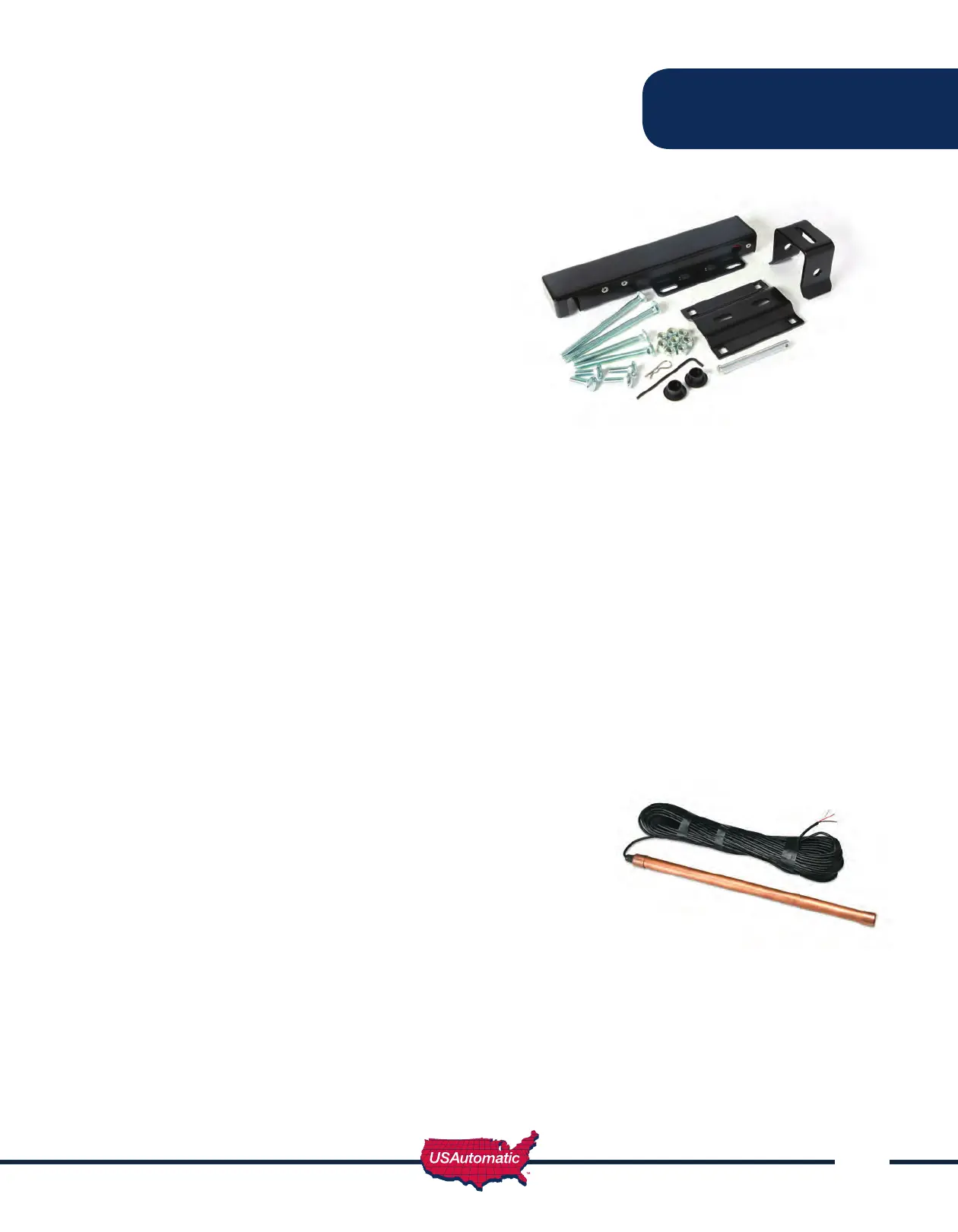
Electric Gate Lock
Part Number 070510
Suitable for solar and AC charged systems.
The Ranger Control Board will energize and
release a 12 vdc electric gate lock or de-
energize and release a magnetic gate lock 1
second before the gate or gates begin to open.
To activate the electric gate lock delay circuit
Turn SW1 switch 5 on. This also activates the
Gate Delay Feature on Dual Gate systems.
Connect the negative (blue) wire from the
gate lock to negative post of the battery.
Connect the positive (+12vdc) green wire from the
gate lock to J8 Electric Lock terminal 3.
For Dual Gates, see Gate Delay Feature Section.
Magnetic Gate Lock
(Non-USAutomatic product)
Not suitable for solar charged systems. Suitable for AC charged systems.
To activate the magnetic lock delay circuit, turn SW1 switch 6 on. Connect the negative wire from
the magnetic gate lock to negative post of the battery. Connect the positive (+12vdc) wire from the
magnetic gate lock to J8 Mag Lock terminal 1.
For Dual Gates, see Gate Delay Feature Section.
Exit Sensor (Solar friendly device)
Preferred Technologies CP-3-3W
Part Number 070305
The driveway exit sensor is a magnetic device that installs below
ground beside the drive. A magnetic eld is established which
when interrupted by a moving metal object will send a signal
to open the gate. This sensor is supplied with 100 foot of cable
and is typically installed inside the property beside the drive to
automatically open the gate when a car passes. This type of
sensor is not a safety device.
It is recommended to install this sensor and cable in PVC conduit.
Wire as follows: Red wire – connect to J2 pin 1
Shield (braided wire) – connect to J2 pin 2, 5 or pin 7
Black wire – connect to J2 pin 9



 To Next Page