EasyManua.ls Logo

USAutomatic PATRIOT RSL - User Manual

USAutomatic PATRIOT RSL
60 pages
Print Icon
To Next Page IconTo Next Page
Loading...
Heavy Duty Battery Powered Solar or AC Charged
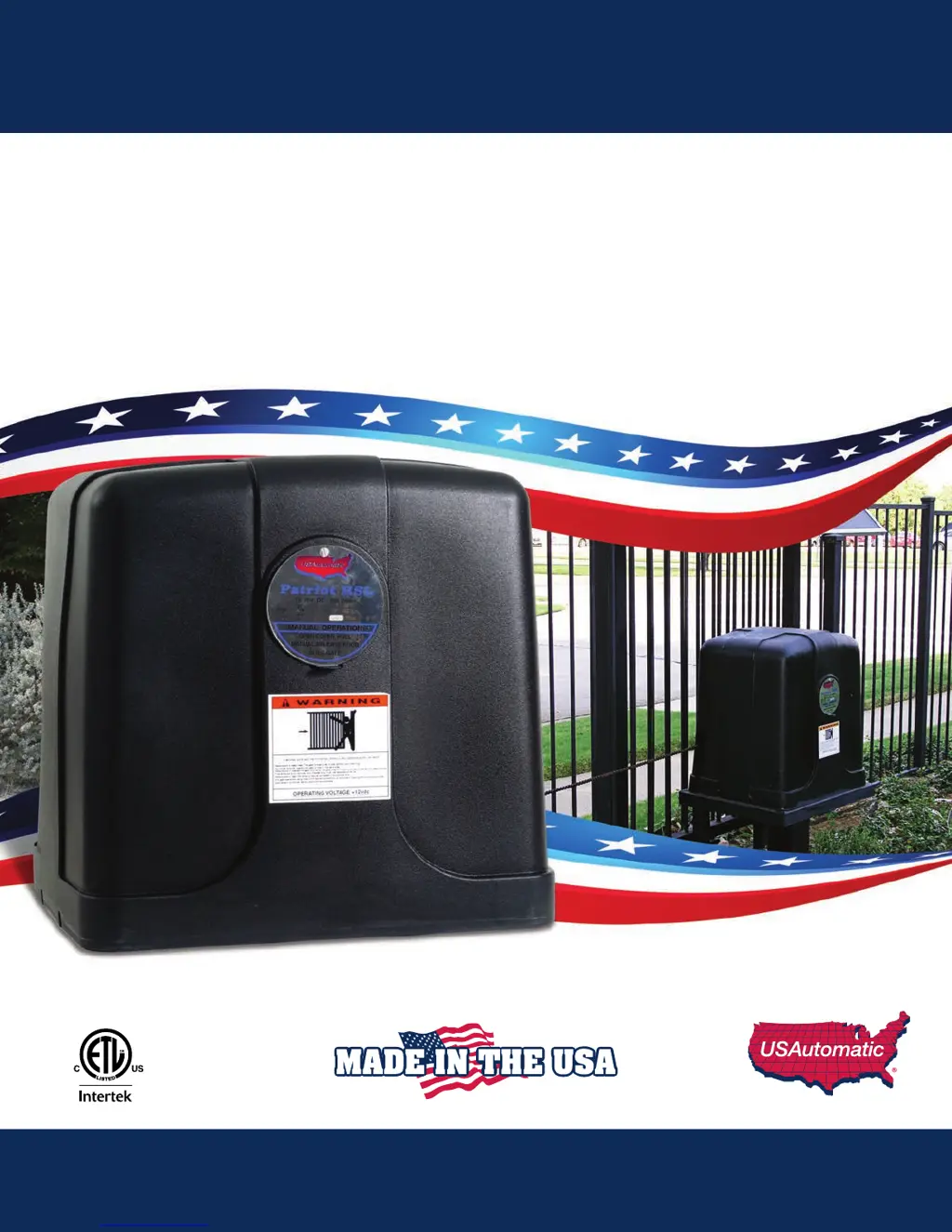
PATRIOT RSL
Vehicular Slide Gate Operator
Installation/Owners Manual

Table of Contents

Questions and Answers

  • J
    Jacob BrooksAug 20, 2025
    Why does pressing the reset button on my USAutomatic PATRIOT RSL make the gate operate?
    • P
      phayesAug 20, 2025
      If pressing the RESET button causes the gate to operate, the problem is likely a faulty receiver. Locate the 'LED Indicator' push button on the Patriot control board, and then find the 'Push Button Input' LED in the lower-left corner. Press the 'LED Indicator' button and watch the 'Push Button Input' LED. If the LED lights up, the receiver relay is stuck closed and needs repair or replacement.
  • C
    Cynthia NelsonAug 22, 2025
    Why won't my USAutomatic PATRIOT RSL battery stay charged?
    • A
      Andrew KingAug 22, 2025
      The most common reason for a battery not staying charged is that the battery is bad. It is highly recommended to have the battery load tested at a battery store to verify its condition, as a load test is the only sure way to know if the battery is good.
  • E
    Emma AriasAug 25, 2025
    Why does my USAutomatic PATRIOT RSL Gate Opener open and close slowly?
    • C
      chad66Aug 25, 2025
      The gate may be opening or closing slowly due to low battery voltage. Here's what to check, depending on your charging method: * **Solar charged:** Ensure accessories don't exceed the solar panel's charging power. Verify the charger operates correctly, the panel faces southwest without shade, and inspect for damage. Test the solar panel on a sunny day for correct voltage (about 22 volts) and current output (about 300 ma). If either reading is incorrect, the panel may be defective. If all checks pass, remove the battery and have it load tested at a battery shop and replace if necessary. * **AC charged:** Ensure accessories don't exceed the charger's power. Verify the charger is working correctly and inspect for damage.
  • L
    lewismariaAug 26, 2025
    How to fix a USAutomatic PATRIOT RSL that won't automatically close?
    • D
      Dana RobertsAug 27, 2025
      If your gate won't automatically close, the issue might be with the DS1 switch settings. Here’s how to check: * If DS1 switch 1 is ON and switch 2 is OFF, the gate should close automatically from any position. * If switch 2 is also ON, the gate will only close automatically if the 'retract limit' (right-hand installation) or 'extend limit' (left-hand installation) is ON. Press the 'Open/Close Command' button to verify the gate closes. If it does, ensure DS1 switch 1 is ON. For a single gate, only DS1 switch 3 or 4 can be ON; if both are ON, the gate won't close automatically. Turn OFF the unused switch and recheck.
  • J
    Johnny SerranoAug 30, 2025
    Why does the USAutomatic Gate Opener fuse blow when I try to open or close the gate?
    • O
      ofergusonAug 30, 2025
      The 15 amp fuse on the control board typically blows because the gate cannot move. This might be due to an obstruction, the gate attempting to move in the wrong direction because of an incorrect limit switch setting, or a wiring problem, especially in splices made during installation. Another potential cause is the brake inside the gear motor not releasing, which prevents the motor from running.
  • M
    Mikayla MyersSep 1, 2025
    Why does my USAutomatic PATRIOT RSL reverse direction immediately after opening or closing?
    • L
      Laura MooreSep 1, 2025
      If your gate opens or closes correctly but then immediately reverses direction, the limit switch may be out of adjustment. The gate is opening or closing too far, so you should identify the limit switch that is out of adjustment and adjust it so that the gate stops earlier. The limit switches are located on the limit plate assembly on top of the operator. If the limit switches are adjusted correctly and the gate is not stopping when the switch is depressed, verify the limit switches and wires are in good condition. Press the LED indicator and observe the retract and extend limit lights.
  • J
    Jacqueline WilliamsSep 5, 2025
    Why does my USAutomatic Gate Opener stop and reverse after a few seconds?
    • T
      Tony MartinSep 5, 2025
      If your gate starts to open or close but then stops and reverses after a couple of seconds, remove the control box cover and find the sensitivity adjustment potentiometer on the Patriot control board. Turn the white center clockwise to increase the force. A setting of 5 usually works for most gates; if you need to set it above 8, your gate likely has a problem. Check for track debris, binding, or an overly tight operator chain. Pull the manual release knob and move the gate by hand to check for smooth movement.
  • R
    Robert LiSep 7, 2025
    Why won't my USAutomatic PATRIOT RSL transmitter operate the gate?
    • J
      Joseph ReidSep 7, 2025
      If the transmitter won't operate the gate, open the control box and find the Patriot control board. Locate the 'LED Indicator' push button and the 'Push Button Input' LED. Push and hold the 'LED indicator' push button, then press the transmitter button and observe the 'Push Button Input' LED. The LED should light up while the transmitter button is pressed. If the 'Push Button Input' LED doesn't light up, ensure the green J2 connector on the control board is securely connected, replace the battery in the transmitter, and verify the transmitter is programmed to operate the receiver. If the 'Push Button Input' LED does light up but the gate doesn't operate, find the 'Open/Close Command' button at the bottom center of the Patriot control board and press it to see if the gate operates.
  • M
    Miss Hannah HuntSep 9, 2025
    Why does my USAutomatic Gate Opener open with the transmitter but not close?
    • H
      Hailey LoveSep 9, 2025
      If your gate opens with the transmitter but won't close, the issue is likely with the programming of the LCR receiver (P2 relay is programmed to latch mode). On the Patriot control board, press and hold the 'LED Indicator' push button. Look in the lower-left corner of the Patriot control board and note any LEDs that are on. If the 'Free Exit/Open Input' is on, then the receiver (P2) is programmed to latch mode.
  • E
    erin41Sep 12, 2025
    What to do if the USAutomatic PATRIOT RSL Gate Opener emergency release knob cannot be pulled?
    • K
      Katherine MarshallSep 12, 2025
      If the emergency release knob cannot be pulled, first verify that it is not already pulled by trying to roll the gate. If the gate will not move, try to pull the emergency release knob while shaking the gate in the direction of travel. A difficult-to-pull emergency release knob indicates something is in a bind. Check the gate wheels and guide rollers. Verify the chain is on all the rollers and not twisted or overly tight.

Summary

Critical Safety Warnings

UL325 & ASTM F2200-14 Compliance

Understanding Gate Operator Classes

Defines the four classes of vehicular gate operators according to UL325 standards.

Entrapment Zones Identification

Key Entrapment Areas and Protection

Details common entrapment zones (Zone 1-4) and required protection measures.

Safety Installation Procedures

Critical Installation Cautions

Highlights essential safety warnings and precautions for safe installation.

Preparation and Overview

Gate Qualifications and Design

Specifies compatible gate types and emphasizes proper gate design for operation.

Operator Component Identification

Top, Front, and Rear Views

Visual guide with labeled components from different perspectives.

Operator Mounting Procedures

Pad and Post Mount Installation

Details procedures for mounting the operator on a pad or post.

Chain Installation and Tensioning

Installing Brackets, Connecting, and Adjusting Chain

Steps for attaching brackets, connecting, and setting chain tension.

Control Board and System Component Installation

Installing Control Board, Receiver, Charger, Siren, and Battery

Guides on installing main components like the control board, receiver, charger, siren, and battery.

Power Source and Charge Controller Setup

Connecting AC;Solar Power and Checking Controller

Instructions for connecting power sources and verifying charge controller function.

Installing Monitored Entrapment Protection Devices

Photo Eye (Type B1) Installation

Details wiring and dipswitch settings for photo eye safety devices.

Entrapment Device Wiring and Verification

Contact Edge (Type B2) Installation and Harness Connection

Provides wiring for contact edges and connecting the main wire harness.

Patriot RSL Control Board Details

Control Board Dipswitch Configuration (DS1)

Initial Gate Operation and Limit Switch Adjustment

First Time Gate Operation

Initial steps for operating the gate after installation is complete.

Adjusting Limit Switches

Procedures for setting the gate's open and close travel limits.

Sensitivity, Entrapment Alarm, and Type A Operation

Adjusting Sensitivity and Entrapment Alarm Function

How to set sensitivity and understand the entrapment alarm.

Verifying Monitored Entrapment Devices Operation

Programming Transmitter and Receiver

Periodic Service and Maintenance

Troubleshooting Guide Introduction

Summary of Common Gate Operator Symptoms

Troubleshooting: Gate Not Operating

Single Gate Operation Failure

Steps to diagnose why a single gate is not operating.

Troubleshooting: Slow Gate Operation

Troubleshooting: Battery Charging Issues

Installing Control Board in Pre-2016 Systems

Understanding Entrapment Definition

Defines entrapment and its relation to gate safety standards.

Limited Warranty Information

USAutomatic PATRIOT RSL Specifications

General IconGeneral
BrandUSAutomatic
ModelPATRIOT RSL
CategoryGate Opener
LanguageEnglish

Related product manuals