32
Verifying Monitored Photo Eye (Type B1) Entrapment device Operation Only:
Operate the gate and verify entrapment protection devices are working properly.
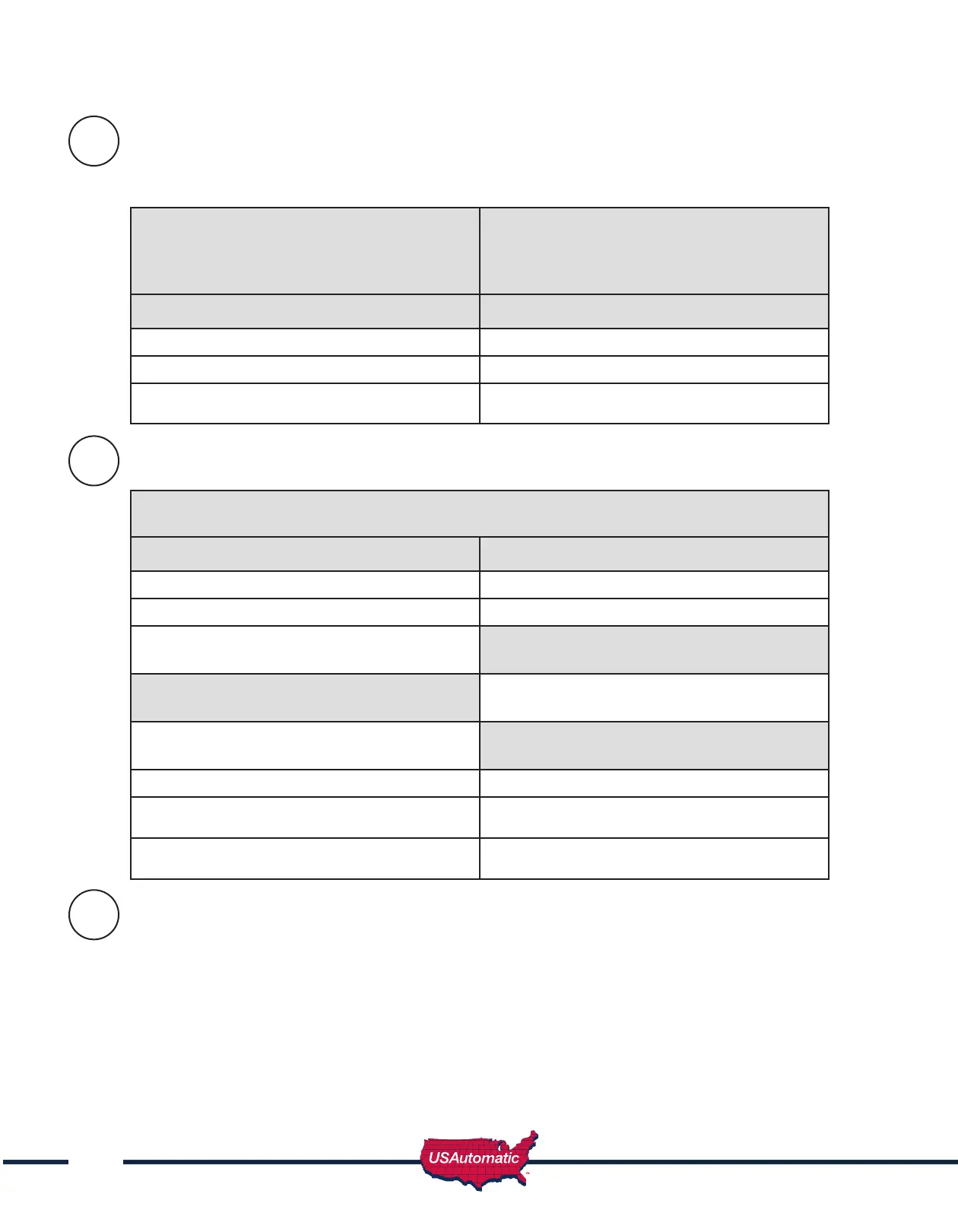
Use the table below to determine correct operation.
Type B1 - Photo Eye 2
nd
Entrapment -
N/C input J2 pin 4 - Open Direction
If SW1 switch 7 is OFF this input is ignored.
If ON, functions as described below
Type B1 - Photo Eye 2
nd
Entrapment -
N/C input J2 pin 8 - Closed Direction
If SW1 switch 8 is OFF this input is ignored.
If ON, functions as described below
Gate Opening Photo Eye Activated Gate Closing Photo Eye Activated
Gate stops Gate stops and reverses to full open
Auto close if turned ON is still active Auto close if turned ON is still active
Return to normal operation when the sensor
is no longer activated.
Return to normal operation when the sensor
is no longer activated.
Verifying Monitored Contact Edge (Type B2) Entrapment device Operation Only:
Contact Edge (Type B2) Monitored Entrapment N/O input J2 pin 6
If SW1 switch 2 is OFF then gate will not move. If ON, functions as described below.
Gate Opening Edge Activated 1
st
time Gate Closing Contact Edge Activated 1
st
Time
Gate stops and reverses for ~ 2 seconds Gate stops and reverses to full open
Auto close disabled Auto close if turned ON is still active
Requires a Push Button, Close or Open input
before normal operation resumes.
If while opening after reversal above, a 2
nd
sequential input is received, gate must stop
If while closing after reversal above a 2
nd
activation occurs before the 2 seconds then
Requires a Push Button, Close or Open input
before normal operation resumes.
Gate stops
Gate Closing Edge Activated 2
nd
Time
before the close limit then
Auto close disabled Gate stops
Requires a Push Button, Close or Open input
before normal operation resumes.
Auto close disabled
Requires a Push Button, Close or Open input
before normal operation resumes.
Verifying Constant Pressure (Type D) Operation Only:
IMPORTANT: Verify the gate path is clear before pressing the S4 button.
The S4 push Button (N/O) requires constant pressure to operate gate. When pressed and
held the gate will run until the limit is reached or the button is released. If the button is
released in mid travel the gate will stop and the next press of the button will run the gate in
the opposite direction.
IF gate is closed and emergency switch is activated the gate will open and remain open until
deactivated.
23a
23b
23c



 To Next Page