35
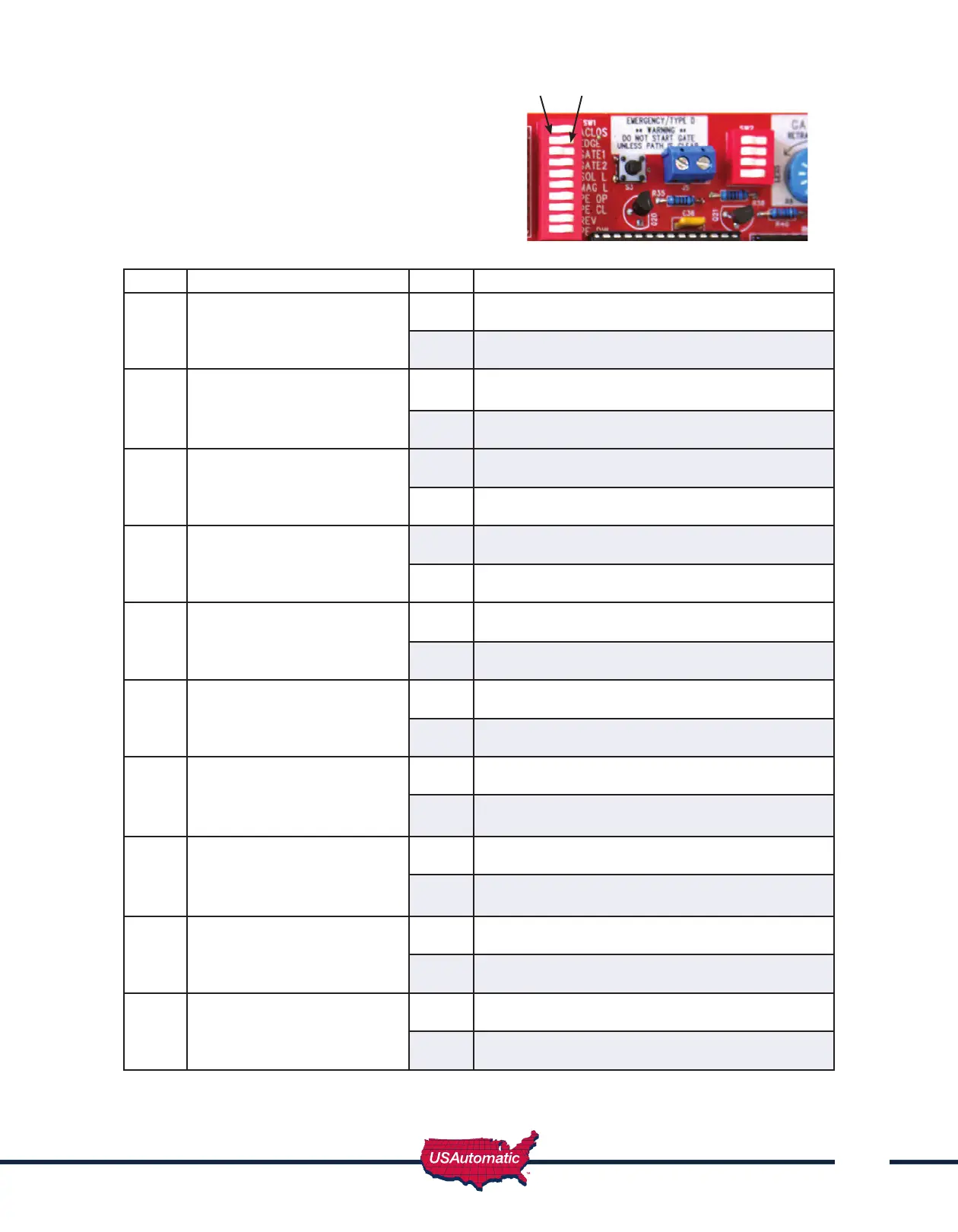
SW1 Function Dip Switches
ON - Down on right
OFF - Down on left
Switch Setting Factory Settings are shown in bold type
1
Automatic Close Timer Enable
(Not recommended unless safety
devices are installed)
ON Timer to close is activated
OFF Timer to close is disabled
2
Contact Edge Monitored ON Monitored contact edge is installed.
Contact Edge must have 8.25K or 10K resistor.
OFF No monitored Contact Edge installed
3
Gate 1 Enable ON Gate 1 operator enabled to function
OFF Gate 1 operator disabled
4
Gate 2 Enable
(both gates on for dual)
ON Gate 2 operator enabled to function
OFF Gate 2 operator disabled
5
Electronic Gate Lock
Solenoid Type
ON Electric Gate Lock Enabled
OFF Electric Gate Lock not activated
6
Magnetic Lock ON Mag lock Enable
OFF Mag lock not active
7
Photo Eye Open Only N/C
Monitored Entrapment
ON Monitor Photo Eye open direction only
OFF No monitored Photo Eye open
direction installed
8
Photo Eye Closed Only N/C
Monitored Entrapment
ON Monitor Photo Eye closed direction only
OFF No monitored Photo Eye close direction
installed
9
Operating Direction Reverse
(Must be on for push to open
installations to operate correctly)
ON Push to Open
OFF Pull to Open
10
Photo Eye Power Management
Enable *when ON 12 vdc will be
present at J2 pin 12 whenever
gate is in motion.
ON Enables PEPM
OFF Disables PEPM
OFF ON



 To Next Page