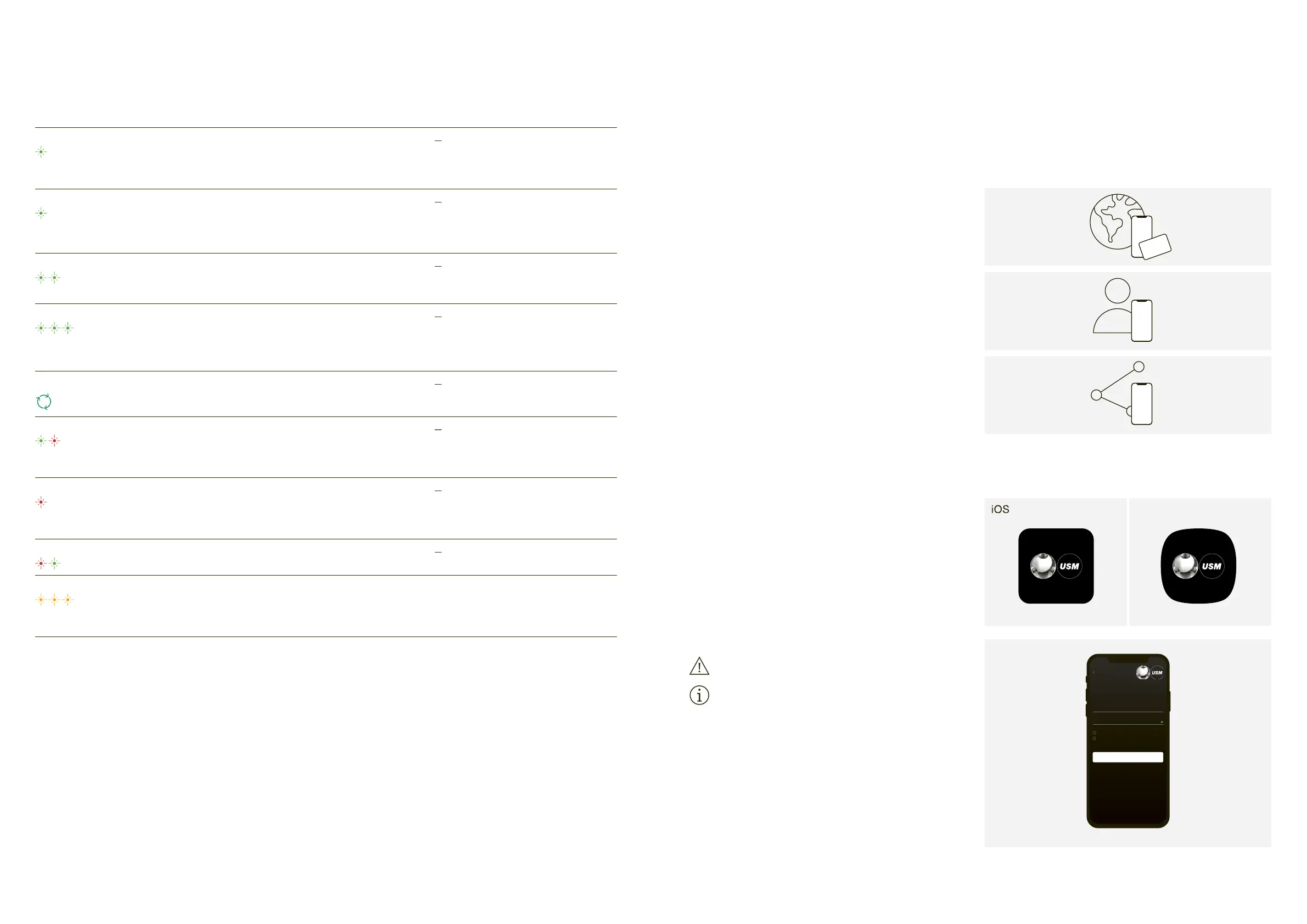
— When locking or opening a lock C with an
authorised key card or smartphone
— When opening a lock C with an emergency
opening card (Admin card)
— When a lock C is added to the lock pool
— When a lock C is depersonalised
— When the “Auto Close” function is activated
— When opening or closing a lock with the
“Auto Close” function activated
— When personalising a lock
— During initial start-up
— After a firmware update
— During a lock C firmware update
— When programming a Main Admin card or
holding it in front of the lock
— When programming or deprogramming Admin
— An attempt to open the lock without
authorisation/access rights
— Time-out if too much time elapses during
— When locking or opening a lock C shared
with another person in “Shared Locker mode”.
This flashing signal appears after an action
(i.e. opening or closing)
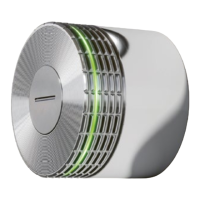
— Batteries are almost empty
Replace the batteries at the next
After the first warning signal, only a
few more actions can be performed.
Restart the lock by opening and closing
the battery cover. If the lock still doesn’t
respond, replace the batteries.
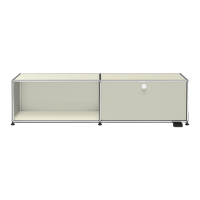
As a user, you can operate the lock C with a key
card or your smartphone. The USM Haller lock C
has up to three user modes.
— Safe and long-term storage of documents, equipment
— Temporary or long-term access
8.2 User area of the USM app
If you use a key card, you can skip to the next point.
The USM app is required for both “Personal Locker
mode” and “Shared Locker mode”.
2. Select the desired language.
4. Once you have registered, log in to the app.
Before logging in, untick the “Power User” tick box.
Leave this tick box unticked at all times!
You are now a user with access to the user area.
Activation mail not received?


 To Next Page