USR-N540 User Manual www.usriot.com
Jinan USR IOT Technology Limited 53 / 73 inquiry@usriot.com
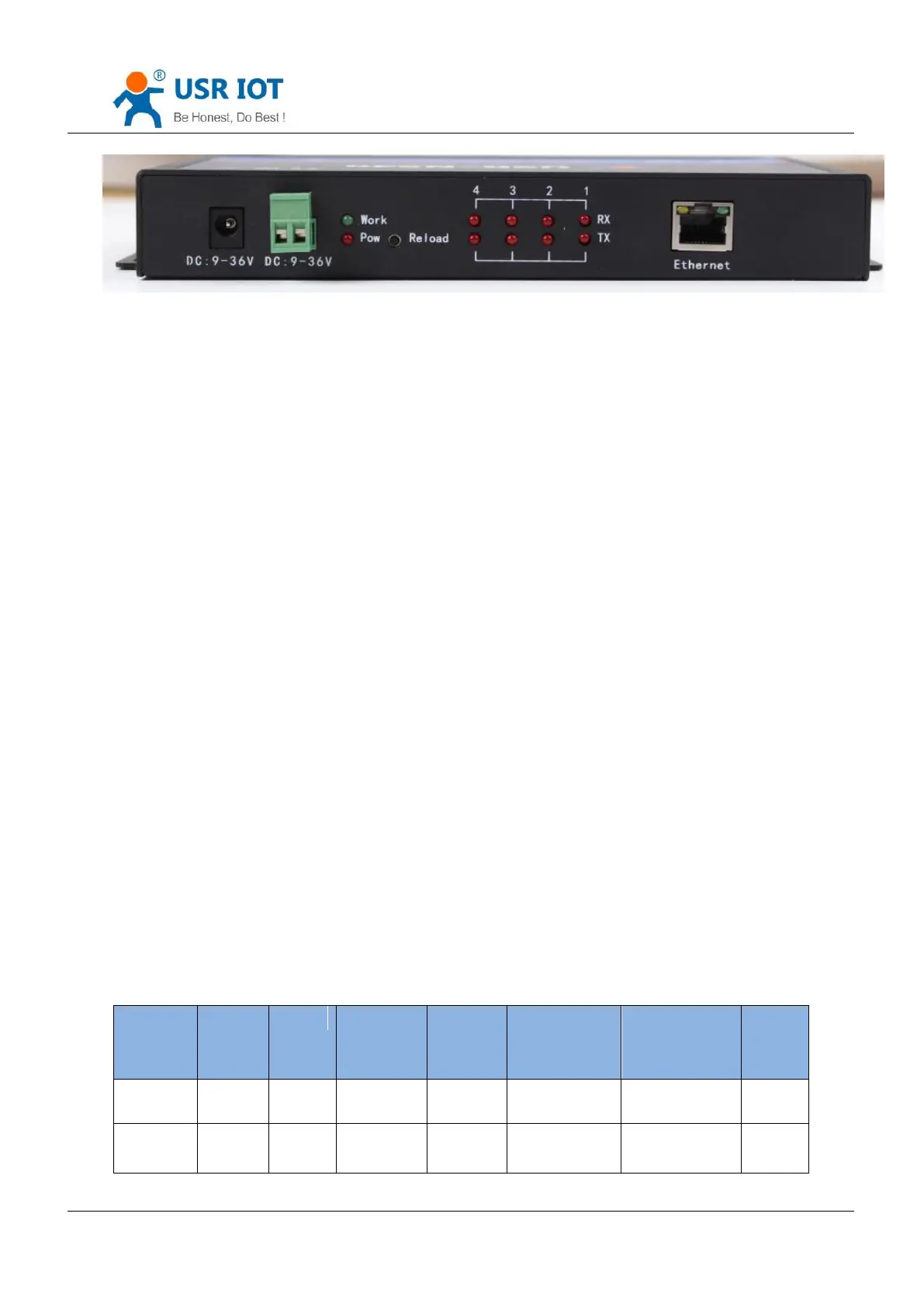
Reload
4. Setting Protocol
USR-N540 includes two protocol: network setting protocol and serial port setting protocol.
4.1. Network Setting Protocol
4.1.1. Set Parameter Process
1. Build SOCKET:
Build UDP SOCKET, destination IP: 55.255.255.255, destination port: 1901. Low is in front.
2. Setting command process:
① The network send searching command
② USR-N540 returns IP address and MAC
③ The network read USR-N540’s parameter
④ Organize setting command according to MAC, known user name/password and parameter to be configured.
⑤ Send setting command
⑥ USR-N540 returns “correct setting”
⑦ Host PC send “save setting” command
⑧ USR-N540 returns “correct”
⑨ Restart command
⑩ USE-N540 returns “correct setting”
4.1.2. Setting Command Content
Command Look-up List:
User name
/password
(12bytes)


 To Next Page