2
Preparation before Use
2-57
NOTE: If using the machine with the FAX function installed and the multi purpose tray is used to print a received
FAX, the available media types are as shown below.
Plain, Recycled, Bond, Color, High Quality, Rough, Labels, Envelope, Cardstock, and Thick
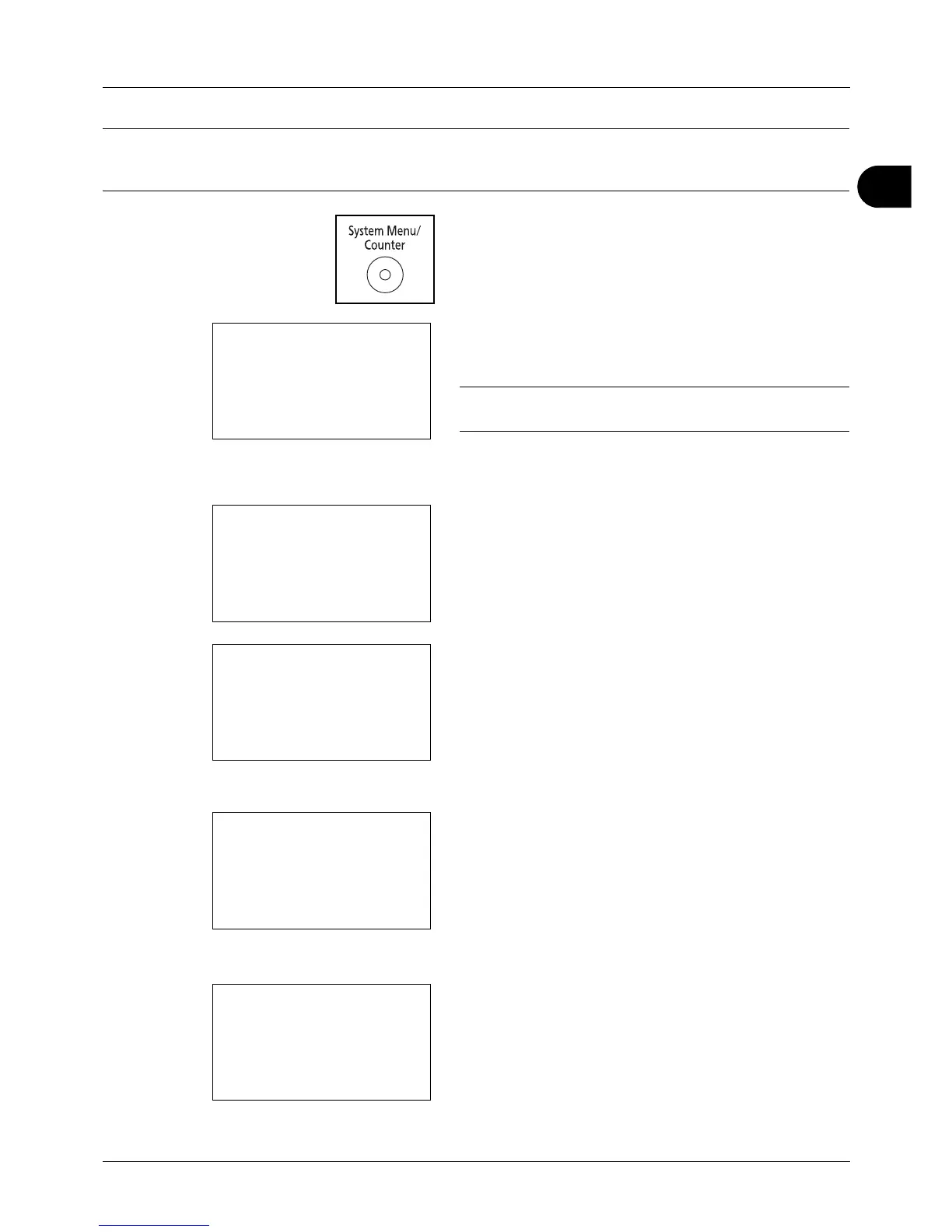
1 Press the System Menu/Counter key on the main unit
operation panel.
When you are performing user management and have
not logged in, a login screen will appear. Then, enter the
user ID and password to log in.
NOTE: Refer to Character Entry Method on Appendix-5 for
details on entering characters.
When you are not performing user management, go to
step 2.
2 In the Sys. Menu/Count. menu, press the or key to
select [Common Settings].
3 Press the OK key. The Common Settings menu appears.
4 Press the or key to select [Orig./Paper Set.].
5 Press the OK key. The Orig./Paper Set. menu appears.
6 Press the or key to select [MP Tray Set.].
7 Press the OK key. The MP Tray Set. menu appears.
8 Press the or key to select [MP Tray Size].


 To Next Page
 Loading...







