Operation Panel
4-112
User Login
This enables user login administration. This switches the User Login Administration On/Off and sets the authentication
network server.
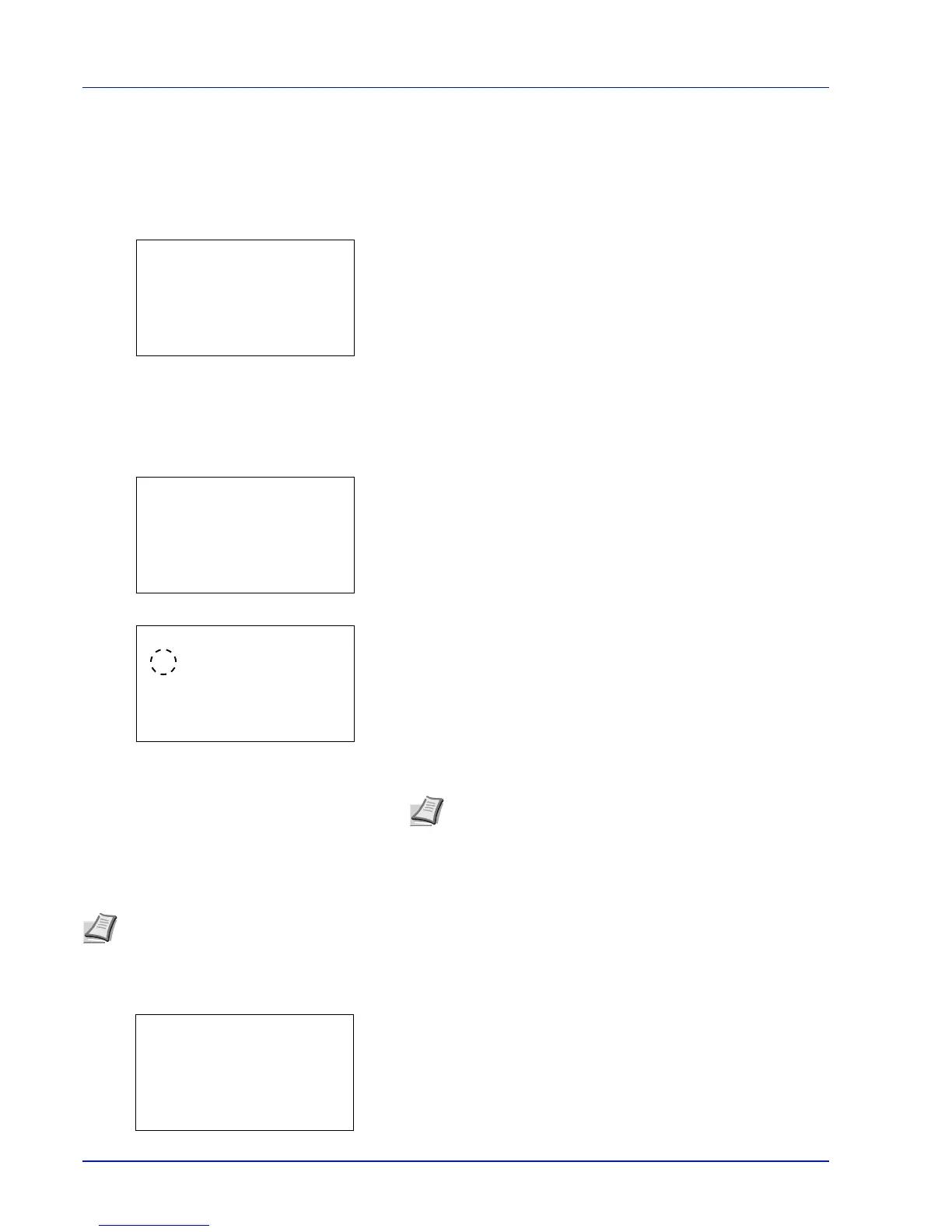
1 In the User Login Set. menu, press or to select User
Login.
2 Press [OK]. The User Login menu screen appears.
Login Type (Enabling of User Login Administration)
Select Netwk Authentic. to enable User Login Administration.
1 In the User Login menu, press or to select Login Type.
2 Press [OK]. The Login Type screen appears.
3 Press or to select Netwk Authentic. or Off.
4 Press [OK]. The User Login menu reappears.
Netwk Auth. Set (Netwk authentication setting)
Set the network authentication server.
1 In the User Login menu, press or to select Netwk Auth.
Set.
2 Press [OK]. The Netwk Auth. Set menu screen appears.
Note When Netwk Authentic. is selected, set the
network authentication server.
Note These settings are only displayed when Netwk Authentic. has been set as the Login Type (Enabling of
User Login Administration) on page 4-112.



 To Next Page