6-15
Using Various Functions > Functions
Color Balance
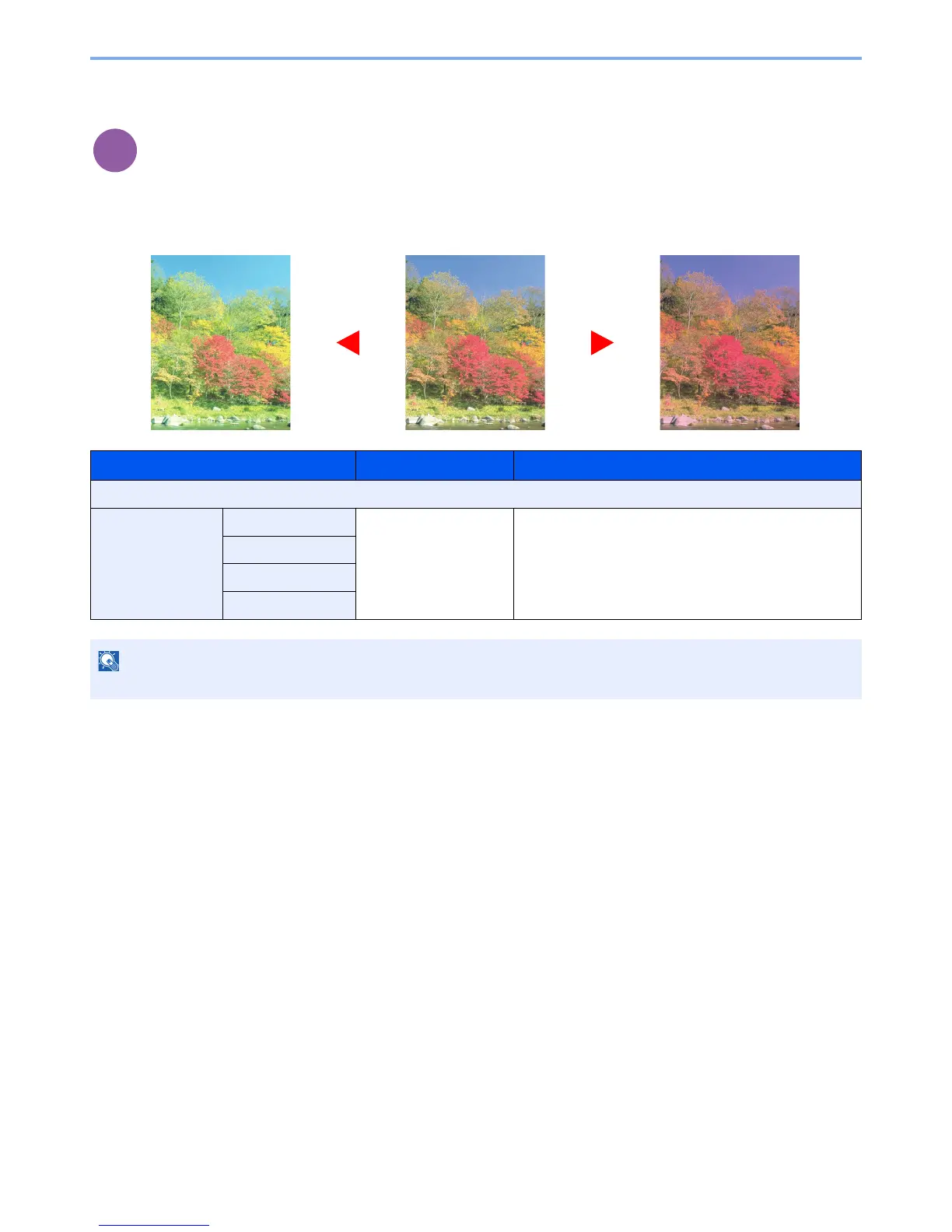
Adjust the strength of cyan, magenta, yellow, and black.
Example:
Item Value Description
Off
On Cyan -5 to 5 Select the [▲] or [▼] key to select the intensity of the
color. A large negative value makes the color weaker, and
a large positive value makes the color stronger.
Magenta
Yellow
Black



 To Next Page