05
Find
Your master socket
Unplug any existing equipment
from your master socket.
Connecting your router to the
master socket will give you the
best broadband speed.
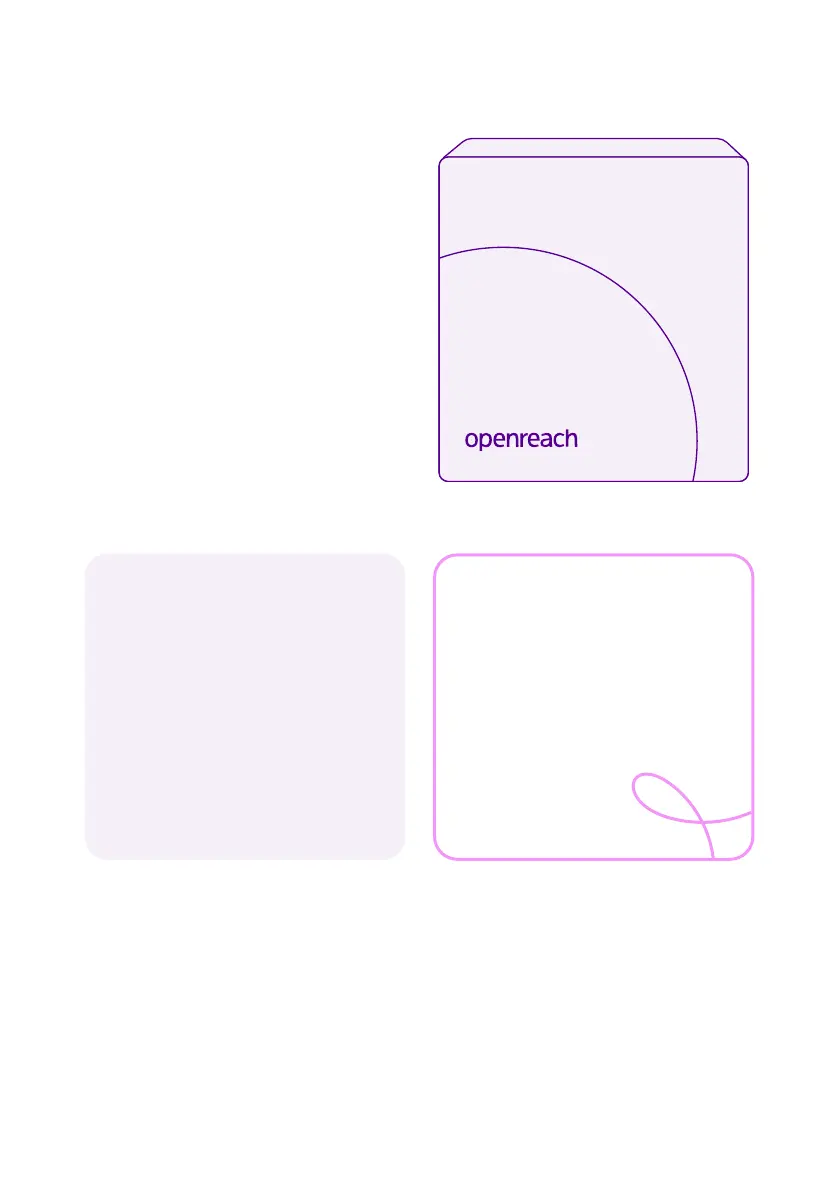
The master socket is usually
slightly larger than a normal phone
socket and often has a horizontal
line in the middle. It might also
have a BT or Openreach logo.
Can’t find your
master socket?
Don’t worry, you can
connect your router to a
convenient phone socket.
Your broadband should still
work but may not perform as
well.
Tip
You can find the master
socket by following the
phone line that comes into
your property from outside.
Power LOS PON LAN


 To Next Page