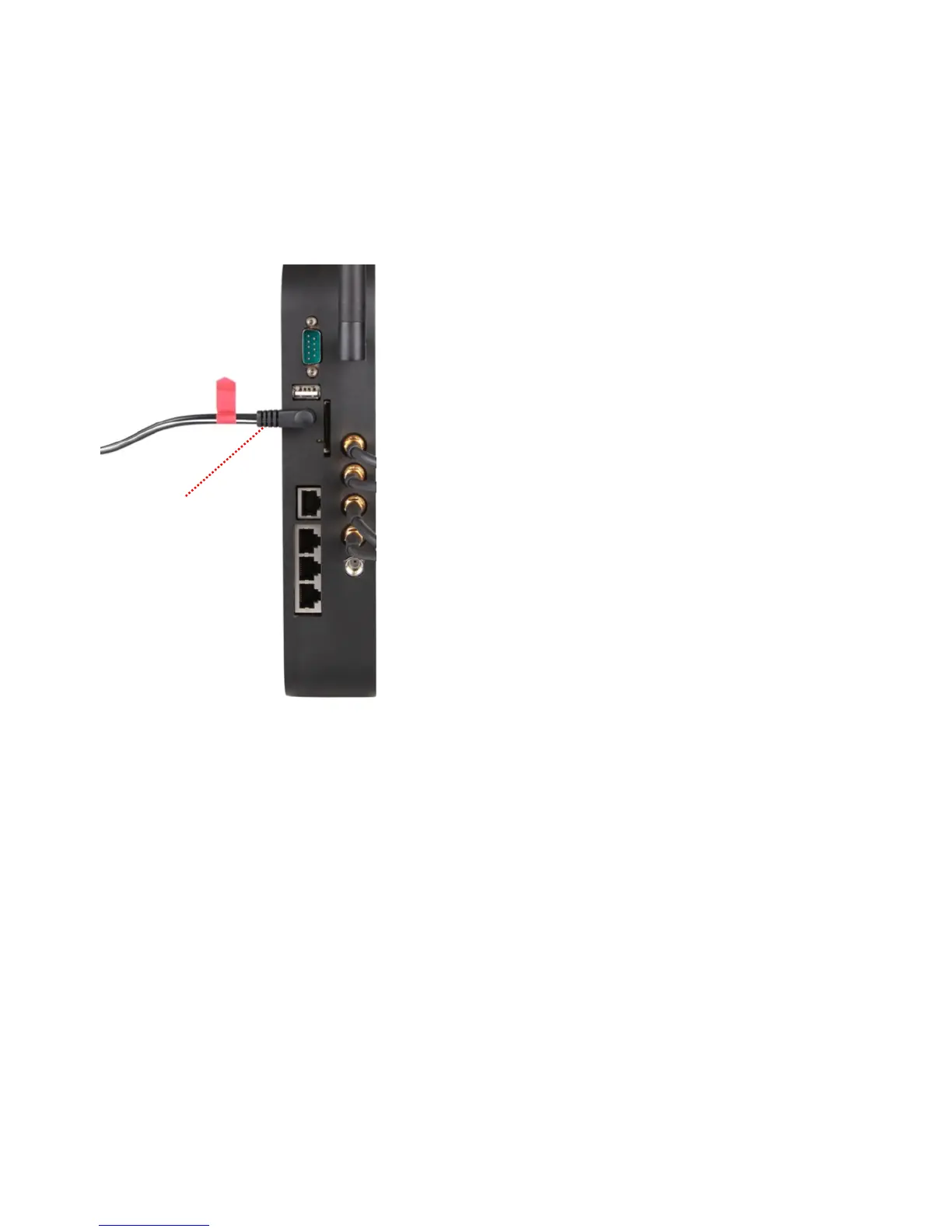
Connecting cables within the RAP’s Enclosure
1. Ensure that the unit is powered off.
a. This is accomplished by removing the barrel connector on the cable with the RED tag on it; please insure
this connector does not come in connect with any metallic objects.
i. Additionally ensure that NO RJ45 external cables are attached to the POE switch port located on
the front of the internal mount that secures the RAP unit in the enclosure.


 To Next Page