-
7
-
1. Status setup (Do Not Disturb)
2. Accept calling
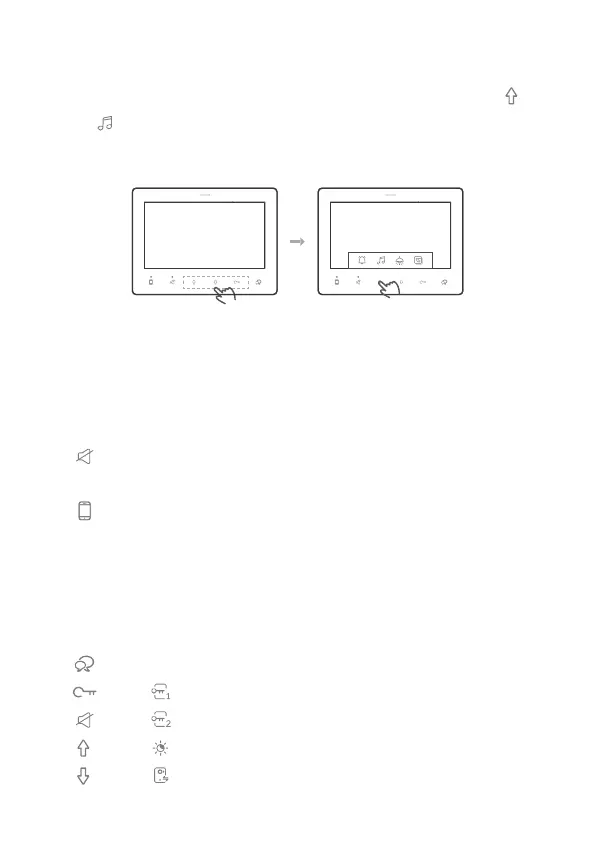
2. Change ringtone melody
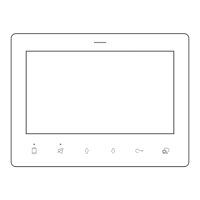
When power up and standby (DF7 is screen off), :
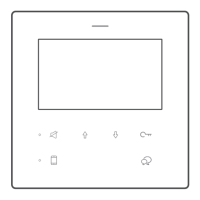
Tap to enable “Do Not Disturb”, the corresponding LED solid on mean
the is in Do Not Disturb and will not ring for any calls.
Tap to enable/disable “Divert to APP”.
(*Reserve function, requires additional accessary or specic door station to enable, not working for
2easy standard door station.)
When DF7 rings,
Tap to accept calling.
Tap (refers ) to release door lock 1
Tap (refers ) to release door lock2
Tap (refers ) to adjust brightness of the image, 2 levels.
Tap (refers ) to switch to other door station camera(if has)
3 sets of the ring tune selectable. When standby, into main menu, tap
(refers )to switch the melody between 3 sets, after switch DF7 will play
the melody for door station calling, inner call, and ring button separately.
Operation
VER 01.01
ADDR 01.01


 To Next Page