28 Versacount II+ User’s Guide
Hardware Option 61673621.fm
Hardware Option
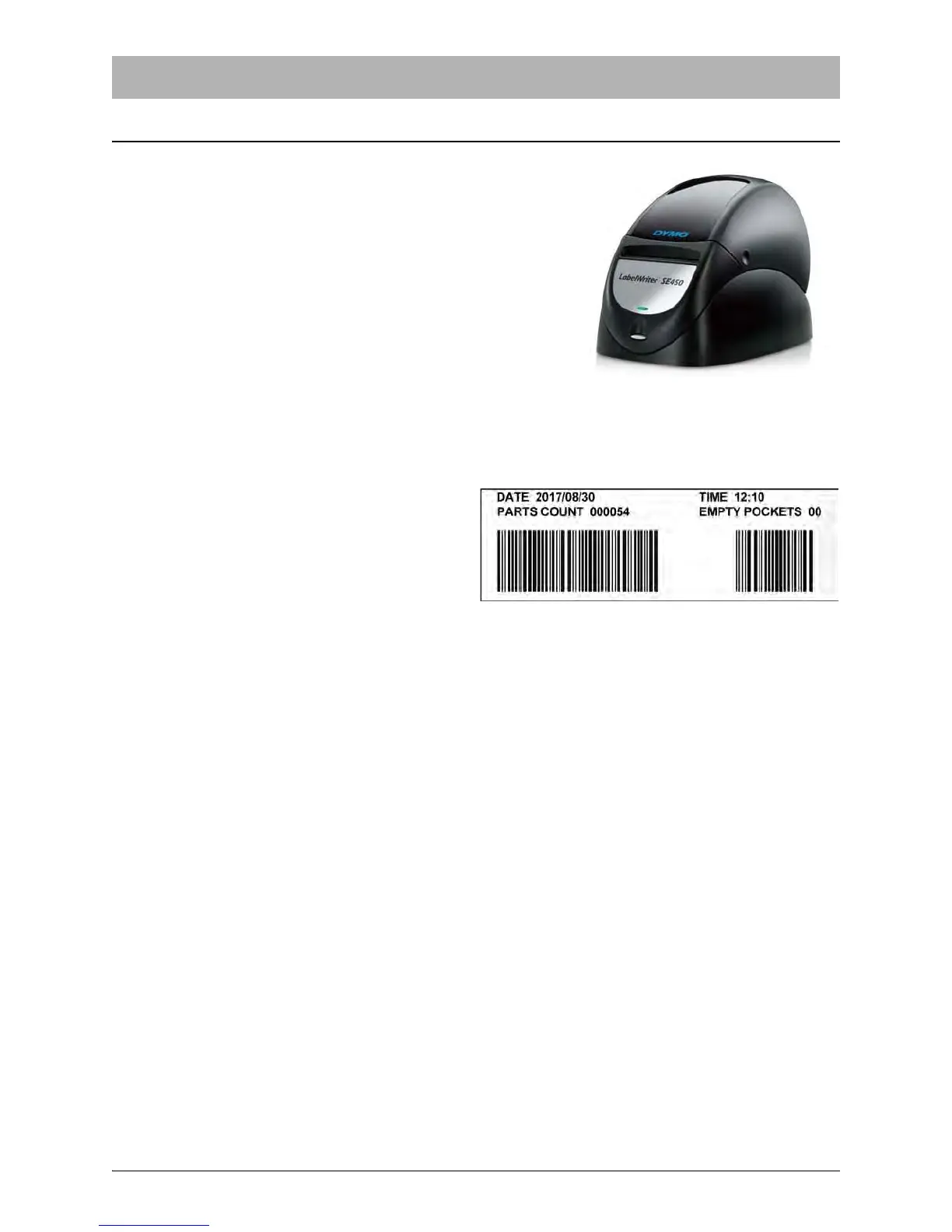
Dymo Label Writer SE450 Printer
V-TEK offers a compact, high quality label printer to be used
in conjunction with the Versacount II+.
Printer Installation
1. Load the label paper as described in the printer manual.
2. Plug the printer cable into the RS232 serial port on the
back panel of the Versacount II+.
3. Attach the power adapter to the printer.
4. Enable the use of the printer in the Options screen in the
counter’s operator interface.
Using the Printer
When the printer is installed and enabled, the
option to print labels (pressing the 5 key) will
be available whenever the counter is stopped.
The labels will be printed as shown in Figure
1-42, with two barcodes for the total parts
counted and empty pockets, as well as the
current date and time when the data was sent
to the printer.



 To Next Page