32 Versacount II+ User’s Guide
Safe Maintenance Steps 61683512.fm
Safe Maintenance Steps
Follow the steps below when performing routine maintenance or cleaning on the Versacount II+.
1. Turn the Versacount II+ OFF.
2. Disconnect the power supply and place the unplugged power cord so it clearly visible.
3. Remove all tape.
4. Perform cleaning/maintenance as needed.
5. Reload tape.
6. Reconnect the power supply.
7. Turn the Versacount II+ back ON.
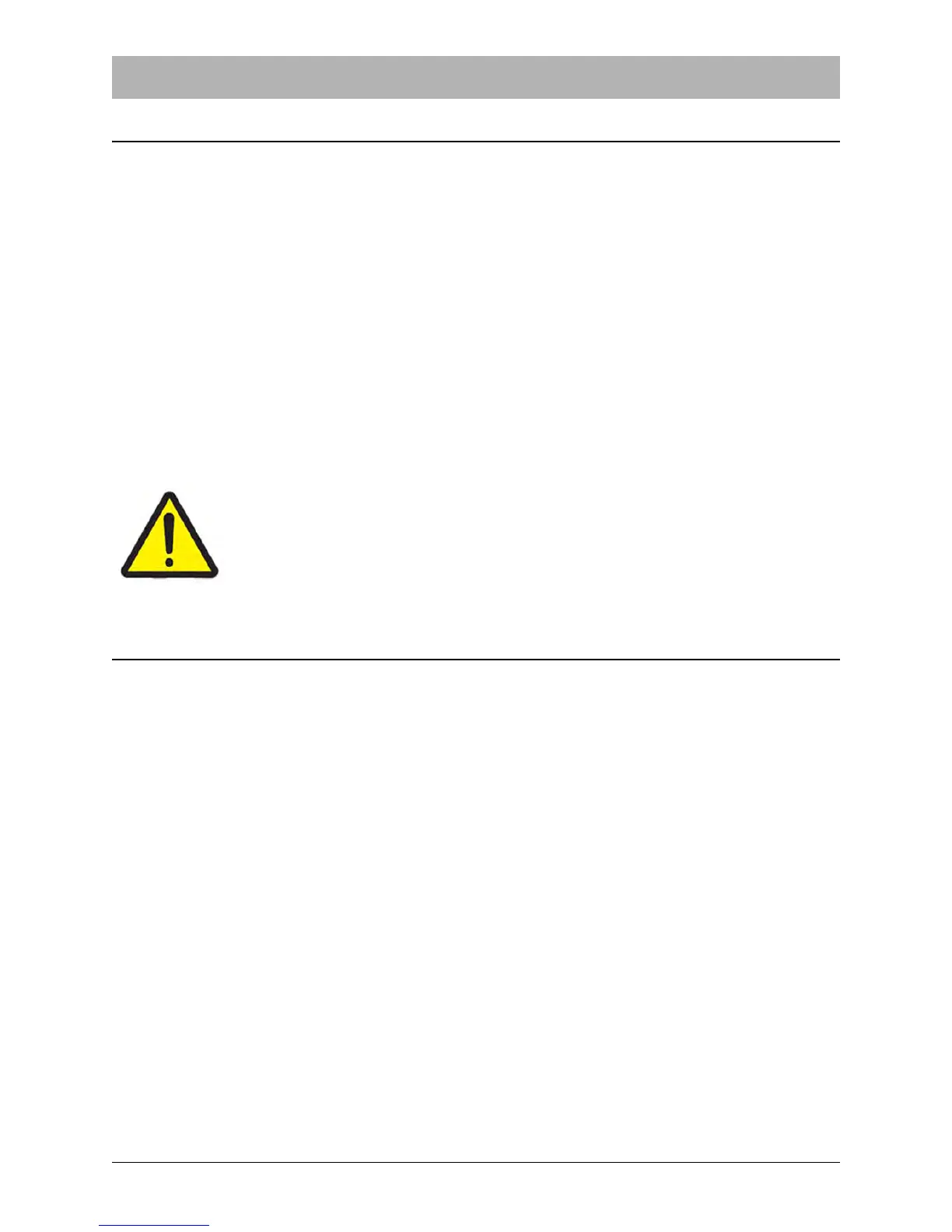
Caution!
It is dangerous to service or maintain the Versacount II+ while it is connected to
a power supply. Before performing any maintenance tasks, ensure the machine
is stationary and disconnect the electrical power supply placing the unplugged
cable in clear view.
Maintenance Instructions
Sensors
Due to the amount of dust and cardboard that falls off the tape, the sensors and tape path will
need to be cleaned regularly with a soft-bristled brush.
Other Maintenance
The Versacount II+ is designed to require very little maintenance.
There are no internal parts that can be serviced by the customer/user.
If any problems are encountered while using the Versacount II+, contact your V-TEK service rep-
resentative, referring to the Customer Service Contact sheet located at the back of this manual.



 To Next Page