USBVideoGrabberAVC05EN
EzcapVideoCaptureInstallation–MacOSX®
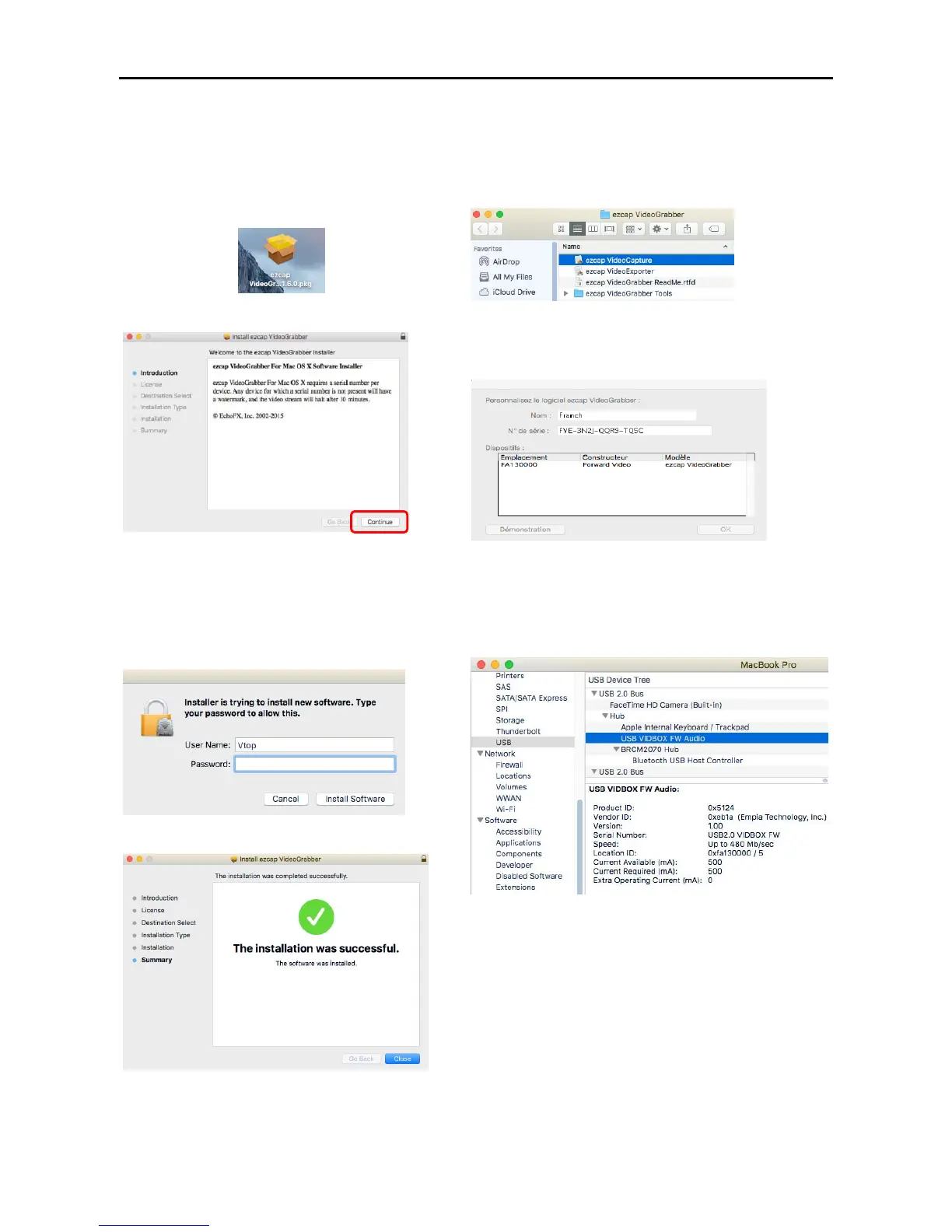
1.InserttheincludedDriverCD.Locateand
extractthe“ezcapVideoGrabberOXS
1.6.0.pkg”.
2.Click“Continue”tocontinueinstallArcsoft.
3.NexttheInstallationtypescreenwillidentify
youroperatingsystemandalertyouofthe
requireddiskspace.
4.InputthecomputerUserNameand
Password,click“InstallSoftware”.
5.Click“Close”.
6.TheapplicationislocatedinApplications\ezcap
VideoCapture.app
7.RunezcapVideoCapture.appandSerialNumber
Codewillberequestedforthefirsttimeofrunningthe
Software.
8.VerifyingtheDriverInstallation
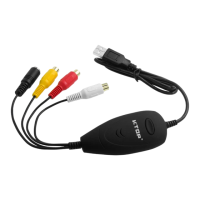
ConnecttheUSBPortoftheUSBGrabberwith
MacBook,andclick“MyMac”“SystemReport”
“USB”toseeifyoucanfind“USBVIDBOXFWAudio”.
Otherwise,youhavetoreinstallthesoftware.


 To Next Page