… Operating the appliance
22
Refilling the water tank
The contents of the water tank normally suffice for one cooking session.
If, however, the water tank needs to be refilled:
A Do not fill the water tank with more than 0.5 l water to ensure that it does
not overflow when the water is pumped back.
Selecting the operating mode
A Select the operating mode.
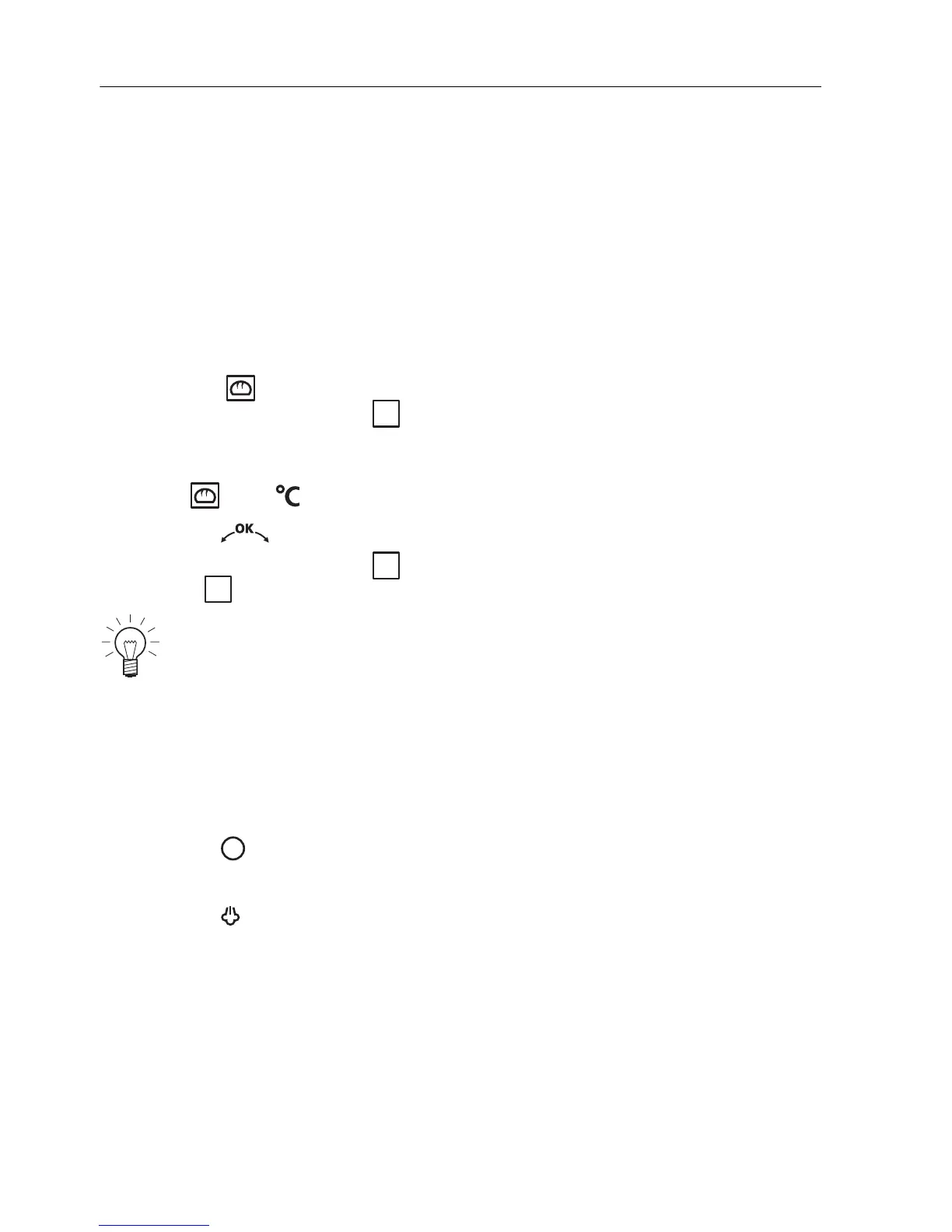
– «Professional baking» « level 1 or 1+3» appears in the plain text
display.
– The recommended temperature flashes in the left digital display.
– The and symbols flash.
A Press the adjusting knob to confirm.
– «Professional baking» « Steam phase» and then «Professional bak-
ing» « Hot air phase» appears in the plain text display.
Changing the operating mode
The operating mode selected cannot be changed during operation.
A Press the button.
– The operating mode selected is ended.
A Press the button to select a new operating mode.
The recommended temperature corresponds to the temperature of
the hot air phase. The temperature of the steam phase is
predetermined.
i
i
i




 To Next Page