… Time functions
32
Checking / Changing
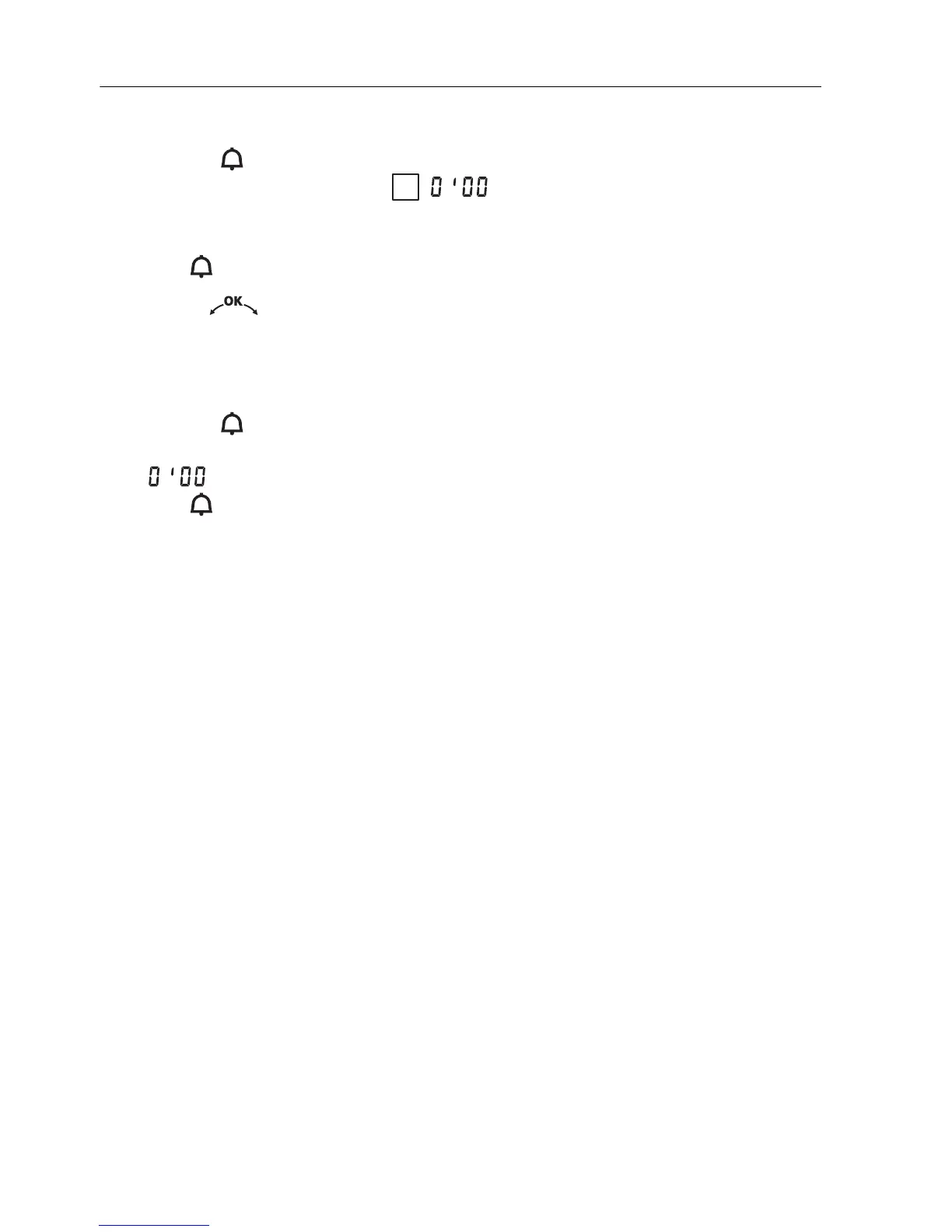
A Press the button.
– «Timer: set mins./secs.» « : press again» appears in the plain
text display.
– The countdown to the time remaining flashes in the right digital display.
– The symbol flashes.
A Turn the adjusting knob to change the timer duration.
Switching off before time
A Press the button 2×.
– «Timer: set mins./secs.» appears in the plain text display.
– flashes in the right digital display.
– The symbol flashes.
i







 To Next Page