… Time functions
34
Switching off before time
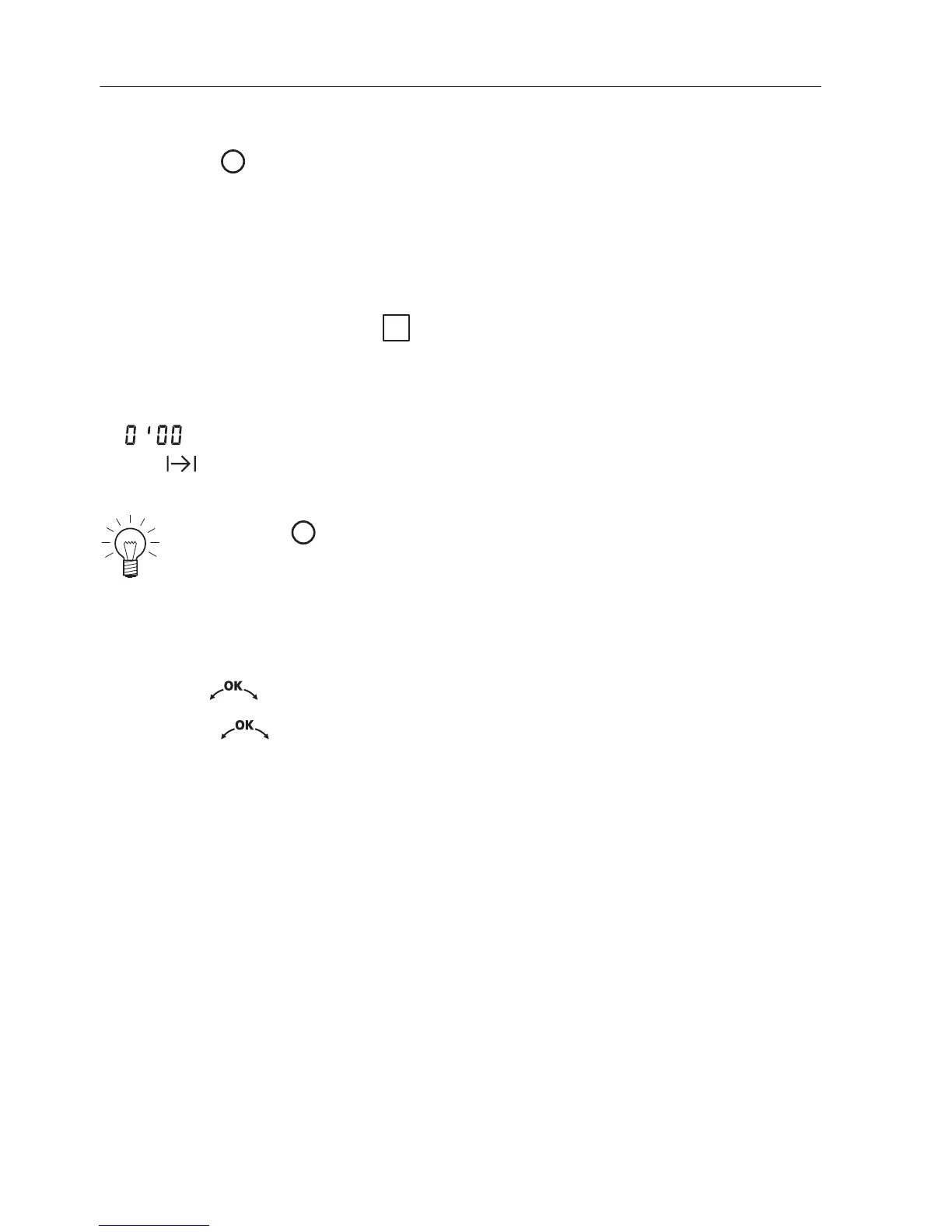
A Press the button.
End of the operating time
– The operating mode selected automatically switches off when the operat-
ing time is up.
– «Operating time finished» « Continue: select duration» appears in the
plain text display.
– A long, intermittent acoustic signal is emitted for 1 minute.
– The actual cooking space temperature appears in the left digital display.
– flashes in the right digital display.
– The symbol flashes.
– The settings remain for 3 minutes.
Extending the operating time
A Turn the adjusting knob within 3 minutes to select a new duration.
A Press the adjusting knob to confirm.
A Press the button to switch off the appliance.
– The settings are cleared.
i





 To Next Page