Functions and operation
8 Operating instructions for the electronicVED exclusive electric instantaneous water heater 0020176440_00
3
3.2.1 Key combinations on the display
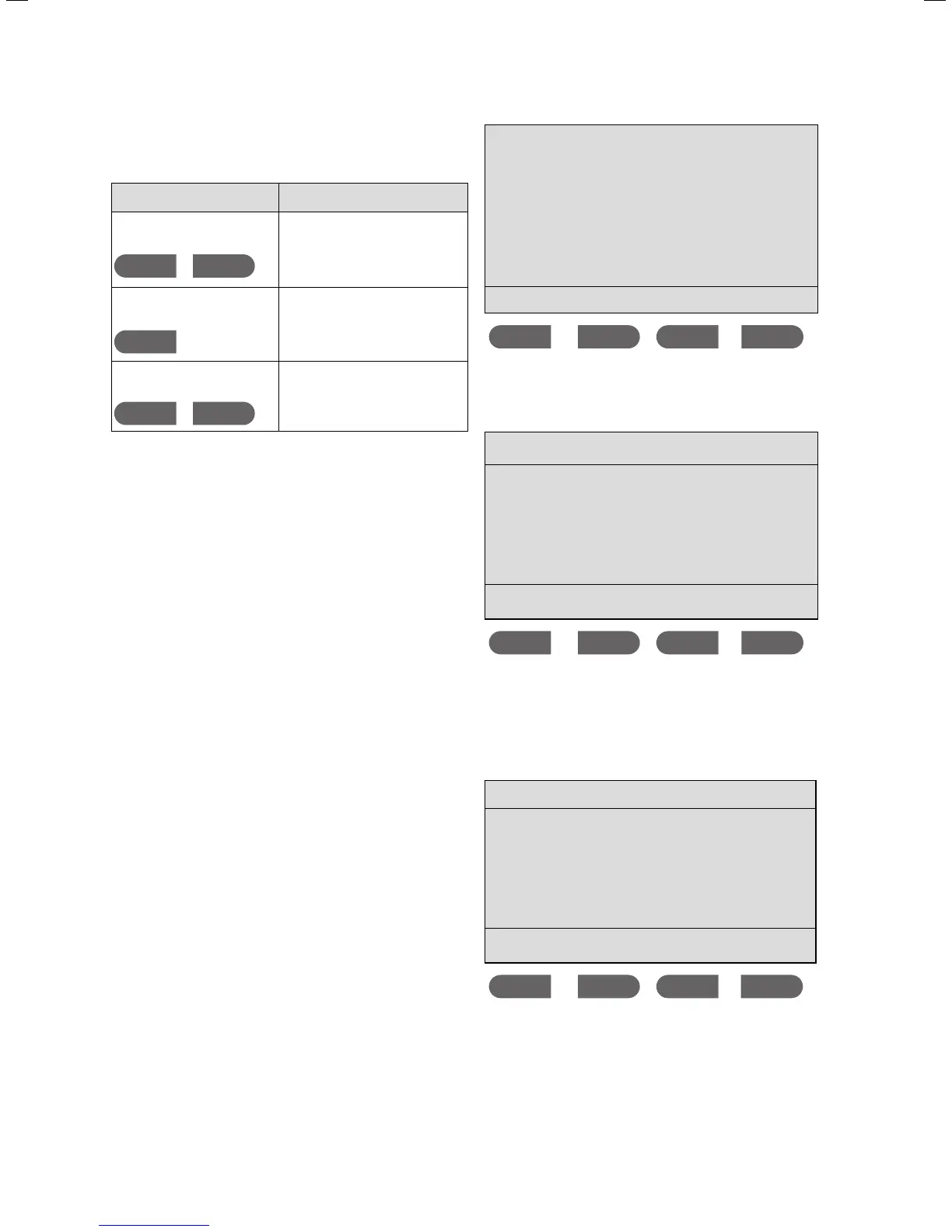
Key combination Result
Briefly press
Memo and eco
simultaneously
Main menu for setting basic func-
tions, such as the scald protection
function, language settings and
energy consumption.
Press and hold
Memo for
longer than 3 seconds
Installer menu for deactivating the
remote control and calling up unit
data.
Press — and + simultaneously
for longer than 3 seconds
Key lock is activated. To cancel
the lock once more, press and
hold — and + for longer than
3 seconds.
3.1 Display key combinations
3.2.2 Setting the water temperature
> Press the + button to increase the water temperature.
> Press the — button to decrease the temperature.
i
The water temperature can be increased or
decreased in increments of half a degree Cel-
sius. The range of temperatures that can be
selected is between 20 °C and 60 °C.
3.2.3 Saved temperatures (Memo 1 to 4)
The memo function allows the current hot water tempera-
ture to be changed quickly. By pressing the button twice
you can set the desired temperature to one of 4 preset
temperatures.
i
You can change the preset temperatures at any
time. However, note that you cannot set a higher
temperature than the maximum temperature
set in the
Scald protection menu; see
section 3.2.7.
> Briefly press the
MEMO button once.
You will see the following display screen:
38 °C 42 °C 38 °C 38 °C
M1 M2 M3 M4
> Briefly press the button that corresponds to your target
temperature, e.g.
M2.
You will see the following display screen:
max. 42 °C eco
42.0 °C
-+
MEMO eco
The desired preset temperature is selected.
> If you want to change the preset target temperature,
press and hold the
M2 button for 3 seconds.
You will see the following display screen:
Memory 2
42.0 °C
-+
save
The current saved temperature and the memory location
(here:
Memory 2) are displayed.
> Use the + and — buttons to change the
Memory tempera-
ture that is displayed.
> Briefly press the
save button once to save this tempera-
ture.



 To Next Page