Functions and operation
14 Operating instructions for the electronicVED exclusive electric instantaneous water heater 0020176440_00
3
3.2.11 Setting the display lighting
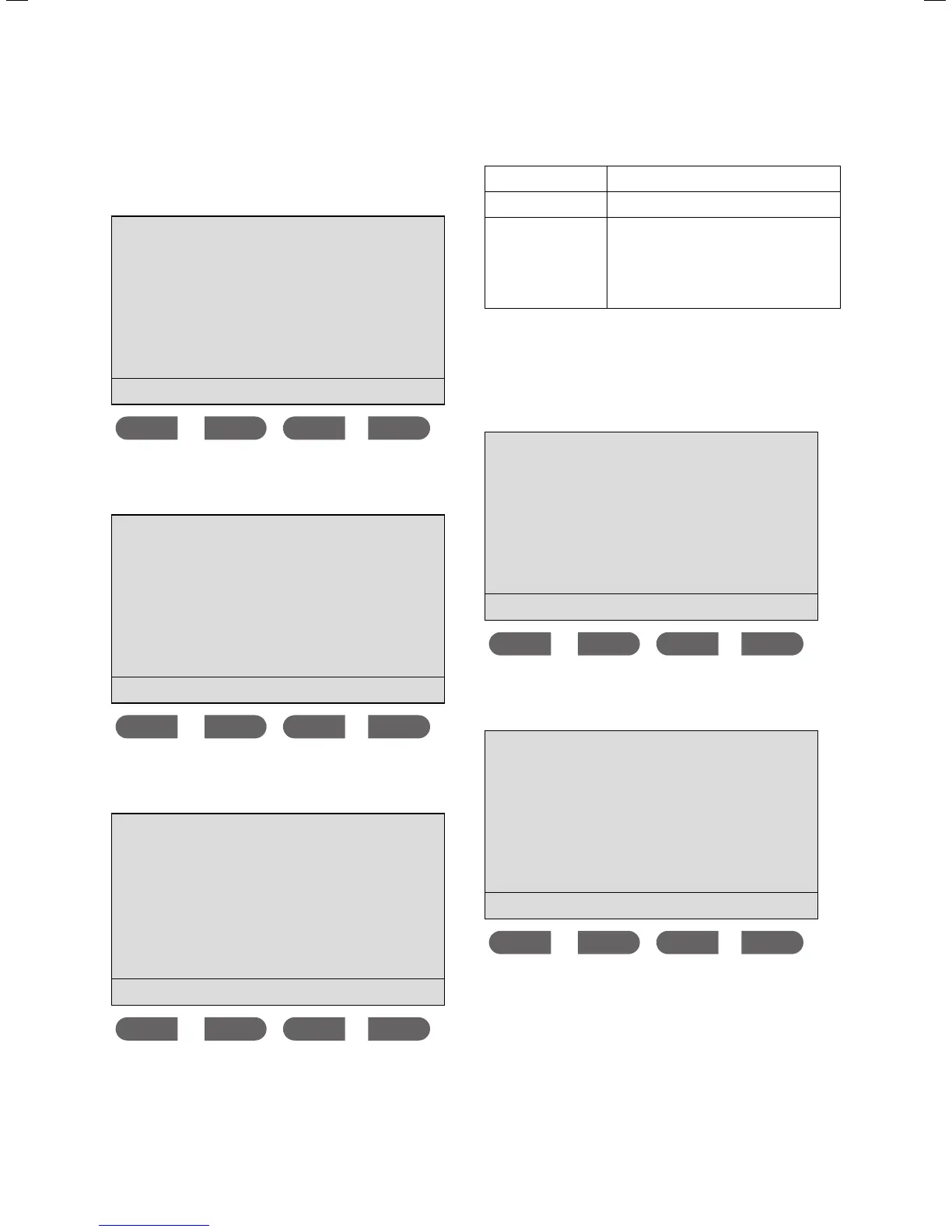
> Press the Memo and eco buttons simultaneously to
access the
Menu.
Menu
Display settings
Scald protection
Consumption
Select language
ok
The cursor is next to the Display settings menu point.
> Press the
ok button.
Display settings
Lighting
Output display
Volume flow display
ok
The cursor is next to the Lighting menu point.
> Press the
ok button.
Lighting
is auto
on
off
auto
ok
The following settings are possible:
on
The display lighting is permanently on.
off
The display lighting is permanently off.
auto
When drawing hot water, the display
lighting turns on. When operating the
display, e.g. setting the temperature, the
display lighting also turns on. If nothing
is happening, the display lighting turns
off.
3.2.12 Activating the power display
> Press the Memo and eco buttons simultaneously to
access the
Menu.
Menu
Display settings
Scald protection
Consumption
Select language
ok
The cursor is next to the Display settings menu point.
> Press the
ok button.
Display settings
Lighting
Output display
Volume flow display
ok
The cursor is next to the Lighting menu point.
> Press the button.
The cursor is next to the
Output display menu point.
> Press the
ok button.



 To Next Page