Functions and operation
Operating instructions for the electronicVED exclusive electric instantaneous water heater 0020176440_00 13
3
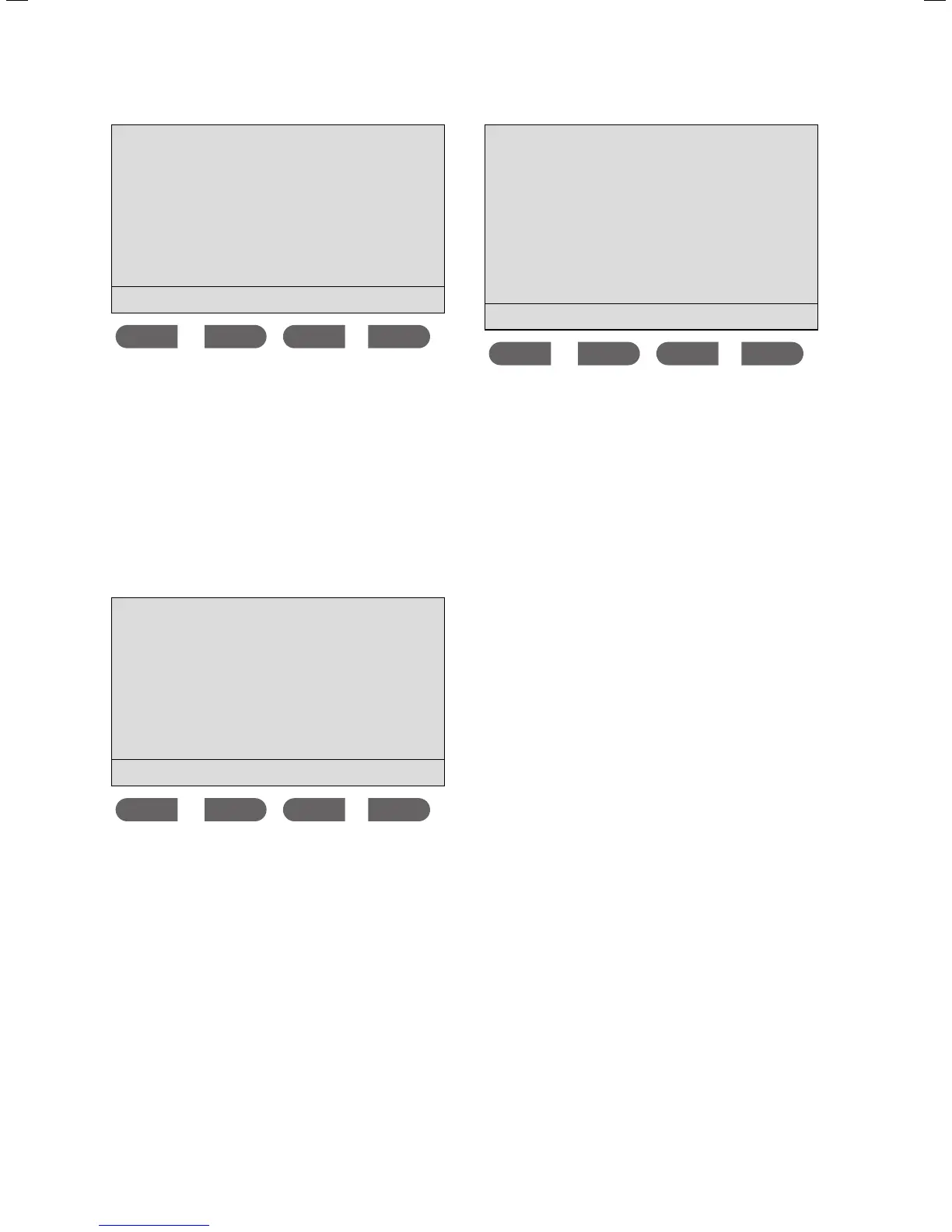
Energy consumption
Since reset
13.4 kWh
Reset
The display screen illustrated above is an example of the
Energy consumption sub-menu. Follow the same proce-
dure to reset the display of either the energy or water con-
sumption data.
> Press the
Reset button.
The display will be reset to 0.
> Press the button to quit the display.
3.2.10 Setting the display language
> Press the Memo and eco buttons simultaneously to
access the
Menu.
Menu
Display settings
Scald protection
Consumption
Select language
ok
The cursor is next to the Display settings menu point.
> Press the button three times.
The cursor is next to the
Select language menu point.
> Press the
ok button.
German
English
Polish
Croatian
Slovenian
Serbian
ok
The language marked with an arrow is the language used
on the display.
> Press the or button to change the display language.
> Confirm this change by pressing the
ok button.



 To Next Page