14 Operating manual VRT 360f
You can define three time windows for
each day.
When you press the P button the display
returns to basic mode.
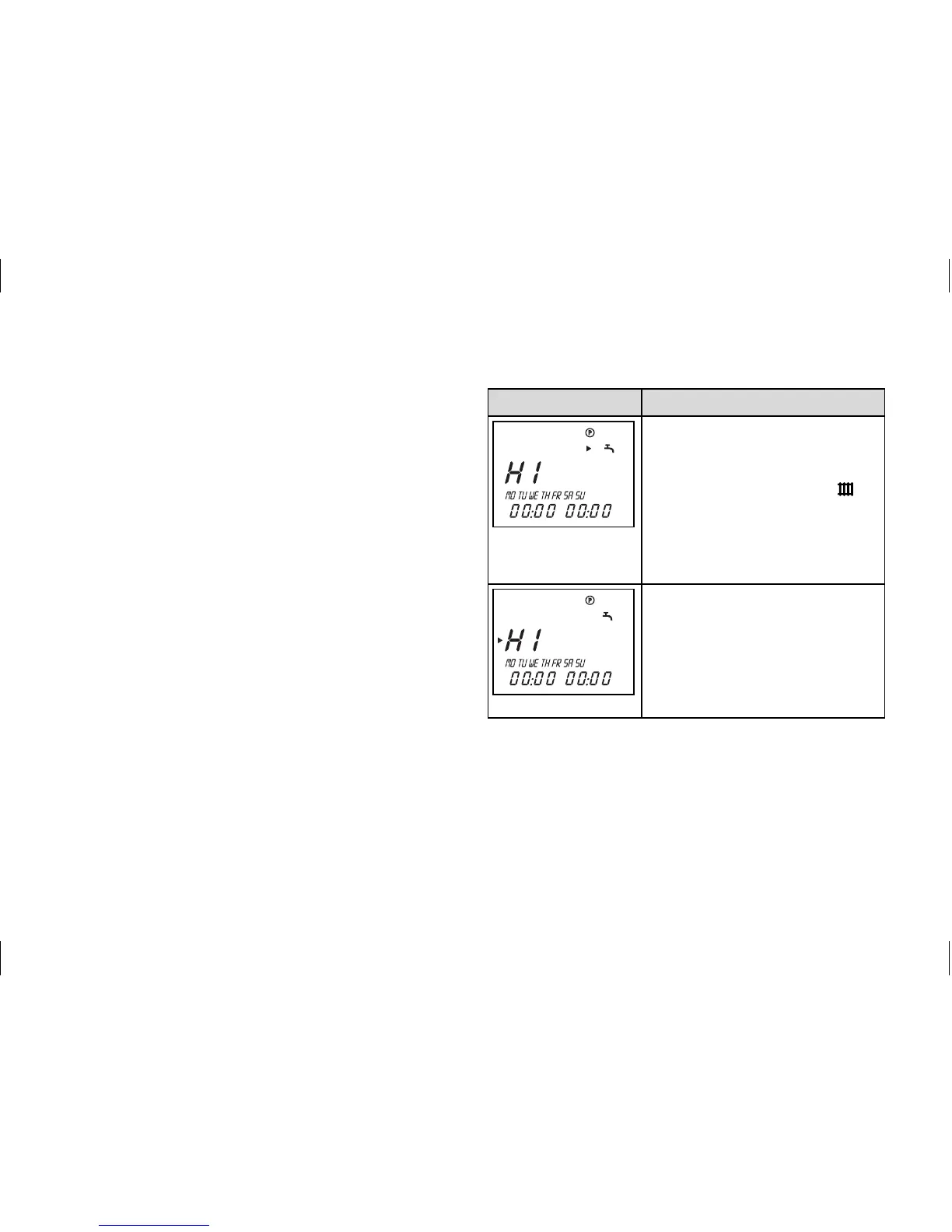
The table below illustrates the individual
steps again, using the example of the hot
water timer programme. If you want to
change the timer programme for heating
or the circulation pump, after pressing
the programming button P, select the
corresponding symbol (heating circuit or
circulation pump) and continue as shown
in the example.
Display Required steps
Press the programming
button P. The cursor (black
triangle) marks the value
which can be changed ( ),
which also flashes.
Turn the dial until the tap
symbol appears.
Press the dial. The cursor
marks the adjustable value
(H1), which also flashes.
Select the desired time
window by turning the dial.
Settings: H1, H2, H3
4 Operation


 To Next Page