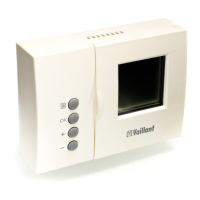
16 Operating manual VRT 360f
If necessary, you can switch the room
temperature thermostat from the week
programme to a daily programme.
• With the display in normal mode, press
the F button for about 10
seconds. When you programme time
windows, days of the week will no
longer be displayed.
4.4 Setting the room temperature
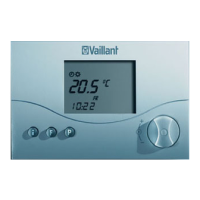
The current room temperature is shown
in the basic display.
You can set the room temperature
directly from the basic display.
If the temperature level function is
activated on the installer level (different
temperature settings for each heating
window see Chapter 11.1), the display
shows the currently set room
temperature (T-H1, T-H2, T-H3).
Setting the required room temperature
directly
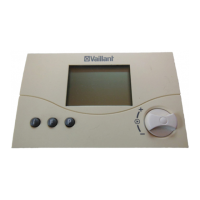
• Turn the dial (with the display in
normal mode).
The set temperature display
disappears, the sun symbol is
displayed in the operating mode level
and the set room temperature is
displayed in the multi-function level
(e.g. TEMP 20,0 °C).
4 Operation


 To Next Page