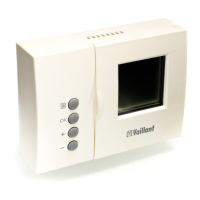
17GBOperating manual VRT 360f
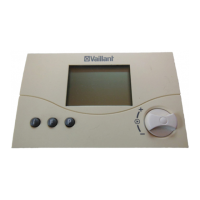
• You can set the required room
temperature directly (after about 1
second) to the desired value by turning
the dial.
The display switches back to normal
mode after five seconds.
Setting the room temperature for time
windows
(only possible if the "Temperature level"
function is activated on the installer
level - see 11.1). In this case, you can set
different room temperatures for each
time window.
• Press the dial several times until T-H1
appears in the multifunction display
along with a set value. The set value
flashes.
• Turn the dial until you see the room
temperature you want for the time
window H1. The new room temperature
is assigned to all time windows with H1.
• Press the dial. T-H2 is displayed along
with a set value. The set value flashes.
• Turn the dial until you see the room
temperature you want for the time
window H2. The new room
temperature is assigned to all time
windows with H2.
• Press the dial. T-H3 is displayed along
with a set value. The set value flashes.
Operation 4


 To Next Page