FIGURE 13
FIGURE 14
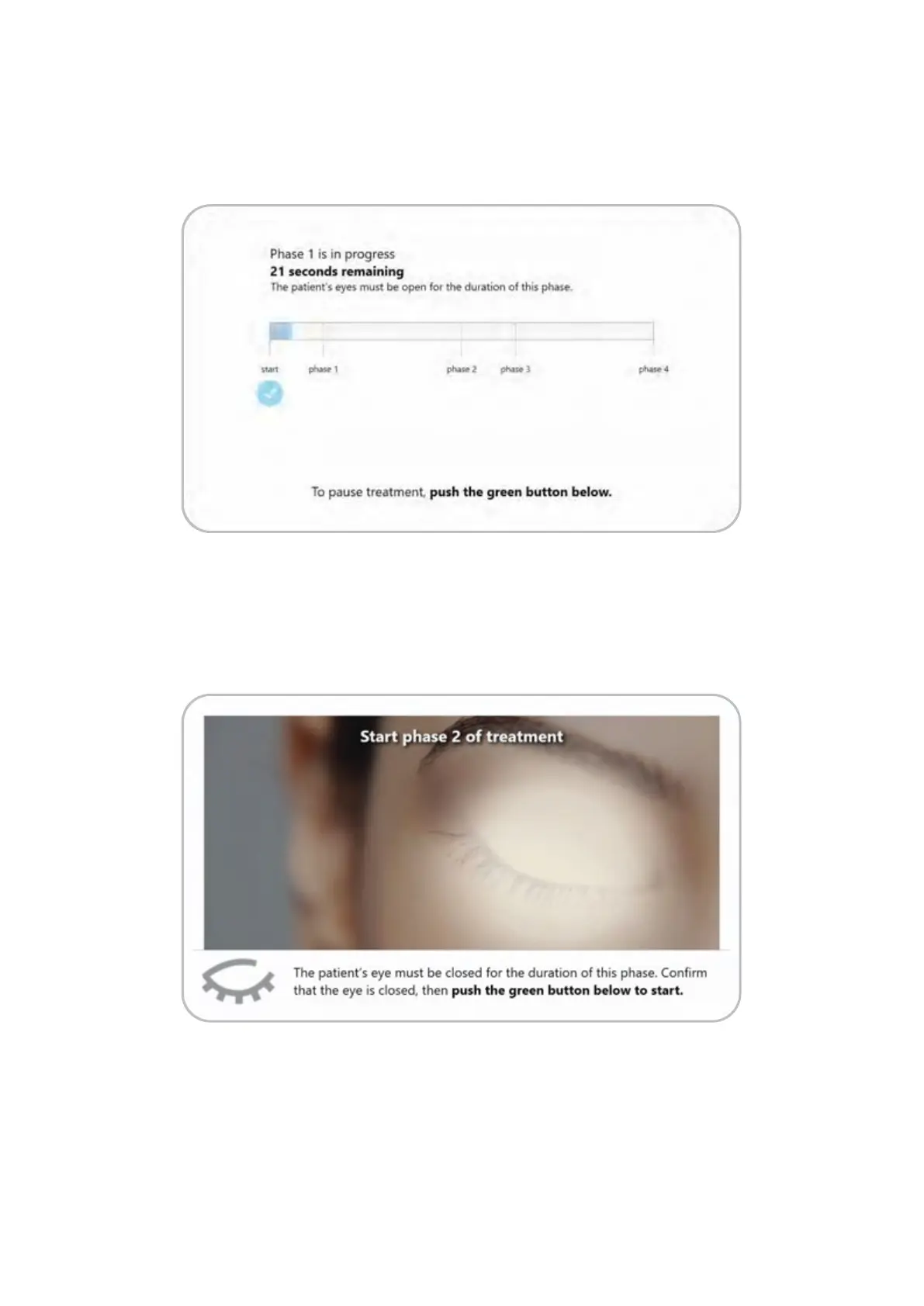
Press the green activation button on the system to initiate treatment. A progress screen will be
shown. A countdown timer is displayed while the progress bar fills from le to right (Figure 13).
Valeda will pause aer completion of each phase. For example, aer the first wavelength
treatment phase is complete, the screen will provide instructions for the patient’s eyelid position
(open or closed) and display a live video for confirmation of the eyelid position (Figure 14).
13


 To Next Page
 Loading...